Disappearing Bedside Clock
iOS Universel / Utilitaires
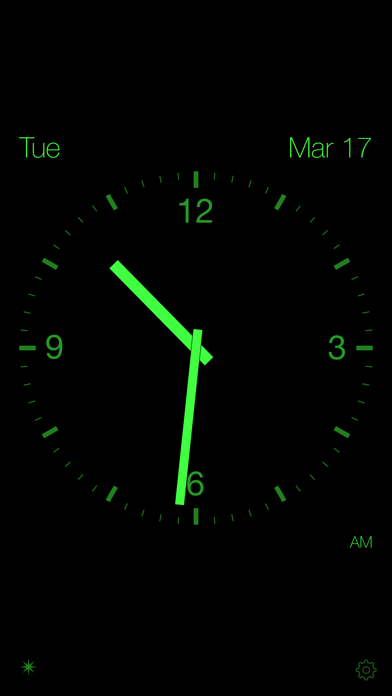
A bedside clock that keeps you in the dark—except when you want to know the time. The clock display disappears after an adjustable time interval, letting you (and the device) rest peacefully.
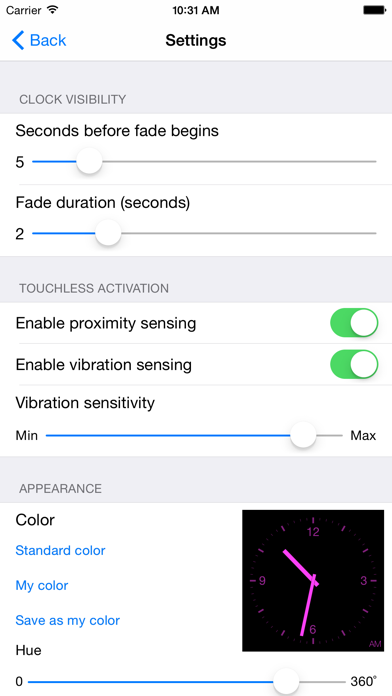
Touch the screen to check the time, which will again disappear after the adjustable interval. On iPhones in portrait orientation, you don't have to touch the screen to see the time. Simply wave your hand in front of the screen to activate the iPhone's proximity detector and the time display! Or, on all devices, enable adaptive vibration sensing to activate the display with a touch to your nightstand or even a footstep on your floor.
Optional brightness dimming is also provided, which lowers the screen's backlight brightness on LCD devices once the clock has disappeared to produce an even darker display and lower power consumption. (The backlight is dimmed as low as possible automatically, but it is not turned off. On iPhones in portrait orientation, holding your hand in front of phone's proximity sensor for a full second will turn off the backlight. )
If you have enabled "Hey Siri!" you can activate the time display with your voice. Simply say "Hey Siri! Goodbye." to see the time! Use Siri to enable Do Not Disturb mode and manage alarms.
Embrace the darkness!
Features:
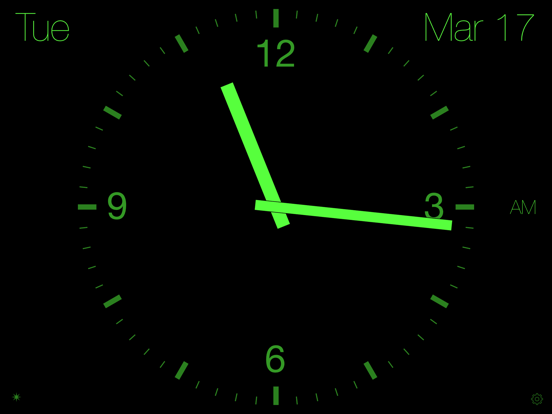
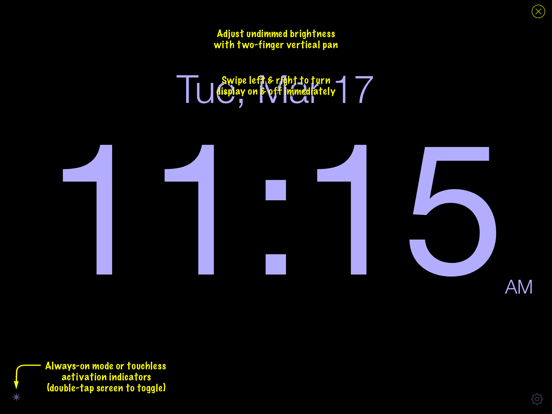
* Digital or analog, 12 or 24-hour time display options (2 & 3-finger long press toggles)
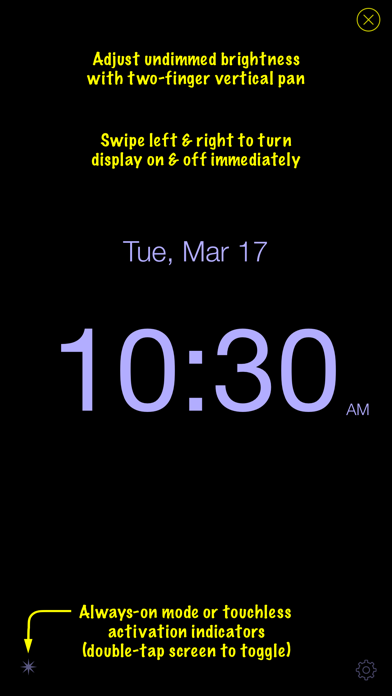
* Swipe right or tap to display the time
* Adjustable, automatic time-display fadeout
* Swipe left to immediately darken the display
* Double tap to toggle between automatic disappearance mode and always-on time display
* Pan vertically with two fingers to adjust undimmed display brightness
* Optional automatic backlight dimming
* Select normal or thin display fonts (one-finger long press to toggle)
* Customize the time-display color
* Hide date option
* No-touch activation
> proximity detection on iPhones in portrait orientation
> adaptive vibration sensing
> voice activation using Siri
The default vibration sensitivity setting is quite high, so you may want to decrease it slightly if ambient vibrations are triggering the display unintentionally.
No ads, no in-app purchases, no nonsense.
Quoi de neuf dans la dernière version ?
Minor bug fixes to support dark mode.