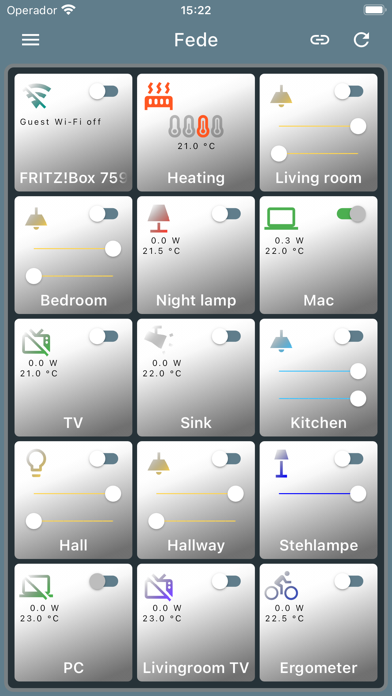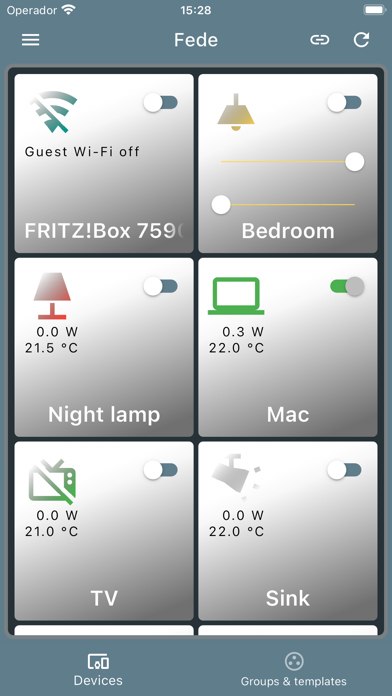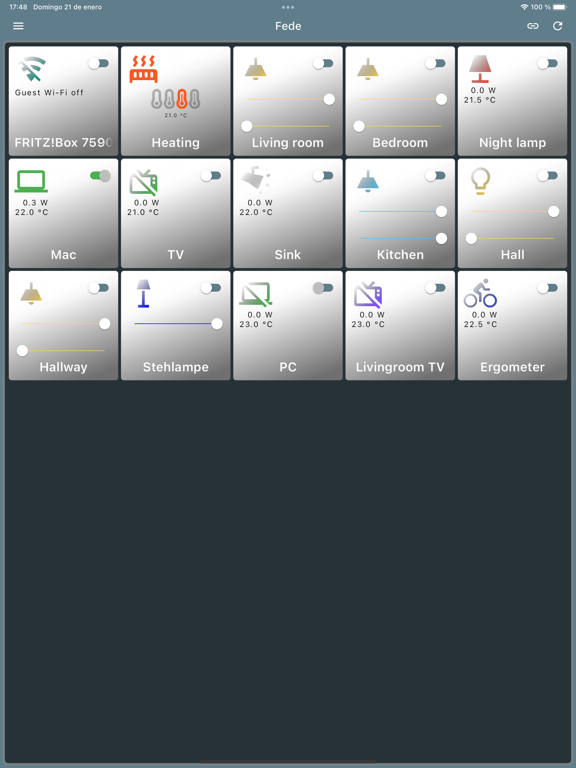
Fede
iOS Universel / Utilitaires
Important note: Siri is at the moment not available in Polish and Greek, but Fede supports this two languages. If you want to use Siri, you'll have to create the shortcuts in any of the other available languages.
Fede languages: ar, da, de, el, en, es, fi, fr, he, it, nb, nl, pl, pt, ru, sv, tr.
Siri languages: ar, da, de, en, es, fi, fr, he, it, nb, nl, pt-BR, ru, sv, tr (and many others excepting el and pl).
Supported devices and characteristics:
- AVM Fritz!Box 6890 LTE, 7490, 7590 and 7590 AY: other models with the latest Bios will surely work (specially the home automation commands which follow a standard API), but they were not tested and are not officially supported. The guest Wi-Fi commands are no standard and may not work on other models. The app provides voice commands for switching on and off the guest Wi-Fi (only if configured on the router). QR-codes for quick login onto the guest and main Wi-Fi.
- AVM Fritz!DECT 200.
- AVM Fritz!DECT 300.
- AVM Fritz!DECT 400: the device accepts no commands. It will be hidden by default.
- AVM Fritz!DECT 440: the device accepts no commands. It will be hidden by default.
- AVM Fritz!DECT 500.
- Fritz!DECT Repeater 100: it is recognized, but it accepts no commands.
- Deutsche Telekom motion sensor: it is recognized, but it accepts no commands.
- Deutsche Telekom Led Lamp Warm White.
- Deutsche Telekom door/window contact sensors (optical and magnetic).
- Rademacher RolloTron DECT 1213
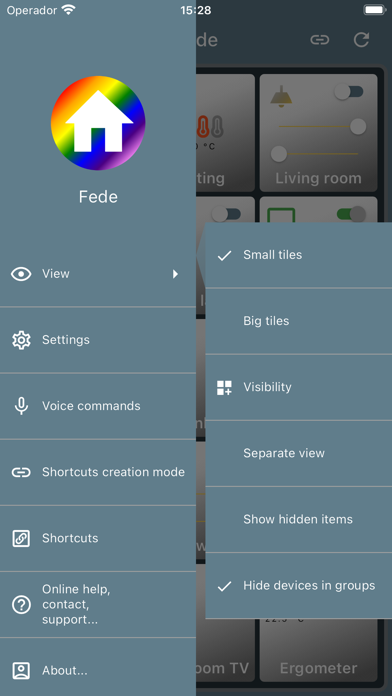
- Choose between small and big tiles.
- Choose between separated or unique view.
- Drag & drop to reorder your devices.
- Change the display name, tile color, icon, icon color and voice command for every device/group/template.
- Hide/unhide any device, group or template.
- Lock the controls on the tile for any device, to avoid, for example, powering off a computer by mistake.
In order to use the voice commands with Siri, you will have to create a shortcut with the Shortcuts app for each command, otherwise Siri tries only to look for commands like "Put the light on" in HomeKit. You can create more than a shortcut for a command, as synonyms like "Put the light in the kitchen on" and "Switch the light in the kitchen on". Every command and shortcut should be unique, of course. With the new shortcut creation mode, now you can create the shortcuts directly from Fede in a quick and easy way.
You can also use Siri on your iWatch if you select to show the shortcut on the iWatch.
AVM and Fritz! are registered marks of AVM. All other mentioned names and brands are registered by the respective company.
I am not affiliated to or, in any means, belong to AVM.
Quoi de neuf dans la dernière version ?
Some fixes