File Transfer - Media Transfer
iOS Universel / Utilitaires
File transfer and Data sharing app is an easy file sharing app which is designed with the best development expertise to provide best user experience. You can easily transfer files, Share Photos, send music files, transfer videos from one device to other by simply connecting through wifi. Large file transfer is supported by File transfer/Data Sharing App. If you like to send your files or transfer data to your friends without involving any tangible things just connect your devices to same internet connection. Copy your data to any connected device easily.
How File Transfer & Data sharing app works:
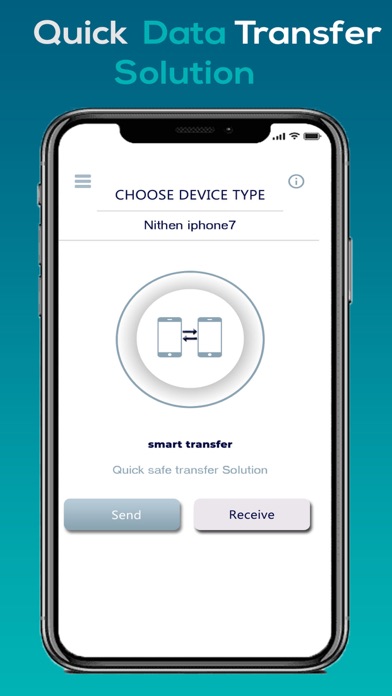
The primary purpose of this file sharing app is to make it easy for the user to send data in few clicks. You have just to search for other devices in your wifi network which also have installed File transfer and Data Sharing app. After connecting both devices select photos, videos, music, Contacts and documents.
Multiple files transfer:
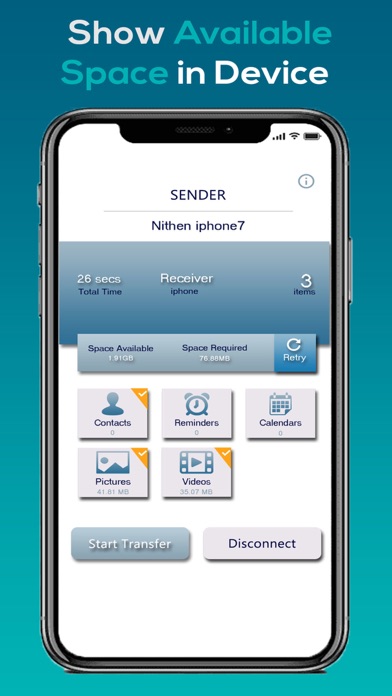
File transfer and data sharing app supports multiple files selection but it’s depend on device memory. If your selected files shouldn’t be exceed than available memory. Enjoy this free copy my data with multiple selection of contacts, photos, videos and documents without the limits.
Easy connectivity:
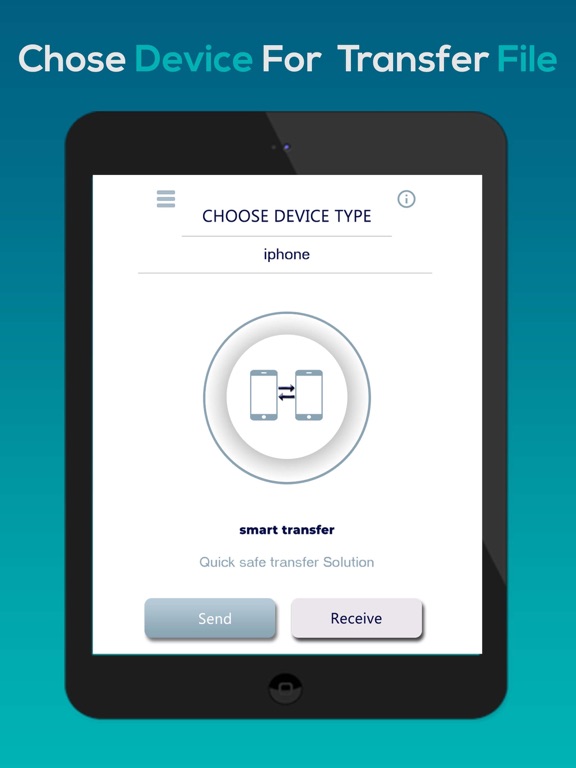
Easy connectivity is the Ace feature of this app. Click on search devices and all the devices with this file share app will be listed in shared wifi. Just select the device, targeted device will get a notification and if the other device accepts the invitation to connect then Easy File transfer is in your hands. Select files and Send data.
Share Photos:
After successful connectivity, first option is to send photo through wifi. Click on Photo and your photos gallery will be opened, select photo, single or multiple and click on send. This is the easiest way to send or share photos.
Send Videos:
Like transfer photos, It’s also very easy to send videos even share large video files. Select Videos and Share it in just few clicks like photos method. Sharing data with a secure connection is promised in this file share app.
Share Music:
Share your music with your friends and family without any constraints. Like the Photos sharing and sending videos, share music is also can be done very easily and securely.
• Share large files in the connected wifi network
• Don’t need any internet for sending data
• With ultra-high speed transfer
• File sharing and transfer data app is compatible with all iOS devices
• Transfer files as much as you want without any subscriptions
• Use local wifi with great secure connection
Requirements:
• Both devices should be on the same network.
• Both devices should be installed Transfer data and sharing data app
• Other user has to accept the connectivity invitation
• Selected data size will not beyond the memory of devices to share it
• Devices should be in range for wifi file transfer
Quoi de neuf dans la dernière version ?
Functionality Improvements