Find my Font
iOS Universel / Utilitaires
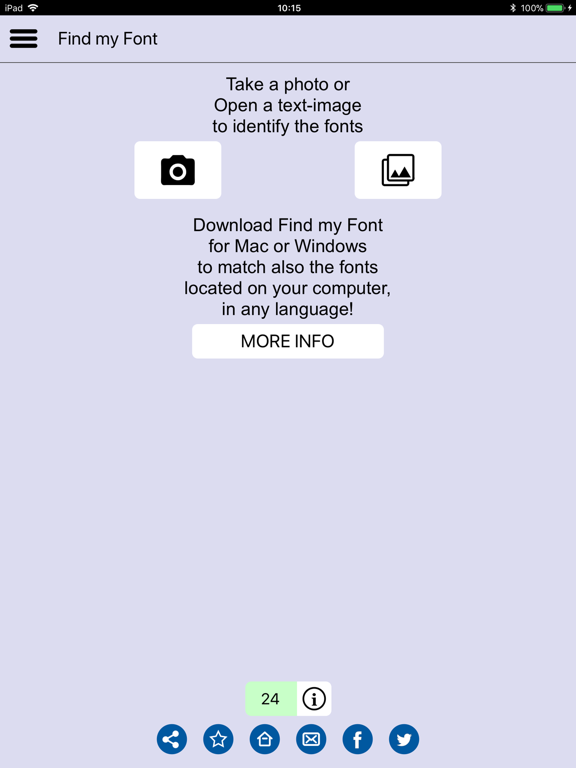
Use Find my Font to identify the fonts in any digital image in seconds! Take a photo or load a gallery image and let the app find any free or commercial fonts in the picture.
Ideal for graphic designers, web-designers, sign makers and all creative people who don't want to waste their time searching for a font.
Features:
* You can take a photo or use an existing gallery image
* Identifies any Latin letter using an online database of 150.000+ fonts
* More than 60.000 freemium(*) & free fonts are included (like fonts of Dafont and Google Web Fonts)
* You can choose your preferred matching category: "All fonts", "Freemium"(*), "Commercial", "Google Web Fonts" (ideal to find any Google Fonts that look similar to a commercial font)
* It shows you both an exact match and a list of similar fonts to choose from
* Type a custom text to easily preview & compare matching results to your original image
* Identifies connected (script) or fragmented (stencil) letters
* You can select the input text directly from any color image (no pre-processing required)
* You can perform in-app image rotation and fix any perspective distortions for more accurate matching
* Achieves accurate matching results down to 20 pixels text height!
Note: Find my Font mobile, identifies only Latin letters & symbols. For non-Latin letters identification, you can download Find my Font Desktop for your Mac or Windows PC to identify both Latin fonts from our online database and/or any Unicode language fonts stored or installed in your computer (www.findmyfont.com)
Disclaimer: The copyright of all identified fonts belongs to the corresponding publishers & font designers. Find my Font and Softonium Developments do not host or offer any fonts for download. We only point to appropriate URL links to buy and/or download fonts from the original publishers.
(*)"freemium" fonts: Sometimes the publisher/designer offers the opportunity to download a font but that doesn't mean the font is 100% free for any use. It could be "free for personal use only", donation-ware or just a demo you need to purchase before use. It is the user's responsibility to acquire, accept & respect any associated font usage license before using it.
Quoi de neuf dans la dernière version ?
This update from Apple will improve the functionality of this app. No new features are included.
* Fixed crash on capture photo / open image