Free Style Timers
iOS Universel / Utilitaires
【Description】
It is a highly flexible timer application that can change the layout and customize various parts.
I was able to change the color and size of the parts, I was able to place my favorite photos etc., aimed at a timer application that can pursue my ease of use.
【Function】
1. Placement and size change
· Various parts such as timers and buttons can be arranged freely and the size can be changed.
2. Timer function
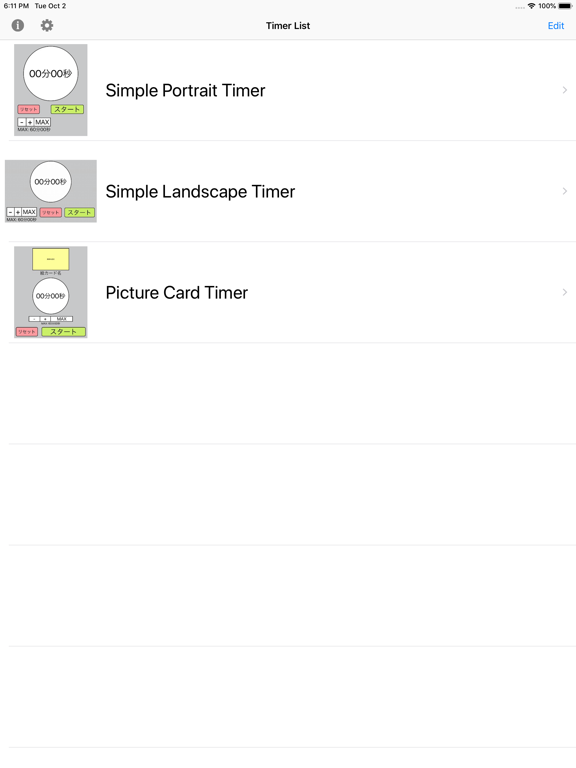
· By selecting the type of timer you like, you can use the corresponding time input button.
· You can also set the time by touching the timer.
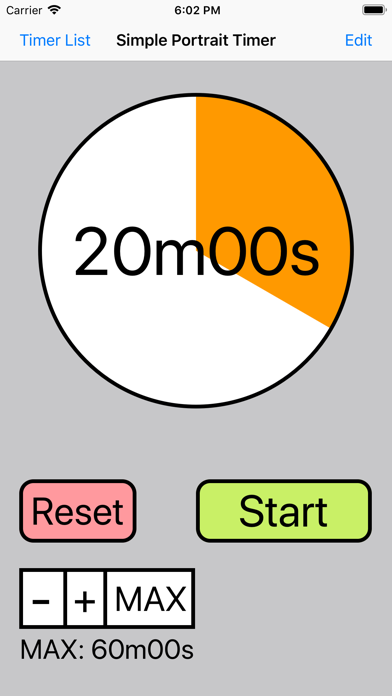
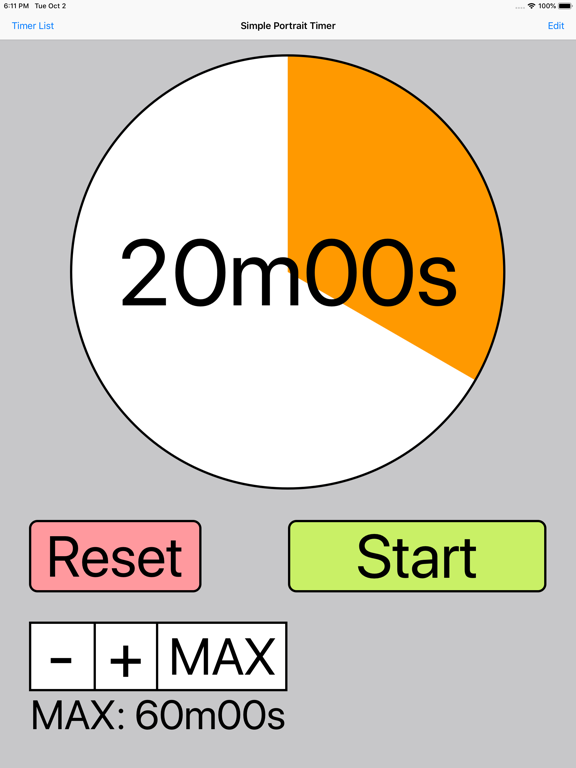
· Timers can be selected from seven types including circle and digital type.
3. Appearance customization
· You can change the color of various parts such as timer frame, background, text etc.
· Initial color is 20 colors. You can also create colors that are not there yourself.
· By displaying the elapsed time of the timer with a gauge, you can see the remaining time with the appearance.
· By using picture card function, you can express "wanting" visually by displaying pictures and images related to "want to do".
· It is also possible to display other favorite pictures and images besides that.
· You can display photos and images you use frequently in advance by setting them to picture card quick selection.
4. Alarm function
· There is a advance notice alarm function to issue an alarm before the end.
· Multiple alarms can be sounded with one timer, and any number of advance notice alarms can be set.
- In addition to the existing notification sound, even when the application is not open, it is also possible to notify you as a notification sound and notify you what you recorded.
5. Edit · screen lock button
· Edit lock button is a function to prevent you from moving to the edit screen unless you answer simple problems.
· The screen lock button is a function to prevent other than this button from reacting.
· Both can be used for prevention of erroneous operation or when only using a timer.
In case
【Other features】
· Timer screen and edit screen can be moved by one operation.
· It is possible to use it in both vertical and horizontal directions. You can change the screen orientation by setting the timer.
※ If you change the orientation of the screen after placing the parts, the layout may collapse.
Quoi de neuf dans la dernière version ?
Compatible with iOS16.