Garda Alarm
iOS Universel / Utilitaires
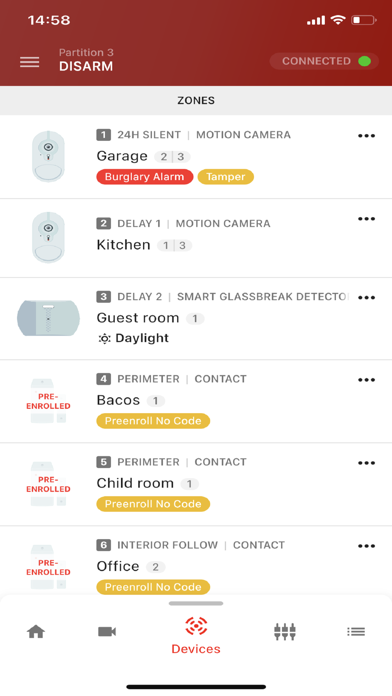
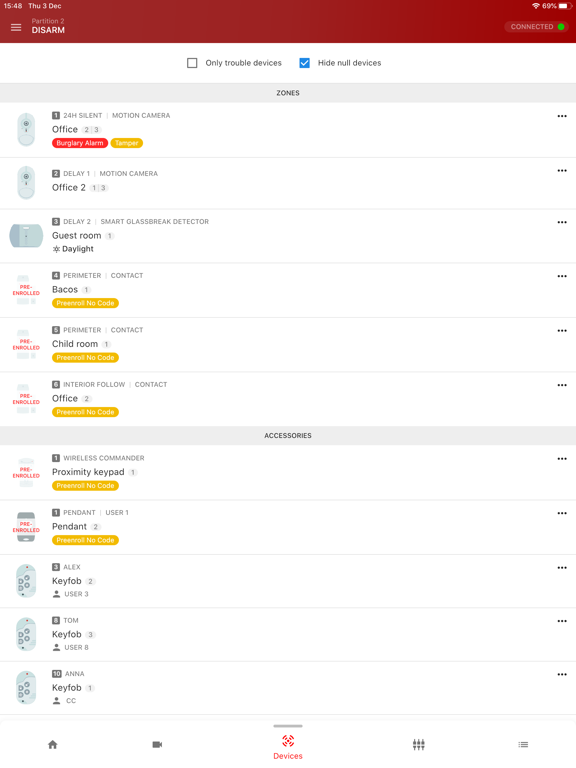
Styr och övervaka ditt Garda larmsystem var som helst, när som helst. Oavsett om du är hemma, på jobbet eller på semester kan du med din APP alltid styra och övervaka ditt larmsystem.
Exempelvis kan du:
- Till- och frånkoppla larmet
- Se aktuell status av larmet
- Se larm, varningar och systemfel
- Se händelseshistorik med videoverifiering
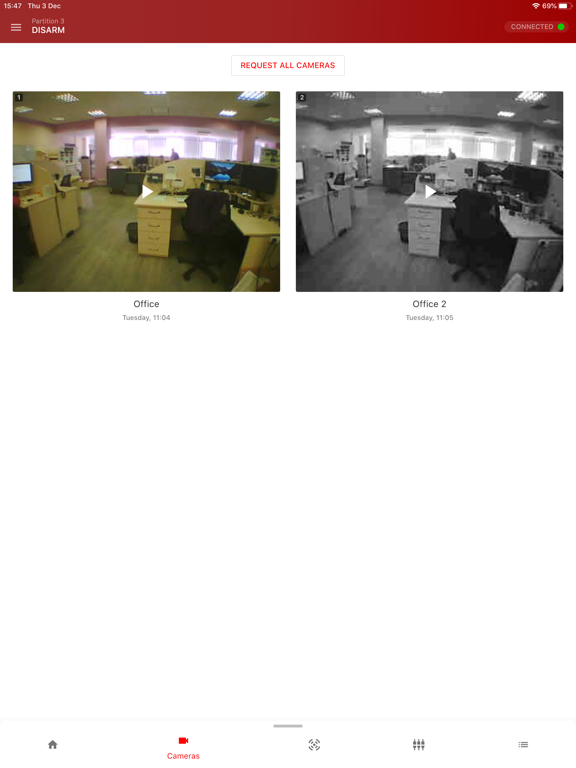
- Se in i lokalerna via kameradetektorer (begränsade möjligheter)
- Se inkommande larm med bildverifiering från kameradetektorer
- Få push-aviseringar från larmsystemet
- Anpassade ljud för push-avisering
- Registrera fjärrkontroller
- Tilldela områden till fjärrkontrollen
- Anpassa appens utseende
- Ange namn på användare
- Skapa nya användare
Quoi de neuf dans la dernière version ?
◦ PowerManage 4.18 support
New Features:
◦ Extended doorlock configuration by Security Access parameter
◦ Configurable dashboard for system control and representing actual information
◦ Weather forecast for panels as dashboard widget
◦ Multiple actions and time delays are available for configuration for Home Automation Rules
◦ Video on demand is available as a trigger and action for Home Automation Rules
◦ Thermostat activity is available as a trigger and actions for Home Automation Rules
◦ Representation of battery level and status for devices
◦ Added basic filtering for cameras screen
◦ New arming options for IQ panels
◦ PNG logo format for application customizations
◦ History of video on demand items is available now
◦ Added support for new devices
◦ Updated and enhanced viewing streams from RTSP cameras in different modes
◦ Brightness condition is available for Home Automation Rules
Bug fixes:
◦ Malfunction and unreachable statuses are not updated in Automation page for Z-Wave devices
◦ It is impossible to turn on/off output for Dual Path
◦ Home Automation Rule is displayed with incorrect schedule after changing time in phone settings
◦ Auto rotation is not working for RTSP camera view
◦ Blocking time is not displayed when user was blocked after several invalid login attempts
◦ Users with weak passwords can’t remove their accounts
◦ Custom time value is not saved for PGM timer
◦ Some events and troubles are represented as Unknown
◦ Humidity level is not shown for some devices
◦ Unable to set custom timezone when setting panel time
◦ Minor UI fixes and improvements
◦ Some offline troubles are displayed as Unknown on the panel card and the Troubles screen
◦ It's impossible to Open/Close Z-Wave water valve via the app
◦ App shares the first video in video on demand history instead of the selected
◦ Sometimes it is impossible to view video-on-demand on the PowerMaster Panel
◦ The application closes when you tap the back button
◦ It is impossible to add any camera to the dashboard cameras widget on PowerManage 4.12
◦ Loader on Camera preview is absent when performing "Request all cameras" on PowerManage 4.12
◦ Video from the event isn't shared/saved locally in the WebM format for iOS 18
◦ Peek in video is not displayed in full-screen mode
◦ Cannot select a control device in the widget settings on PowerManage 4.12
◦ Can't exit full-screen video mode when tapping the "fullscreen" button
◦ The Owner field is available in the Enroll Keyfob form for the IQ4 Hub panel
◦ In Spanish, “Stay” and “Away” buttons have the same translation
◦ Automation log time shows a +3 hours offset
◦ The latest video is opened in full-screen mode instead of being selected when there are a couple of videos in the history
◦ Incorrect timezone on the 'Panel date and time' screen
◦ The screen crashes when choosing an extreme value for the thermostat
◦ PIR cameras are not available on the Cameras Widget configuration screen when their zone number equals the RTSP camera number
◦ RTSP cameras with the same link are not displayed in the Preview Mode