HamsterBrow
iOS Universel / Utilitaires
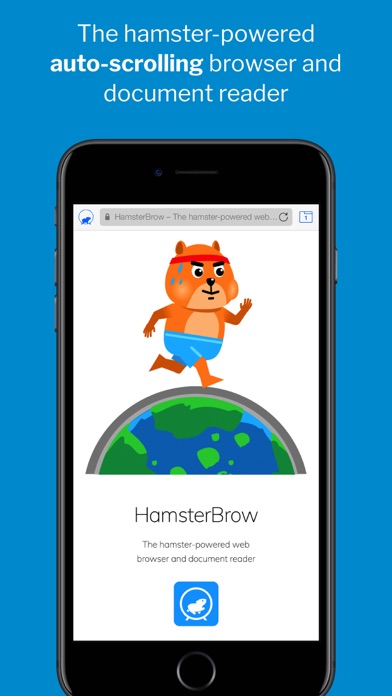
A fully-featured web browser with advanced hamster-assisted auto-scrolling capabilities. Free your fingers and unleash hamster-power to scroll the browser, so you don’t have to!
Particularly useful when you’re…
… unable to swipe due to sticky fingers or wet hands.
… wearing gloves.
… holding on to public transport.
… eating or drinking.
… holding or feeding a baby.
… reading and taking notes.
… skimming through long documents or webpages.
… using a device with a cracked screen that won’t swipe.
… unable to touch the screen after having a manicure.
… hugging your partner.
Or you’re just feeling too lazy to swipe!
FEATURES
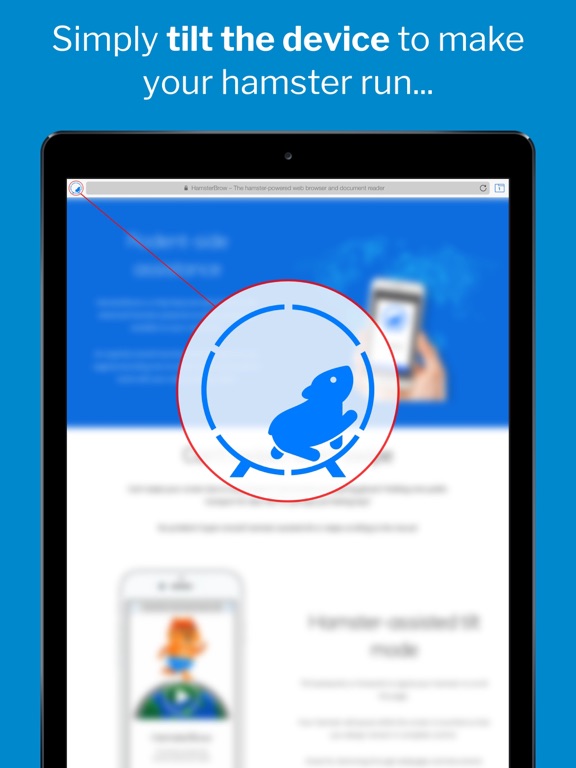
***** Tilt-to-run mode *****
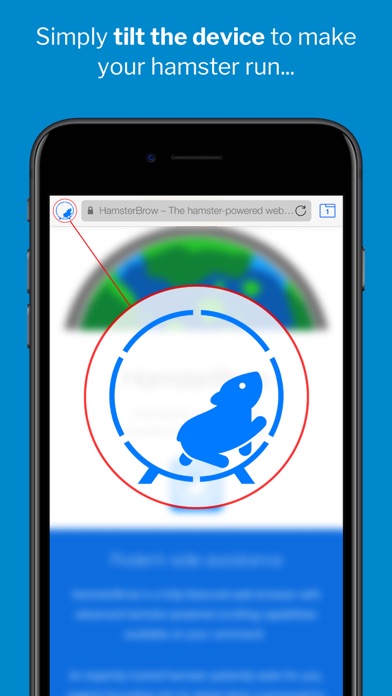
• The hamster responds to the device angle and orientation to scroll the page in the direction and speed you require.
• Browse in any position: Continue to read lying down or upside down!
• Great for reading webpages and documents while resting your fingers.
***** Swipe-to-run mode *****
• Use screen swipes and the on-screen control panel to command your hamster.
• Easily stop and start, change the scroll direction and speed or page through websites automatically.
• Great for relaxing, hands-free reading and for taking notes.
***** Super-smooth scrolling *****
• Experience finely-tuned, beautifully fluid and responsive 60fps hamster-powered scrolling. (120fps on supported devices)
***** Fully customisable *****
• Enable the hamster cursor, sound and haptic feedback (on supported devices) for a complete hamster-powered experience.
• De-hamstify the browser if you have an unusual aversion to hamsters or for a more professional feel.
***** Unlock Advanced Features *****
Purchase the HamsterBrow Pro upgrade for more advanced features:
• Offline Files: Save webpage snapshots and documents for offline hamster-powered viewing.
• iCloud Sync: Sync bookmarks, history and offline files between your devices.
• Choose a pet: Power the browser with a cat, dog, chicken, dinosaur, llamacorn and more!
***** Accessibility Integration *****
• Enable the iOS Switch Control accessibility feature with the scroll control panel to allow fully-accessible switch-controlled scrolling of websites.
Download for all your devices, relax and enjoy the unique HamsterBrowsing experience today!
- - - - -
App Preview music: Rondo Alla Turca - https://www.8notes.com
Copyright: CC BY 3.0 - https://creativecommons.org/licenses/by/3.0/
Quoi de neuf dans la dernière version ?
As much as the hamsters would love to have been in hibernation during lockdown, they have in fact been busy burrowing away in preparation for this release!
They are particularly proud to bring you the most requested features from our HamsterBrowsing community along with a number of improvements and bug fixes:
• Scroll super-slowly or super-fast with an expanded range of scrolling speeds. You can change the hamster running speed in settings. Alternatively, hold down the settings button to access the Scroll Control Panel and change the speed on the fly in Swipe-to-run mode. There are now 80(!) speed levels to give you much more control.
• You can now scroll on your Instagram direct messages!
• Previews of tabs containing PDF files now show correctly on the Tabs page.
• Missing scroll bar indicators on web pages are now visible when using hamster-powered scrolling.
• The positioning of floating toolbars at the top of some web pages has been improved.
Many thanks for your continued support of HamsterBrow! Please send any comments to feedback@hamsterbrow.com or write the hamsters a review here on the App Store.
As always, Happy HamsterBrowsing!