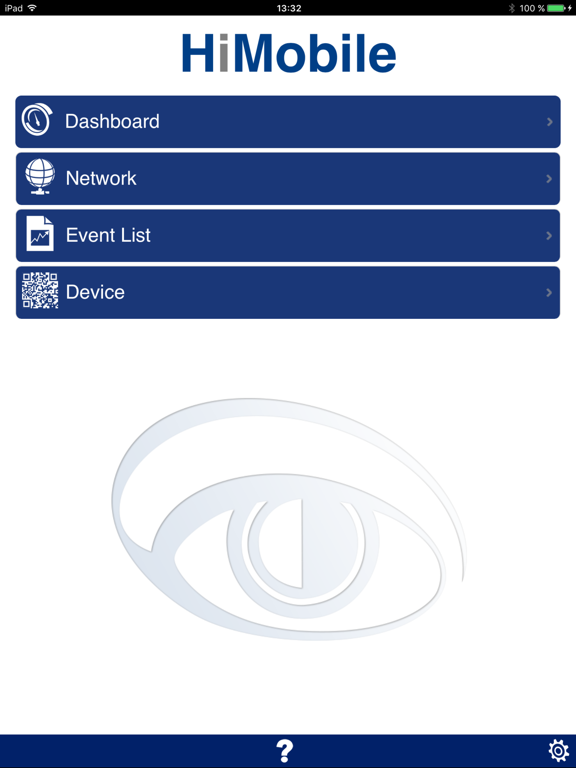
HiMobile
iOS Universel / Utilitaires
The HiMobile client allows you to use your mobile device to view network devices and events listed in your Industrial HiVision project. Wherever you combine individual network components to create an overall system, Industrial HiVision is the ideal solution for configuring and monitoring the administrable devices. Designed for effective supervision, Industrial HiVision integrates into SCADA applications.
The HiMobile client allows you to reduce the time it takes to respond to network notifications by informing you of current device and port statuses on your mobile device.
Requirements:
The HiMobile client requires a direct network connection to an Industrial HiVision server version 6.0 or later. To allow the Industrial HiVision server to connect to your mobile device, enable the web server and remote access for the proxy server in the Industrial HiVision Preferences> Advanced> Service Access dialog. Enter the required connection information in the HiMobile Settings dialog. Obtain the required information from your network administrator.
Key Features:
•A direct link to the Industrial HiVision server allows you to find device folders with the same network hierarchy structure as in Industrial HiVision.
•A direct link to the Industrial HiVision server also provides you with the current network, device, and port statuses on your mobile device.
•Direct navigation to a detected issue using the status buttons.
•Event list with filter options to display the network history.
•QR scanner to navigate directly to a particular device.
Quoi de neuf dans la dernière version ?
This app has been updated by Apple to display the Apple Watch app icon.
• Support for Industrial HiVision v07.0.02
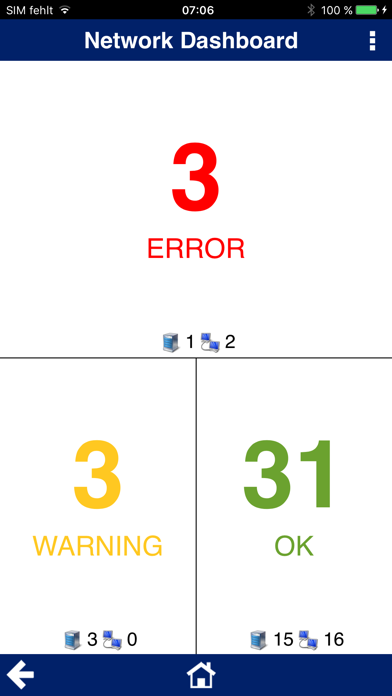
• Dashboard
The HiMobile Dashboard displays an overall status of the devices located in your network.
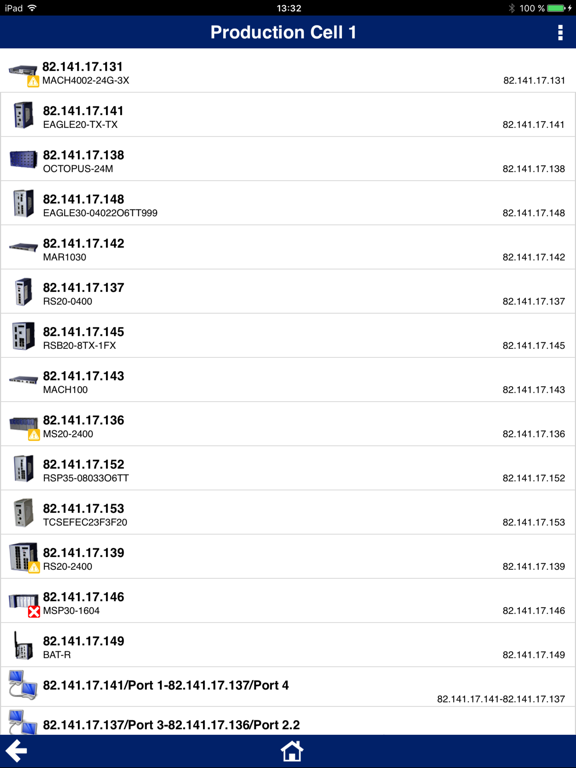
• Device Icons
HiMobile displays the realistic device icons as seen in Industrial HiVision.
• Status Symbols
HiMobile displays a device status symbol next to the device in the Network dialog.
• Device Filter in Event List
HiMobile displays the events of a specific device in the Events dialog.
For further information visit:
www.hivision.de