What’s My IP? Network Info
iOS Universel / Utilitaires
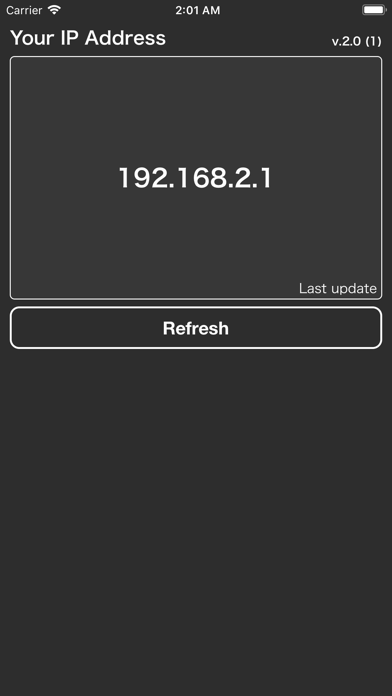
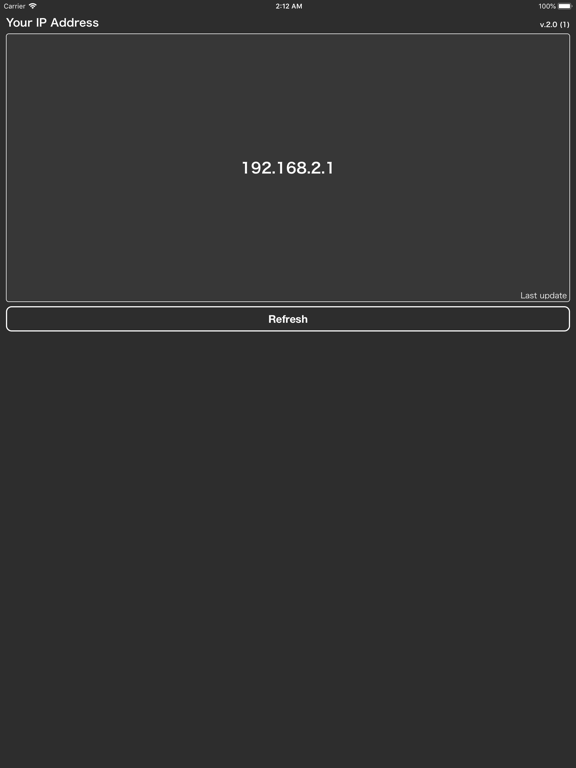
Instantly know your network. What's My IP? gives you a clean, detailed view of every connection detail on your iPhone in one tap.
Whether you're troubleshooting a slow connection, checking your public IP from a cafe, or diagnosing network issues at work, What's My IP? has everything you need.
BASIC MODE
* Local IP address
* Public IP address
* WiFi network name (SSID)
* Router / gateway address
* DNS server
ADVANCED MODE
* Local and public IPv4
* IPv6 address
* Subnet mask
* Network interface name
* Interface type (WiFi / Cellular / Ethernet)
* Primary and secondary DNS
* HTTP proxy settings
* Live latency (ping) with quality rating
SPEED TEST
* Download speed (Mbps)
* Upload speed (Mbps)
* Ping measurement
* Good / Fair / Poor quality indicator
CONNECTION HISTORY
* Automatically tracks every time your IP or network changes
* See when you switched from WiFi to cellular
* Full reverse chronological log with change highlights
BUILT FOR SIMPLICITY
* Tap any row to copy its value instantly
* Share or copy your full network summary in one tap
* Auto refreshes when your network changes
* Last updated timestamp so you always know how fresh the data is
Perfect for:
* Network administrators and IT professionals
* Developers testing on different networks
* Travelers checking VPN and public IPs
* Anyone who wants to understand their connection
Clean design. No clutter. Just the information you need.
Quoi de neuf dans la dernière version ?
- Bug fixes