Mapall
iOS Universel / Utilitaires
MapAll digitally logs the exact route and status of any telecommunications cable and fibre optic joint with the click of a button to create infrastructure maps for network operators.
An intuitive user interface gives engineers in the field the ability to record every aspect of telecoms installation, audits, cabling, jointing and testing, and transfer network updates to the main platform in real-time.
Quoi de neuf dans la dernière version ?
• Surface type on the map — For Intrusive Survey, Civils New Track, and CV New Track, the job map can show a dedicated surface line from your job data, with a map legend so you can turn the surface layer on or off like other layers.
• See what’s missing — Sections that still need a surface type can show a clear dashed overlay on the map so nothing gets missed in the field.
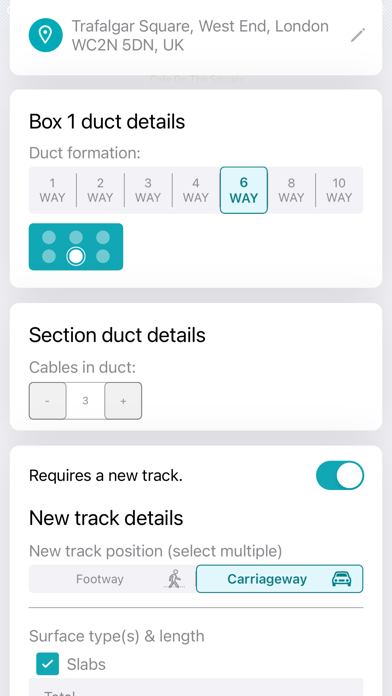
• Record surface details — Open the surface type panel from the map (or from section details where supported). Choose a type from your company’s list (colour swatches in the picker, when configured), review the length, then save — data is stored locally and syncs with the server when you’re online.
• “Not specified” — You can clear a surface assignment when the job allows it; the app keeps local map data and server rules in sync.
• Edit Map stays consistent — After Edit Map, when you save a new section shape, the surface line follows that section on the device, and the updated geometry is included in the normal sync queue for supported workflows.
• Job preview — The inbox/preview map can show the same surface styling and legend behaviour, so you know what the job looks like before you open it.
• Under the hood — More reliable save and sync paths for surface records, plus stability and layout fixes for proving actions and the map on these workflows.