MeasuresCalc
iOS Universel / Utilitaires
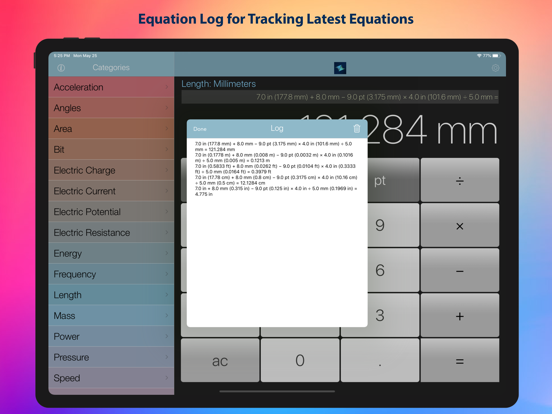
MeasuresCalc makes unit math fast, accurate, and easy. Add, subtract, multiply, and convert across multiple unit types—then view results in the unit you prefer. For lengths, you can even display results as clean fractions (like 3 1/4 in) with a maximum denominator you control.
Why you’ll love it:
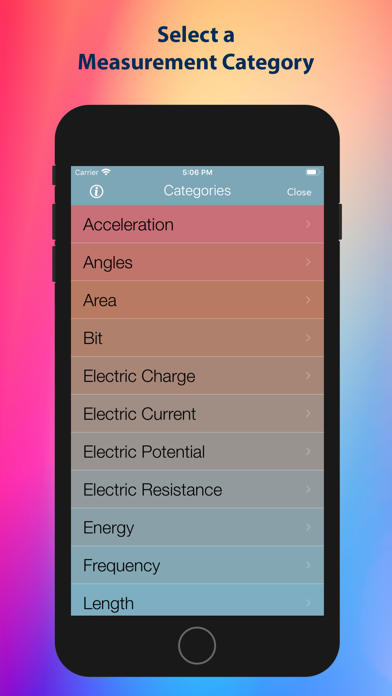
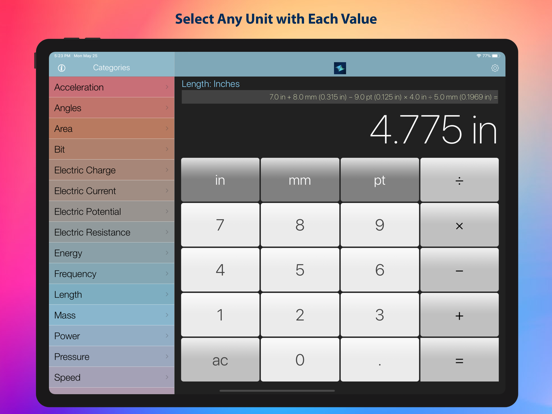
• Multiple Units of Measure: Choose from categories like Length and more to match your task.
• Multiple units within each category: Work with inches, feet, yards, miles, meters, centimeters, millimeters, and more.
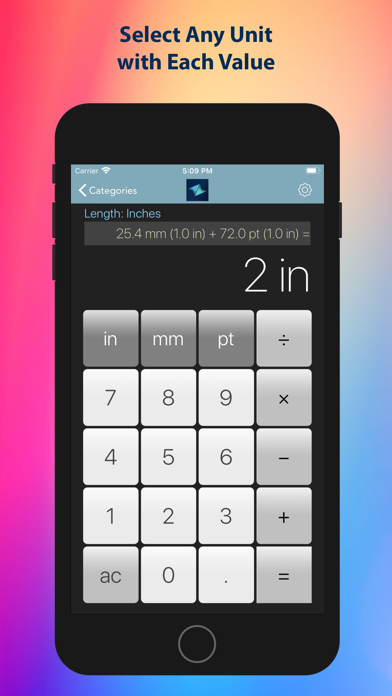
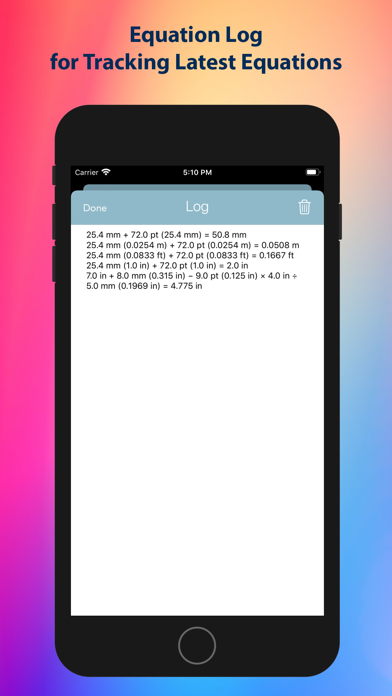
• Mixed-unit calculations: Combine values across different units in a single calculation.
• Convert results to any unit type: Instantly view your answer in the unit that makes sense for you.
• Fractional length results: Show length in fractional format (e.g., 1/2, 1/4, 1/8, 1/16, 1/32).
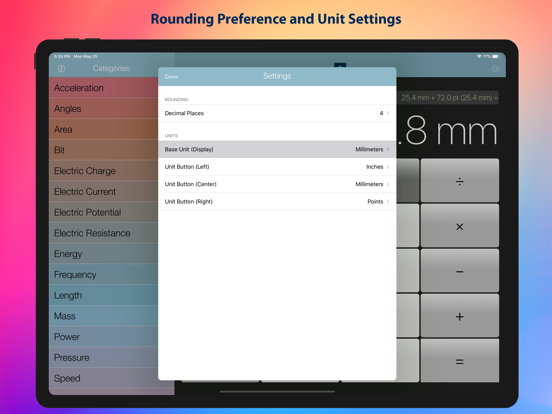
• Adjustable precision: Fine-tune rounding from 0 to 12 places for the exact level of detail you need.
• Easy to use: Clean interface, clear controls, and quick results.
• Appearance options: Follow the system theme or choose Light or Dark mode.
Built for real-world work:
• Graphic Artists & Designers
- Convert inches to centimeters for print layouts or screen specs.
- Add mixed units (in, ft) and get a precise metric result.
- Display lengths as fractions for exact print trimming and bleed.
• Electricians & Contractors
- Combine cable runs in feet and meters; convert everything to the standard your site uses.
- Show fractional inch results for conduit and box placement.
- Adjust rounding precision to match job-site tolerances.
• Woodworkers & DIY Makers
- Add multiple board lengths in inches and feet, then view the final cut list as clean fractions.
- Switch between imperial and metric to fit your tools and materials.
- Use fractional denominators (2, 4, 8, 16, 32) to match common tape marks.
• Cooking & Food Prep
- Convert between metric and imperial for recipes (e.g., cm to in for pan sizes).
- Round to a practical precision so your measurements are easy to follow.
- Keep results readable and consistent across conversions.
• Students & Everyday Use
- Convert distances for travel, school projects, or home tasks.
- Explore different unit systems and learn how they relate.
- Keep calculations clear with adjustable rounding and unit conversion.
Privacy you can trust:
MeasuresCalc is designed with privacy in mind. We do not collect, store, or transmit personal data. We rely only on Apple’s aggregated App Store analytics. See the in-app Privacy Policy for details.
Customize your experience:
• Rounding precision: 0–12
• Fraction display for length: On/Off
• Max denominator: 2, 4, 8, 16, or 32
• Appearance: System, Light, or Dark
Whether you’re at the shop, on site, in the studio, or at home, MeasuresCalc helps you get from numbers to answers—fast.
Quoi de neuf dans la dernière version ?
• Fractional results for length with selectable max denominator (2–32)
• Improved rounding precision controls (0–12)
• Appearance options: System, Light, Dark
• Performance and usability refinements