Media Discover
iOS Universel / Utilitaires
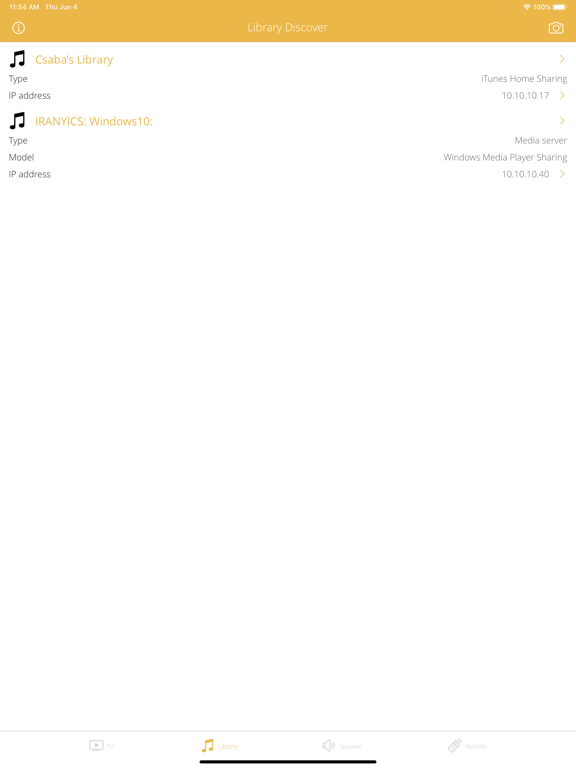
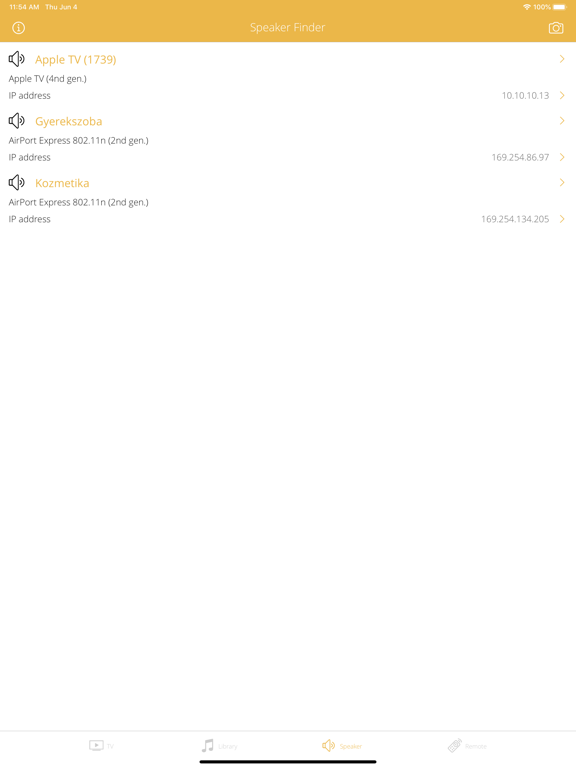
Media Discover is a four-in-one network explorer application. It helps you to discover internet-capable televisions, shared media libraries, media servers, wireless speakers and remote controls on your local home or office network.
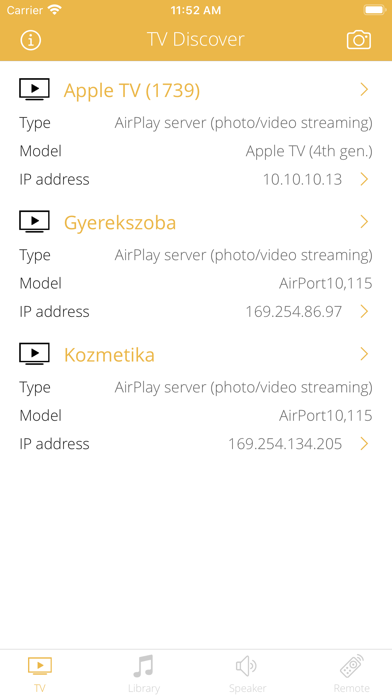
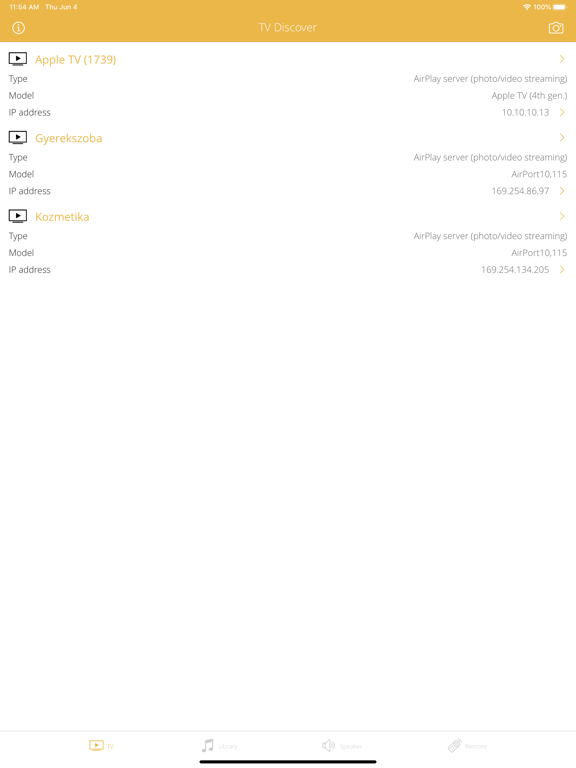
FIND TV, SCREEN AND MEDIA RENDERER DEVICES
• Detect internet-capable television (LCD, LED, OLED, Plasma). Supported vendors: Blaupunkt, Gaba, Hyundai, LG, Panasonic, Philips, Samsung, Sencor, Sharp, Sony, Toshiba, Vivax etc.
• Detect Apple TV (2nd [2010], 3rd [2012/13] and 4th [2015] generations) devices.
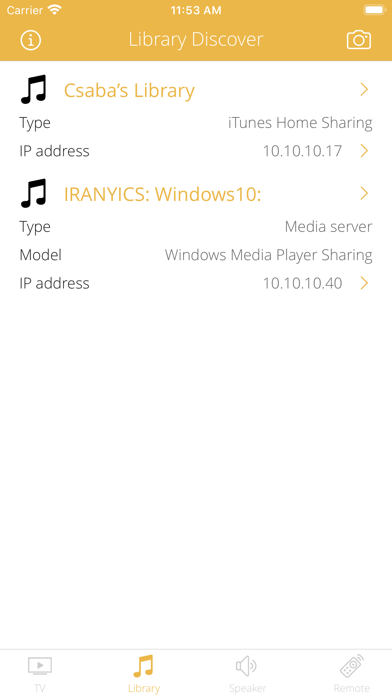
FIND MEDIA LIBRARIES
• Detect shared iTunes Libraries and running iTunes applications.
• Detect iTunes Home Sharing.
• Detect Apple TV Home Sharing.
• Detect Media Servers.
• Detect Media Centers and Extenders.
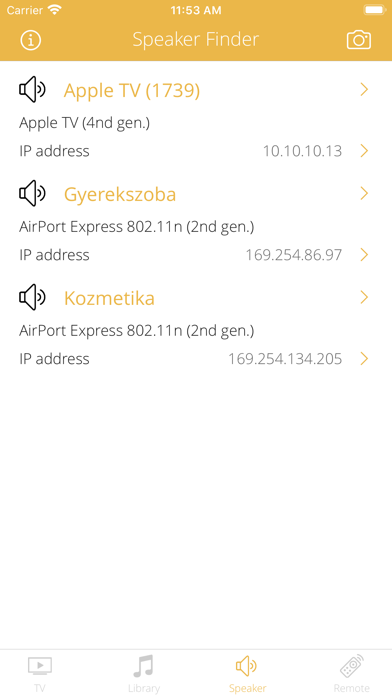
FIND AIRPLAY SUPPORTED WIRELESS SPEAKERS
• Detect wireless speakers with Apple AirPlay support on your local home or office Wi-Fi network (included Bluetooth PAN connection).
• Detect device vendor, model, type. Common AirPlay devices:
• Apple AirPort Express base stations (802.11g [2004] and 802.11n models [2008, 2012]).
• Apple TV (2nd [2010], 3rd [2012/13] and 4th [2015] generations).
• Libratone wireless speakers (Lounge, Zipp, Loop, Live, Diva).
• Bose SoundTouch wireless speakers (Portable, 20, 30 Series II).
• Yamaha network AV receivers, pre-amplifiers, players.
• Marantz AV receivers, pre-amplifiers, players.
• Detect speaker model type, model number, release date, firmware version, service version, and so on.
• Detect AirPlay capabilities:
• Supported audio formats (codecs).
• Supported metadata types (text, artwork, progress).
• Supported audio quality (number of channels, sampling rate, bit depth).
• Supported transport protocols (UDP, TCP).
• Detect AirPlay security features:
• Password protection.
• Supported encryption types (clear, RSA, FairPlay, stc).
• Detect wireless speaker Wi-Fi capabilities:
• Detect wireless standards supported by your device (802.11a/b/g/n/ac/ad).
• Detect wireless speed-up features (short guard interval, STBC, HT duplicate, etc).
• Detect wireless operation frequencies and channels.
• Detect available antennas, MIMO config, spatial streams.
• Detect wireless security options and modes (WPA standards and EAP modes).
• Detect wireless optimization (WMM) and access features (Wi-Fi Direct, Miracast, Voice).
• Detect max. physical wireless speeds.
• Detect wireless speaker physical connectors:
• Analog or digital audio output connectors and quality (SPDIF).
• Digital video output connectors and capabilties (HDMI).
• USB connectors.
FIND REMOTE CONTROLLERS
• Detect Home Sharing remote controllable devices (iTunes, Apple TV).
• Detect Remote controller pairing.
HOST INFORMATIONS
• Show IP address, Bonjour and DNS hostnames, PING capability.
• Show MAC address, MAC vendor, country, postal address.
BONJOUR SERVICE INFORMATIONS
• Show Bonjour service informations: name, type, transport protocol and service related properties.
• Detect further Bonjour services on wireless speaker with detailed informations.
DLNA DEVICE/SERVICE INFORMATIONS
• Analyze and describe device name, manufacturer, model, type, version, serial number, UPC code, etc.
• Determine operating system/version and UPnP server product and version.
• Show DLNA host IP address, port number, UPnP version, local name, domain name, MAC address, PING cabaility.
REACH UI FEATURES
• Info menu with feedback and privacy settings
• Use the camera icon (upper-right corner) to create and print/send/share a screenshot from the entire page.
• Pull down with your finger to refresh the informations.
• Long press on a cell to copy/print/send/open as/share the cell value.
• Shake your device to refresh the informations.
Quoi de neuf dans la dernière version ?
DEVICE SUPPORT
• iPhone SE (2020) support.