iPhoneAddict Apps
  • Actualités
  • Accueil Apps
  • iPhone
  • iPad
  • Universelles
  • Mac
  • Apple TV
KG KultureGeek
App
iPhone / iPad Télécharger iAddict v5 Mac Télécharger iAddict Mac
  • Actualités
  • Accueil Apps
  • iPhone
  • iPad
  • Universelles
  • Mac
  • Apple TV
  • Archives keynotes
  • Firmwares & iTunes
  • Contactez-nous
  • Comparateur de prix
  • KultureGeek
Accueil » Liste des Apps » Apps iPhone » Utilitaires » Megabytes - Cellular (3G/4G/LTE/GPRS/EDGE) data usage on your Home Screen / Lock screen / Notification Center & widget
L'application n'est plus disponible sur l'App Store français
3.3 iOS €0,99€ oBytes, LLC 5 2 Take back control of your data usage. It’s time to stop paying overages. Monitor data usage on your home screen without opening app again.   • Monitor mobile data usage on home screen, notification center and lock screen. • ...
Megabytes - Cellular (3G/4G/LTE/GPRS/EDGE) data usage on your Home Screen / Lock screen / Notification Center & widget

Megabytes - Cellular (3G/4G/LTE/GPRS/EDGE) data usage on your Home Screen / Lock screen / Notification Center & widget

iPhone / Utilitaires

0,99€ au lieu de 1,19€
Acheter sur l'App Store
Facebook X E-mail

Take back control of your data usage. It’s time to stop paying overages. Monitor data usage on your home screen without opening app again.
 
• Monitor mobile data usage on home screen, notification center and lock screen.
• Predictive forecast tells when you will go over and sets daily quotas.
• Simple and intuitive design reflects current usage status.
• Works with any carrier, any plan, and any billing cycle.
• Set usage alerts.
 
Three things that set us apart:

1.App Badge Monitoring-
• Monitor usage as app badge without ever opening app again

2.Visual Monitoring-
• Progress bar colors will change to reflect your current usage status.

3.Accurate History, Export, and Charts-
• Keep your cellular providers in check with the ability to export accurate history of your data usage.

# among top 10 paid utilities in Argentina, Greece. Singapore, Canada and India.

En voir plus...

Quoi de neuf dans la dernière version ?

This app has been updated by Apple to display the Apple Watch app icon.

- optionally use location services for greater data tracking accuracy.
- adjust usage fix for iOS8.
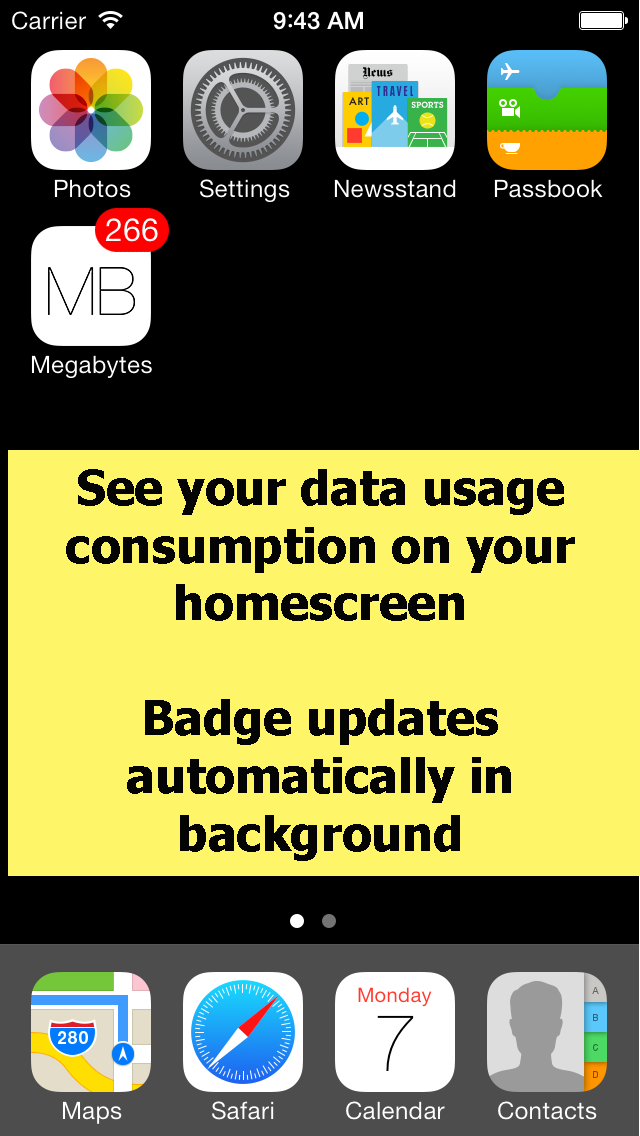
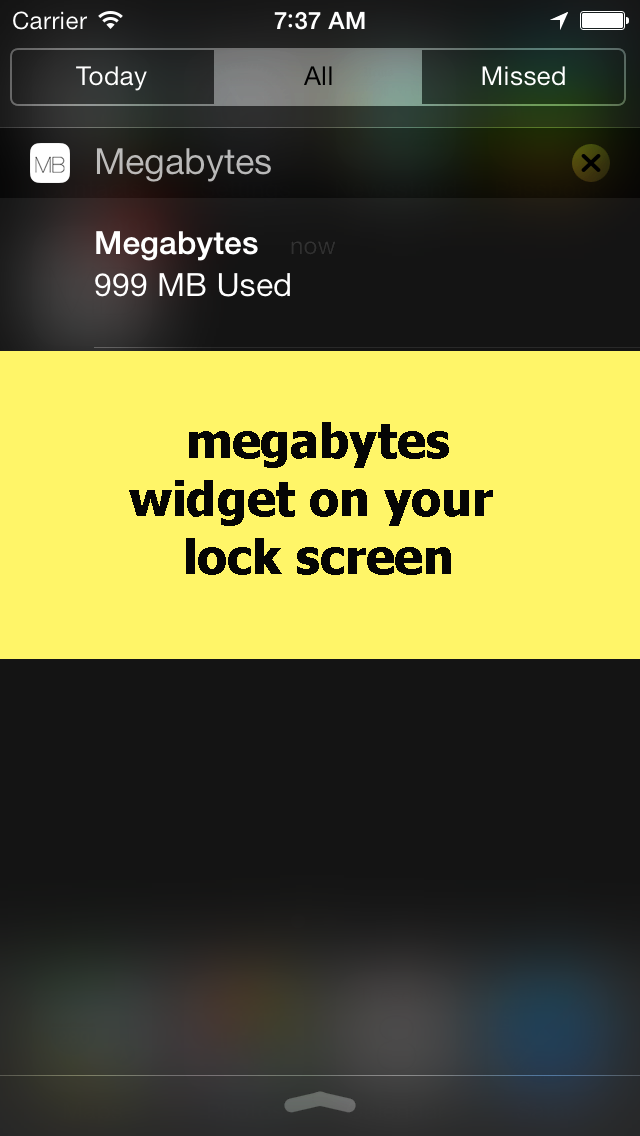
  • Screenshot #1 pour Megabytes - Cellular (3G/4G/LTE/GPRS/EDGE) data usage on your Home Screen / Lock screen / Notification Center & widget
  • Screenshot #2 pour Megabytes - Cellular (3G/4G/LTE/GPRS/EDGE) data usage on your Home Screen / Lock screen / Notification Center & widget
  • Screenshot #3 pour Megabytes - Cellular (3G/4G/LTE/GPRS/EDGE) data usage on your Home Screen / Lock screen / Notification Center & widget

D'autres applications du développeur

Data UsageData UsageiOS UniverselData Usage ProData Usage ProiOS UniverselWi-Fi Data UsageWi-Fi Data UsageApple TV

Note

(2 notes)

Détails sur l'application

Version
3.3
Taille
2.7 Mo
Version minimum d'iOS
7.0
Dernière mise à jour
16/01/2015
Publié par
oBytes, LLC

Newsletter App Store

Recevez chaque jour les meilleures promos

Actualité Apple

Image Apple Watch Series 12/Ultra 4 : pas de notifications d’hypertension selon les pays au lancement
Apple Watch Series 12/Ultra 4 : pas de notifications d’hypertension selon les pays au lancement
Image L’iPhone va accueillir la fonction Edge Light des Mac avec iOS 27
L’iPhone va accueillir la fonction Edge Light des Mac avec iOS 27
Image App Store : Apple accepte désormais les applications compatibles iOS 27
App Store : Apple accepte désormais les applications compatibles iOS 27
Image Siri AI sera disponible en français en octobre… mais pas en France
Siri AI sera disponible en français en octobre… mais pas en France
iPhoneAddict Apps

Le catalogue iPhoneAddict pour suivre les nouveautés, mises à jour et baisses de prix de l’App Store.

Apps

Toutes les apps iOS iPhone iPad Universelles Mac Apple TV

iPhoneAddict

Actualité Apple Archives keynotes Contact À propos KultureGeek

Suivez-nous

©2009-2026 i2CMedia. Tous droits réservés.