Meteor for 121GW
iOS Universel / Utilitaires
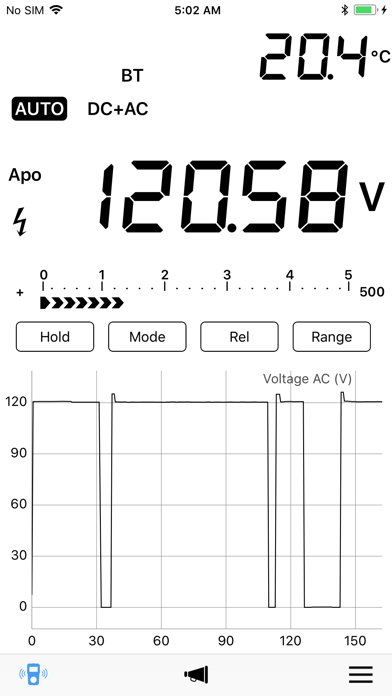
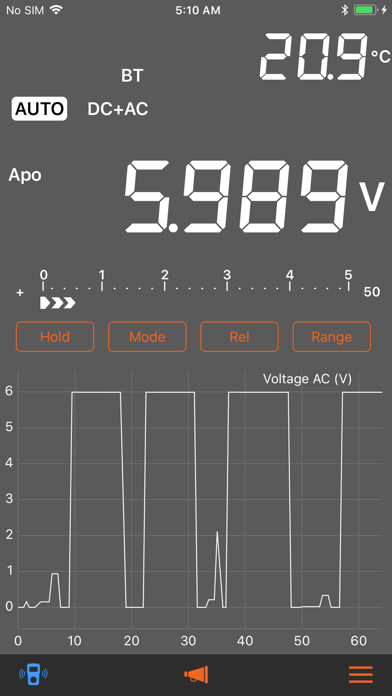
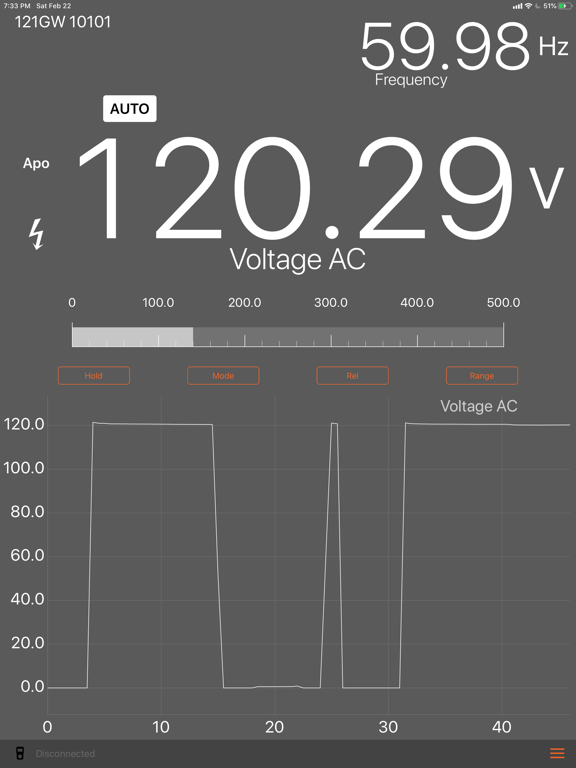
Meteor is an indie, third-party* app for use with the EEVBlog 121GW Bluetooth-LE multimeter. It performs most of the same functions as the EEVBlog app, but adds some new features:
+ Control buttons available in landscape mode
+ Option for spoken measurements (using iOS voice synthesizer)
+ Option for continuity buzzer
+ Dark mode option
+ Connect/disconnect button and disconnect-status labels
There are, however, a couple of features missing from the EEVBlog app:
- Does not yet support multiple meters
- No math mode for multiple meters
This is a public beta, designed to get as much feedback and testing from 121GW users as possible. While I believe any public version is as bug-free as possible, please be aware that this is beta software and should not be relied on for critical uses until actual v1.0 release.
At app startup, you should see a page listing any 121GWs that are advertising near you. Or, at any time you can tap and hold the meter icon at the bottom-left of the main screen to bring up the meter-scan page. (This page is also available from the app menu, which you access through the button at the bottom-right of the main screen.)
The meter icon at the bottom-left of the screen should turn blue when you are connected to a meter. If you don't get any readings from the meter, please try tapping the meter button once to disconnect, and then again to reconnect.
If you tend to switch between an iPhone and iPad, or between two phones, you may find that it's easier to establish a new connection by turning the meter itself off and back on, and/or turning the meter's BT off and back on.
* Love it or hate it, Meteor was not produced, endorsed, or licensed by EEVBlog. Please do not contact EEVBlog for support - instead email support@westerncomputational.com with any bugs, help requests, and feature suggestions. Thanks!
Quoi de neuf dans la dernière version ?
Version 0.2 of the Meteor for 121GW beta adds some important features:
• Continuous data logging of measurements received while app is connected to the meter
• Option for "System" format for more legible numeric view
• Dark Mode now automatically set by system setting (iOS 13 or later, in Settings, Display & Brightness, Appearance)
• Support for long-press on app's Hold, Mode, Rel and Range buttons
• Bug fixes and performance improvements
Version 0.2 of Meteor now logs every measurement your 121GW takes while it's connected over BLE. The samples are stored in a new data set each time you select a mode on your meter, and the data sets can be exported to your computer or sent via email or text message. You can limit the number of samples, or turn off logging completely, using the App Settings menu. The app will delete any samples over the limit starting with the oldest samples first. You can "Pin" data sets to prevent them from being automatically deleted, and manually delete individual sets, by swiping to the left in the data-set listing.