Mini Clock - Focus & Pomodoro
iOS Universel / Utilitaires
Turn your iPhone or iPad into a clean desk clock and focus space. Mini Clock combines 10 clock faces, a Pomodoro timer, to-dos, widgets, and white noise for study, work, and desk setups.
◆ 10 Clock Styles
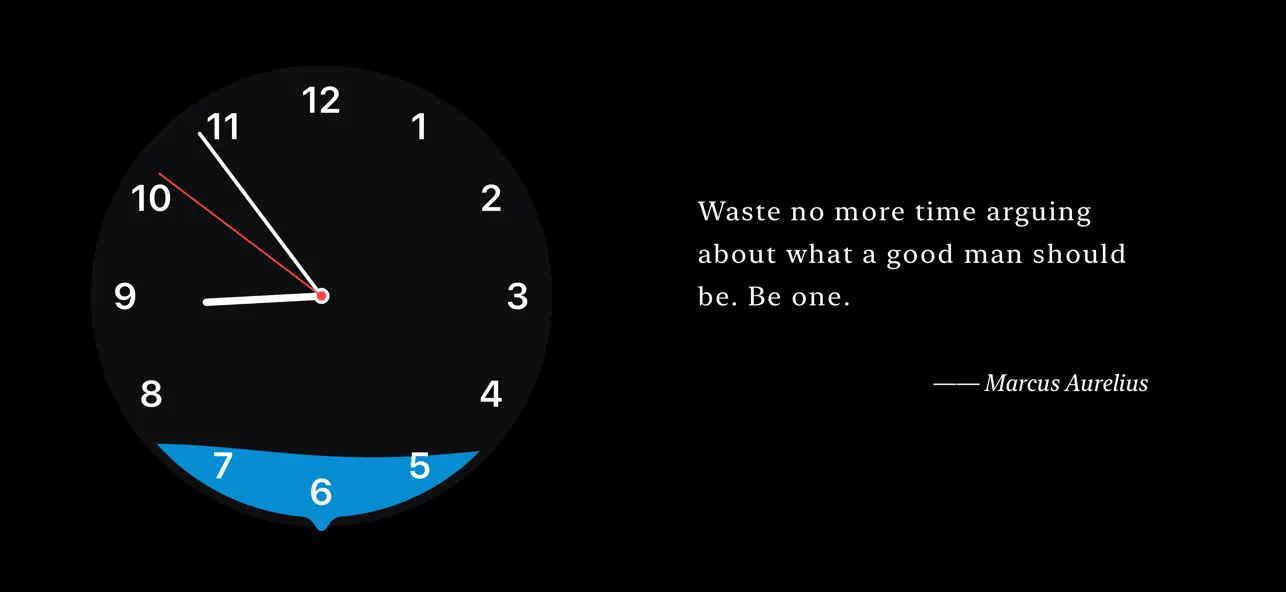
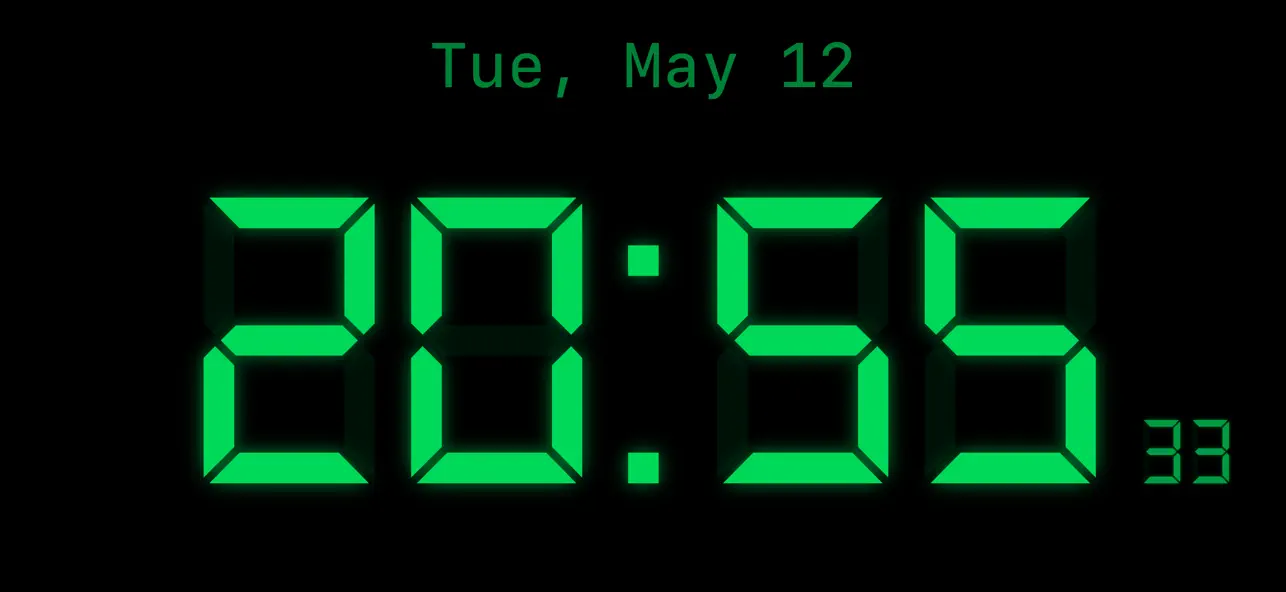
Wave pointer, digital, flip, LED, minimal, classic, retro, orbit, solar, and neon — each carefully designed for different moods and settings. Reverse clock mode lets time flow backward.
◆ Pomodoro Focus Timer
Built-in Pomodoro timer with customizable work and break intervals. Get notified when each session ends to keep your rhythm going.
◆ To-Do Integration
Reads directly from iOS Reminders. View and manage your tasks right on the clock face — no app switching, no interruptions.
◆ Ambient Sounds & Quotes
Rain, white noise, and fireplace sounds create an immersive atmosphere. Enjoy typewriter-style quote displays in English and Chinese, or add your own custom quotes.
◆ Home Screen Widgets
Multiple widget sizes automatically sync with your chosen clock style. See time and quotes at a glance on your Home Screen.
◆ Landscape & iPad Support
Improved landscape and iPad layouts make the clock, to-dos, and quotes feel better on larger screens and desk setups.
◆ Three Theme Modes
Default, to-do, and minimal themes — switch between them to match your workflow.
◆ Privacy First
No account required. Your core data stays on your device. Reminders access is used only to display and manage your to-dos.
◆ One-Time Purchase
Free to use with basic features. Remove ads or unlock all themes with a single purchase — no subscriptions, no hidden fees.
Quoi de neuf dans la dernière version ?
• Added Flip and Solar clock faces, bringing the total to 10 styles
• Widgets now support more synced clock styles
• Improved landscape and iPad layouts
• Refined Focus Mode, to-do, and quote display experience
• Fixed crashes on some devices
• Improved permission prompts, ad loading, and overall stability