Night Clock
iOS Universel / Utilitaires
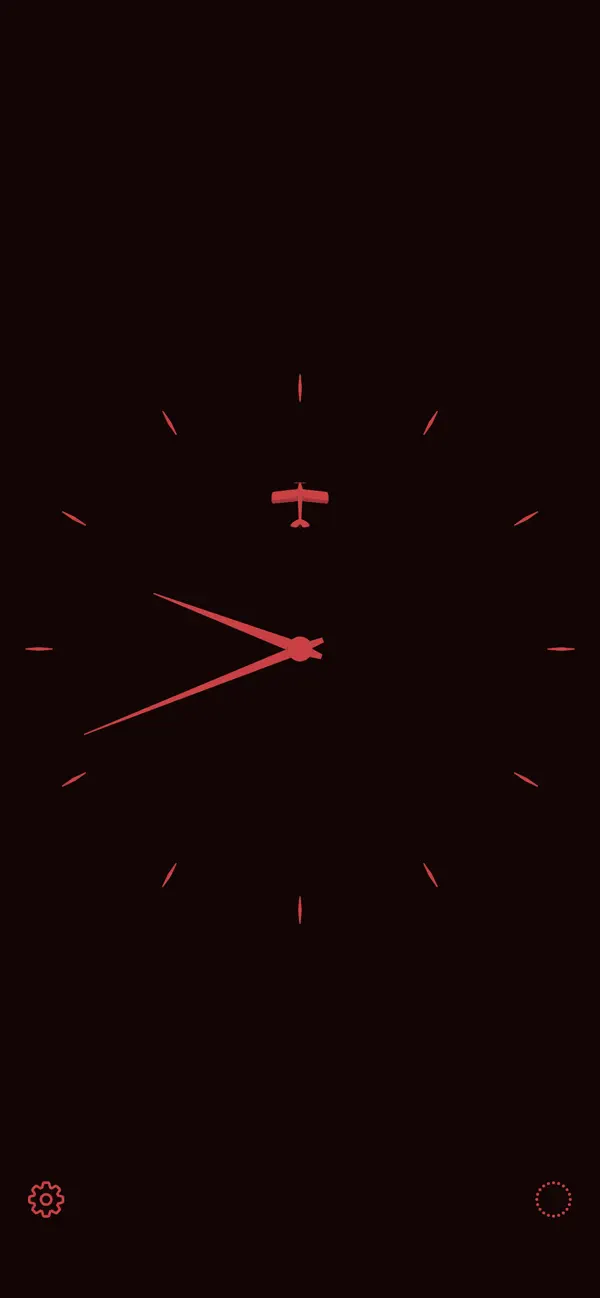
Night Clock is the simplest analogue clock for your nightstand, designed to be easy on your eyes in darkness so you don't wake yourself up trying to figure out what time it is.
Dim your display and use the default Classy Red face for the lowest light levels, get a little daring with Fizzy Orange, or blend in with your decor with Oak Brown. There are a dozen colour choices* to choose from.
If you allow Night Clock to use your location, it will slowly dim the colours after sunset and return to full brightness by sunrise. Or, if you choose one of the new "night and day" schemes, the colour will change completely between night and day. This capability works best in conjunction with the iOS Auto-Brightness setting being on. (General > Accessibility > Display Accommodations.)
And if you're just too wired to sleep, turn on the sweep second hand with a tap on the sweep button, or just press and hold on the face for 2 seconds. The sweep second hand will make two full revolutions and then slowly fade out. You might find that as it fades, so do you to restful sleep.
* Original colour design by Andrew J. Clark.
Quoi de neuf dans la dernière version ?
Version 2.0 brings these improvements:
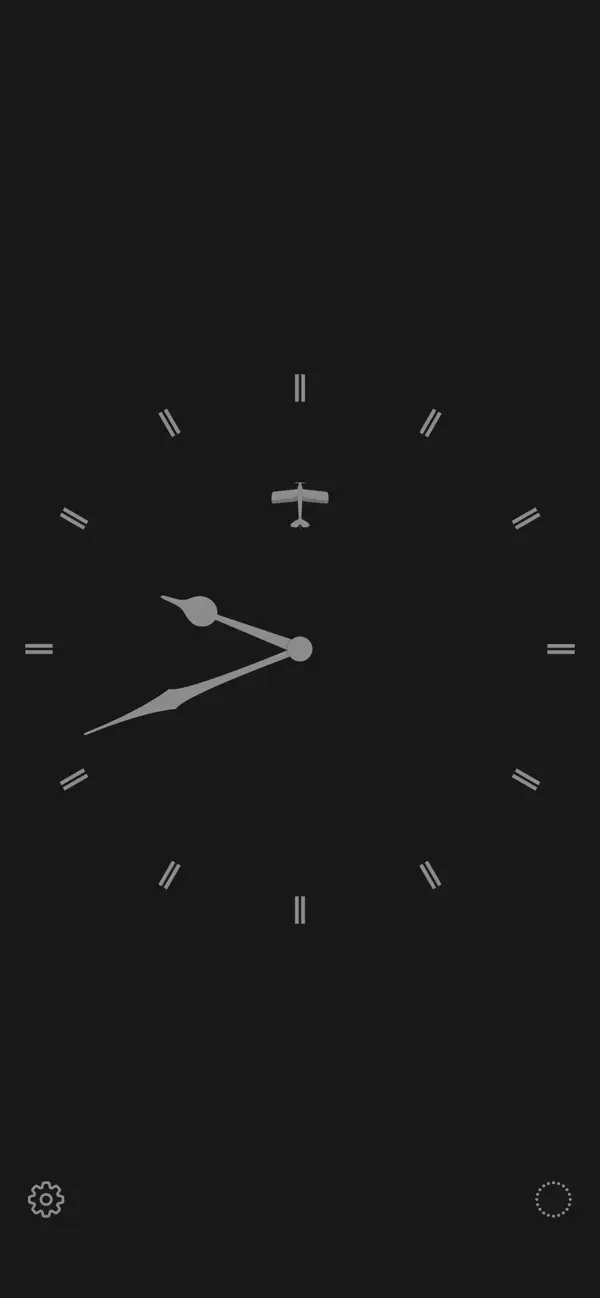
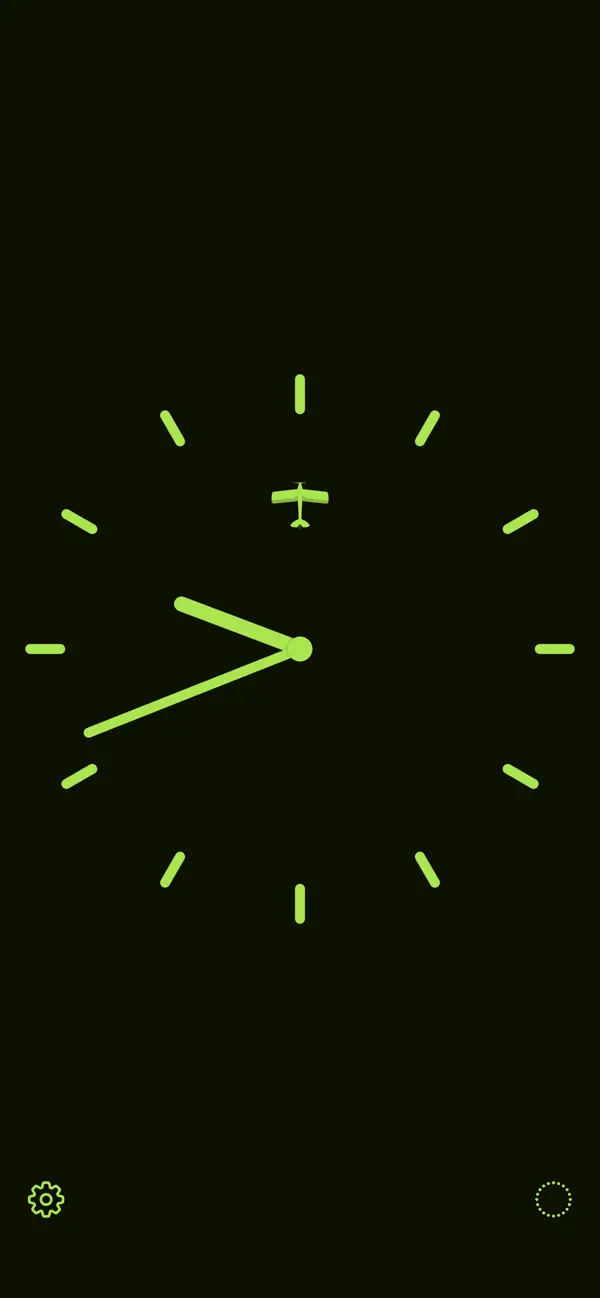
* A choice of 3 different clock faces (including the original face from version 1.0)
* Significantly lower battery drain (though it is still recommended to only use Night Clock only on a charger)
* Minor tweaks to the interface
It's still the same simple clock, and still has Andrew J. Clark's fabulous colour choices.
There is also a little extra secret animation. You'll know when you see it.