NorVirtual
iOS Universel / Utilitaires
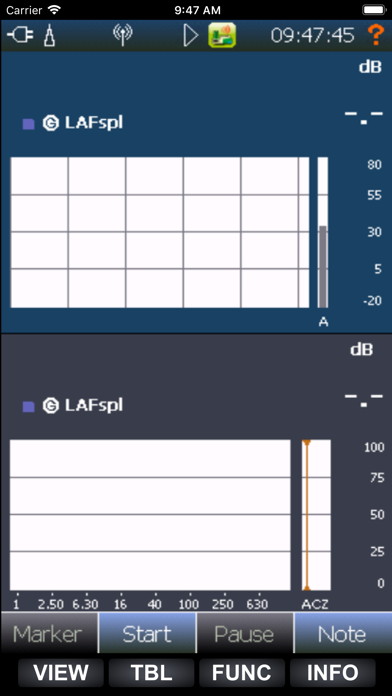
All functionality in this sound level meter is available from the app, like configuring measurement parameters, controlling different types of measurement and monitoring ongoing measurements.
You may even set event markers and take photos that are added to the level versus time trace of the measurement.
Connection:
Phone and instrument must be connected with Wifi in one of these ways:
Nor145 and Nor150:
- Use Wifi network or Router and connect both Phone and instrument to this network.
- Activate Hotspot / Access point on your phone and connect instrument Wifi to this “network”.
Only Nor145:
- Activate Access point in the instrument and connect your phone to this “network".
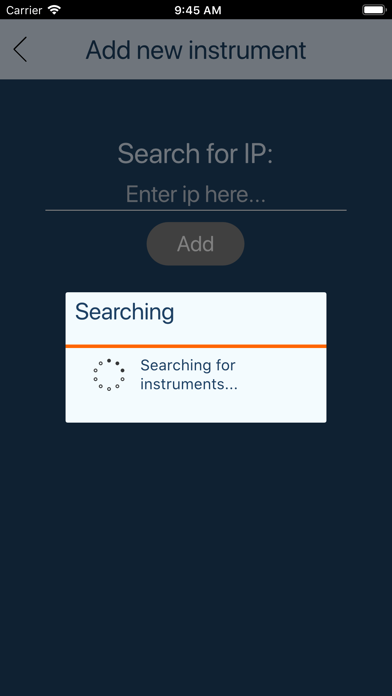
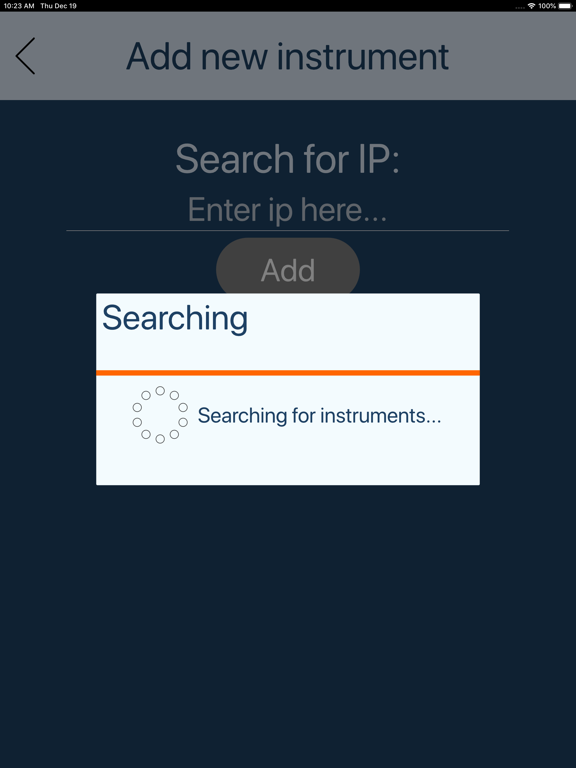
When you have established a Wifi connection, the WLAN/WiFi item in the SETUP/Instrument/Communication menu (in the instrument) will show an IP address. When starting the NorVitual app, either enter this IP address or search for available instruments. The instrument name will show up in a list, and selecting it will start NorVirtual.
If connection is lost (for some reason) the app will stop. It can be easily restarted by just selecting the instrument again.
Keyboard:
The upper 4 keys (VIEW, TBL, FUNC and INFO) are always available, and the entire keyboard can be dragged in by hitting one of the visible keys and drag upwards.
Camera and Microphone:
It is possible to use the phone for taking pictures and making voice comments to attach to the measurement. These can be activated using icons at the bottom of the keyboard.
Be aware that pictures taken with the phone can not be viewed in the instrument (OutOfMemoryException), but can be viewed in NorConnect and NorReview.
Limitations:
The response when clicking and scrolling is of course a bit slower than it is when using the instrument directly. This depends on the connection bandwidth. It also depends a lot on the general load in the instrument. When the instrument is very busy (for instance measuring with high resolution and/or audio recording), the response may be very bad.
Touch scroll/drag does not support “flick” (quick/accelerating drag)