Numpad 2
iOS Universel / Utilitaires
Numpad – A Better Way to Enter Numbers
When all you need is numbers, the default keyboard just gets in the way.
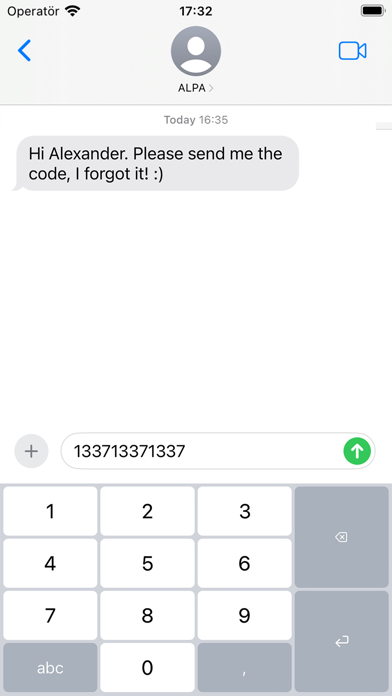
Numpad gives you a clean, focused, and efficient typing experience—designed for speed and precision.
Whether you’re entering prices, codes, or data, Numpad keeps things simple and fast.
—
Designed for how you work:
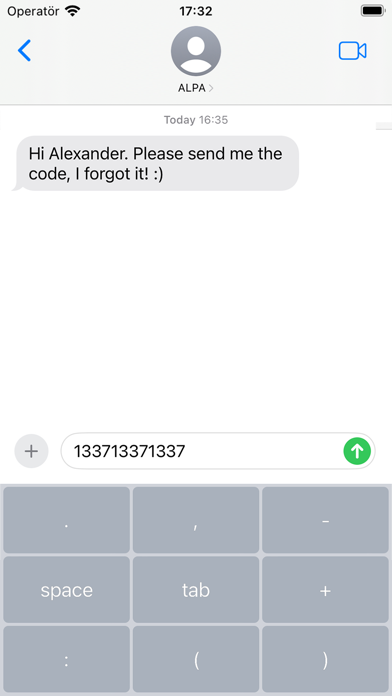
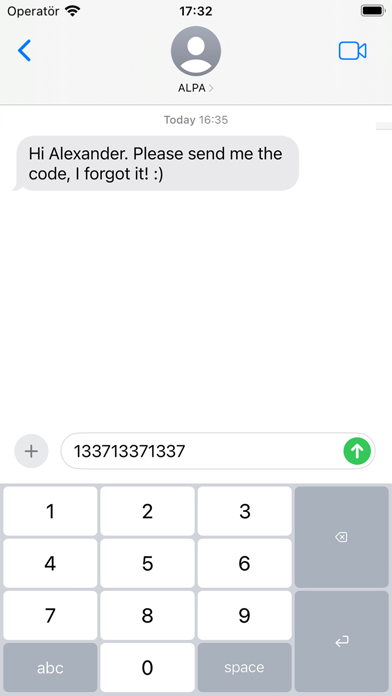
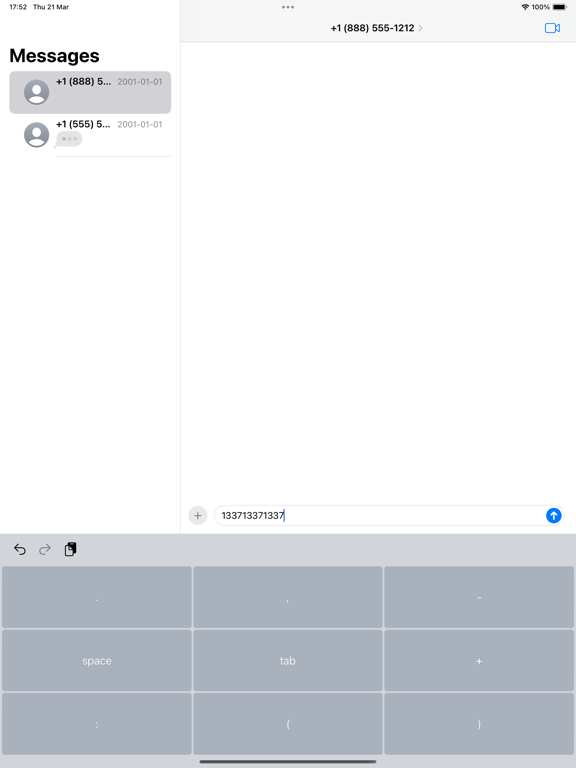
• Adaptive action key
Quickly switch between decimal, space, tab, and more – just press and hold.
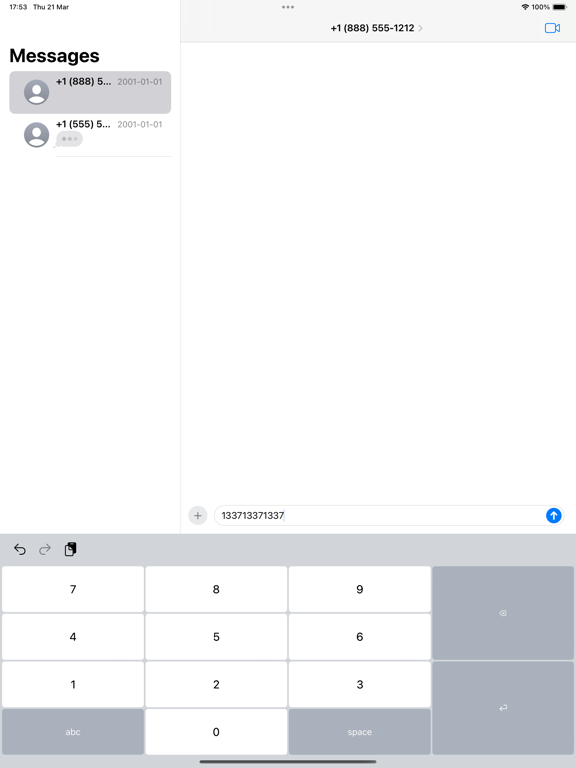
• Two intuitive layouts
Choose between classic 1–9 or calculator-style 7–8–9.
Switch instantly by holding the “5” key.
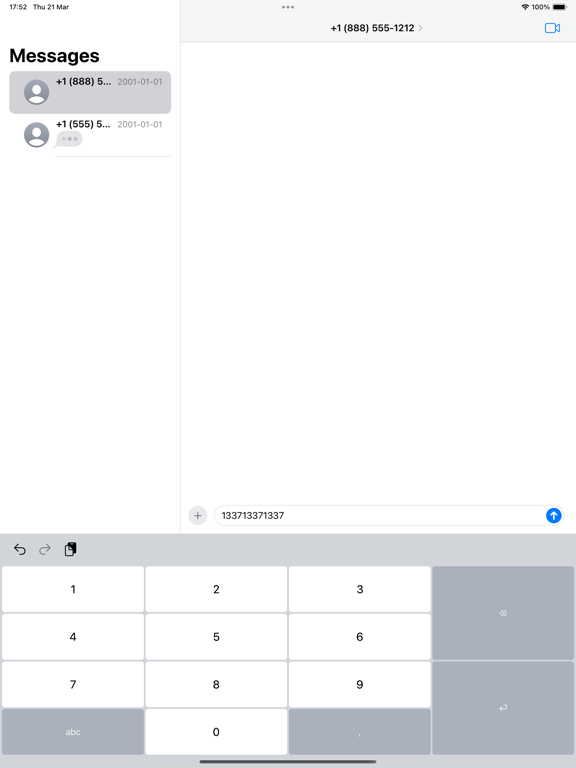
• Flexible height
Adjust the keyboard to match your preference – compact or spacious – with a simple hold on “0”.
• Minimal by design
No distractions. No unnecessary keys. Just a better way to enter numbers.
—
Have an idea or feature request?
I’d love to hear from you – your feedback helps shape future updates.
Quoi de neuf dans la dernière version ?
• Fixed: decimal key no longer resets to comma (settings now persist without Full Access)
• All keyboard settings can now be changed in the app
• Key click sound now follows the system keyboard sound setting
• Redesigned How to page with Full Access info