Passwords Sorted
iOS Universel / Utilitaires
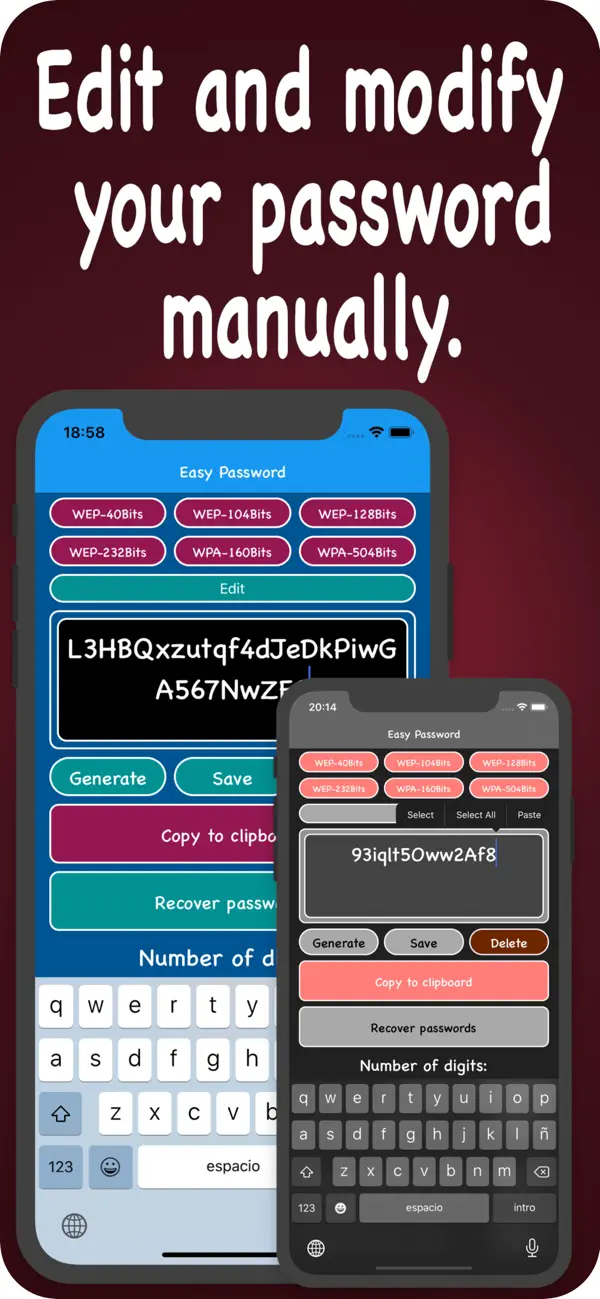
Generate secure passwords and customize them to your liking. Choose the length, combine uppercase, lowercase, numbers, and symbols, or edit them manually.
Save your passwords with a reference title, additional details, and an emoji icon to identify them at a glance.
YOUR PASSWORDS, PROTECTED
• Face ID and device passcode to access your saved passwords
• Automatic data encryption when the device is locked (Data Protection)
POWERFUL GENERATOR
• Passwords from 4 to 70 characters
• Combine uppercase, lowercase, numbers, and symbols
• Manual editing to fine-tune your password
• Copy to clipboard with one tap
SIMPLE ORGANIZATION
• Assign an emoji to each password for quick identification
• Add a title and descriptive details
• Edit or delete entries easily with gestures
HOME SCREEN WIDGET
• Generate random passwords from your home screen
• Copy them to the clipboard without opening the app
• Small and medium sizes
DESIGNED FOR IPHONE AND IPAD
• Adaptive interface optimized for each device
• Fully adapted to iOS 26 and compatible with Dark Mode.
Quoi de neuf dans la dernière version ?
Version 3.0 — Complete SwiftUI Redesign
The app has been rewritten from scratch with SwiftUI for a more modern, faster, and more secure experience.
NEW
• Completely new SwiftUI interface
• Home screen widget to generate and copy passwords without opening the app
• SF Symbols icons on all buttons
• Data protection encryption when the device is locked
IMPROVED SECURITY
• Face ID + device passcode authentication (more secure than the previous custom 4-digit code)
• SwiftData storage instead of UserDefaults
INTERFACE IMPROVEMENTS
• Adaptive design optimized for iPhone and iPad
• Emoji picker integrated when saving passwords
• Character counter on the title field when saving
• Keyboard automatically dismisses when tapping outside