Phidden
iOS Universel / Utilitaires
Welcome to Phidden!
Hide your message in your photo.
With this new App you will be able to send your secret messages to your friends and let others believe that you have only sent them a photo!
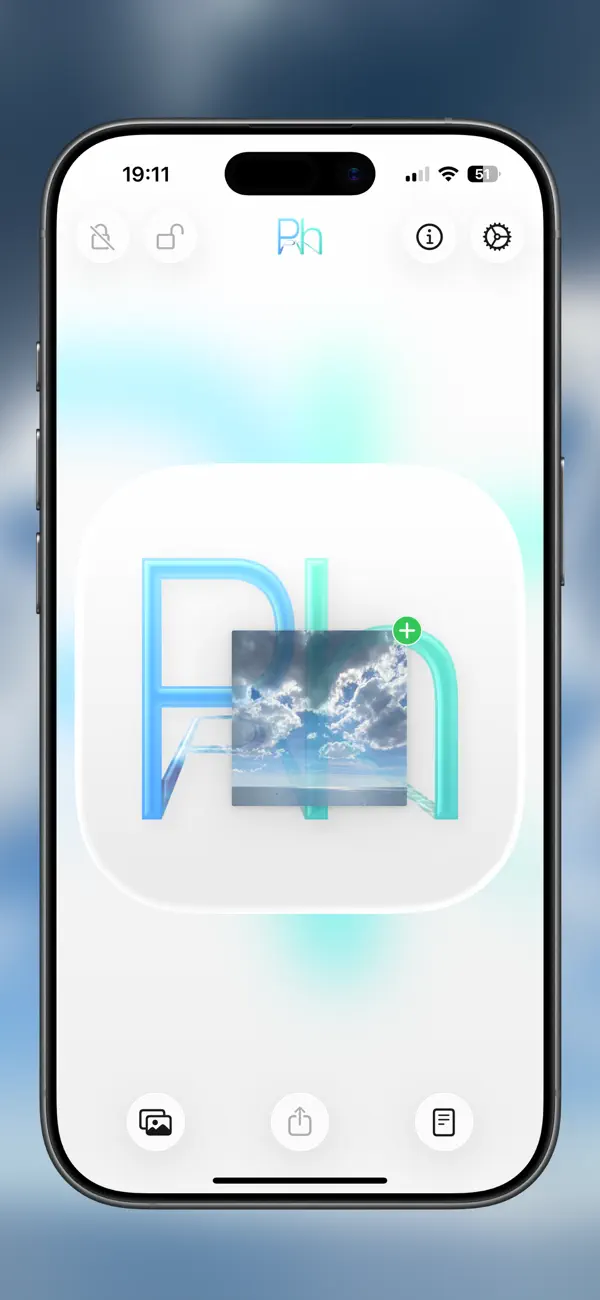
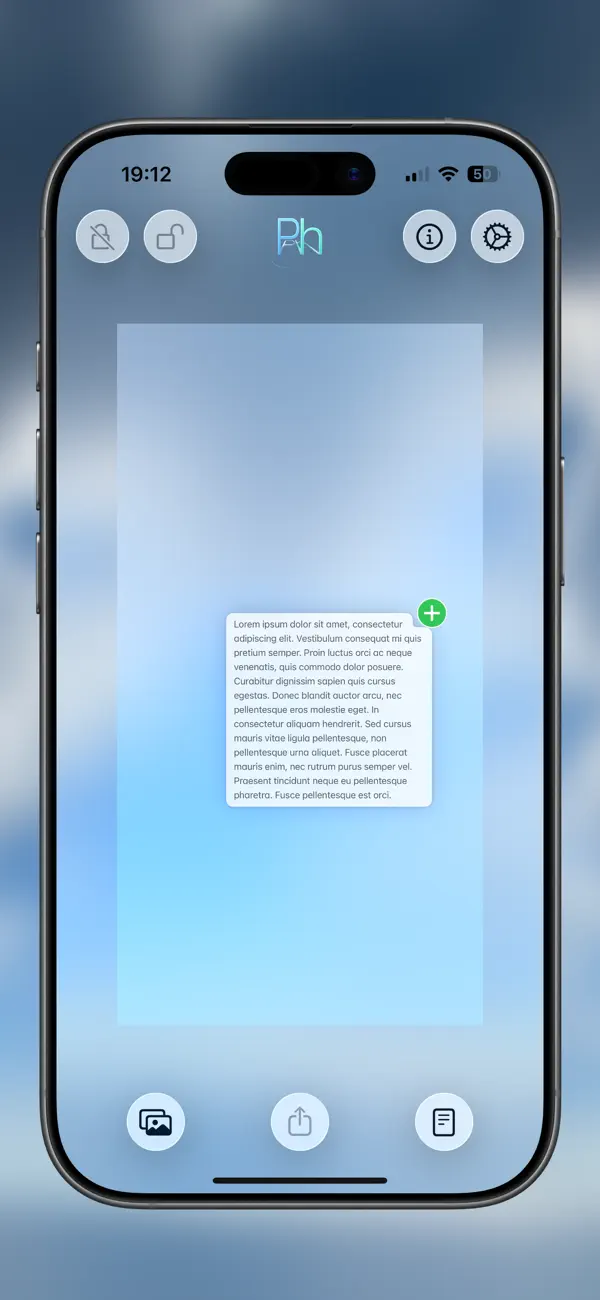
All you have to do is choose your best photo, write your message and Phidden does the rest!
It will hide your message within the photo and all you need to do is share !
Whoever receives it will be able to read the message contained only by opening it with Phidden and with no other App or program!
ATTENTION
The messages hidden in Phidden can only be ‘decoded’ with the same App!
For the same reason every photo not ‘encoded’ by Phidden if ‘decoded’ by the same App will return a blank and incomprehensible message!
This is not to be considered an error but a non-coded photo!
COMPRESSION IS THE ENEMY OF PHIDDEN!
ANY FORM OF COMPRESSION WILL COMPROMISE THE HIDDEN MESSAGE!
Many file sharing, e-mail client, social network and sharing services usually have a habit of compressing images, so do not entrust them with your encoded photos if you don’t want to lose the hidden message!
For the same reason photos should be attached and sent in the original dimensions, as any form of compression will compromise the message and will make it illegible and not decodable!
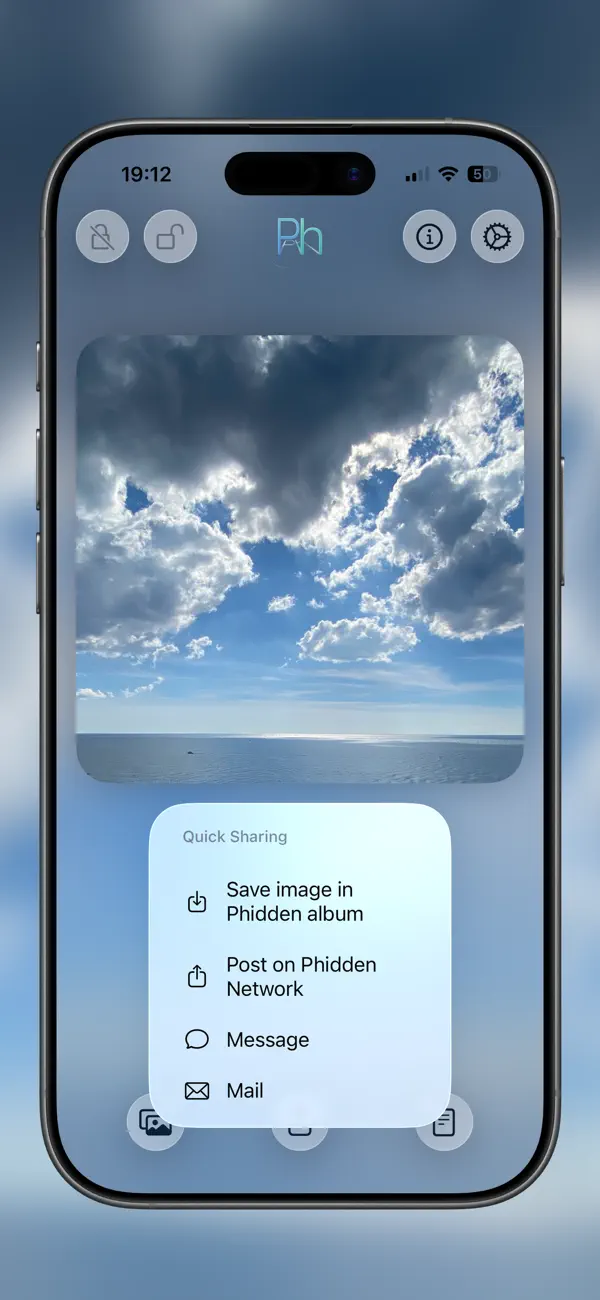
The safest way to maintain the integrity of the secret message is to post the image on Phidden Network !
Other secure methods remain saved in the library, AirDrop, messages or emails (only if sent at maximum resolution).
Feel free to make personal tests with the services you usually use to verify if the message remains decodable.
NOTE: the use of Phidden, the content of the hidden messages in the photos and their disclosure is to be considered the free choice of the user, the developer cannot be held in any way responsible.
Don't forget to leave a review!
Your feedback is precious!
Thanks for your support
ACKNOWLEDGMENTS
A warm embrace and particular thanks goes to my friends @Alessio_Vinerbi and @lkaroweb for their help with the code that drives the engine of the App!
Heartfelt thanks, guys!
Photo and background image by unsplash.com
Quoi de neuf dans la dernière version ?
- Updates and optimizations for the new operating systems
- Update to Liquid Glass
- Fixes for many bugs and performance improvements
- Support for dark icons and glass icons
- Drag-and-Drop support for text and images, even on the iPhone
- Menu bar support on iPadOS 26
- Phidden no longer uses Sign In with Apple; feel free to sign out via Settings
On iOS: Settings -> Apple ID -> Sign In with Apple -> Phidden -> Remove