Photo Coin Counter (Photocoin)
iOS Universel / Utilitaires
Count your coins in seconds, just by taking a photo.
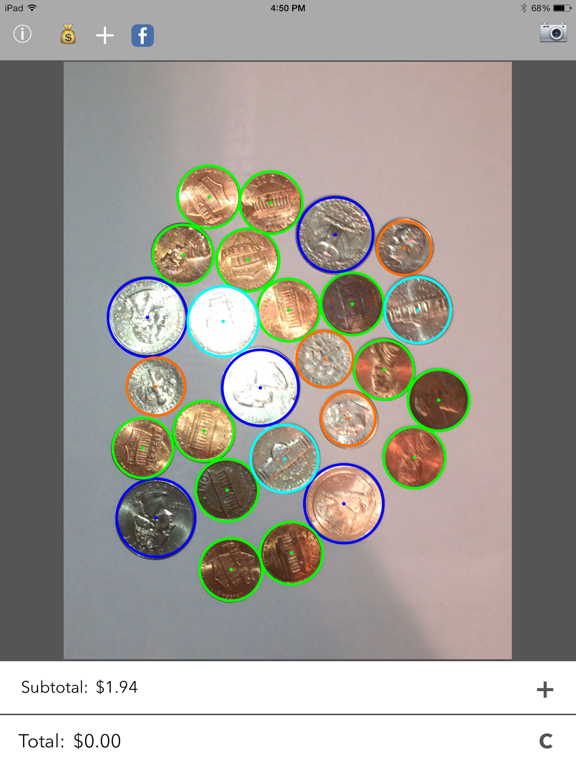
Photocoin turns your camera into a coin counter. Spread your loose change on a flat surface, take one photo, and Photocoin finds every coin, identifies each denomination, and adds up the total for you.
No more sorting change into piles or tapping numbers into a calculator. Point, shoot, and get your total.
HOW IT WORKS
1. Place your coins on a flat surface (a sheet of white paper works best).
2. Hold your device flat over the coins. The label turns green when you are steady, and Photocoin snaps the photo automatically.
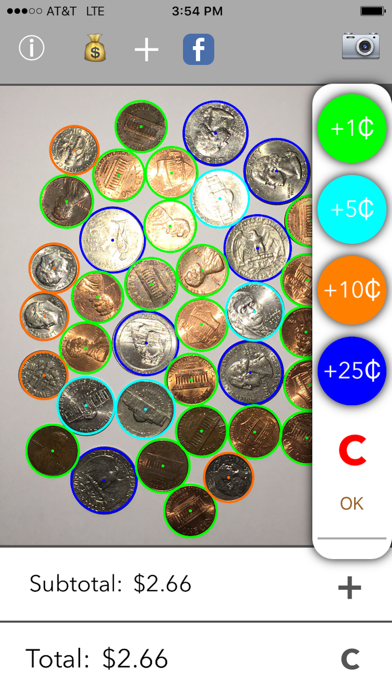
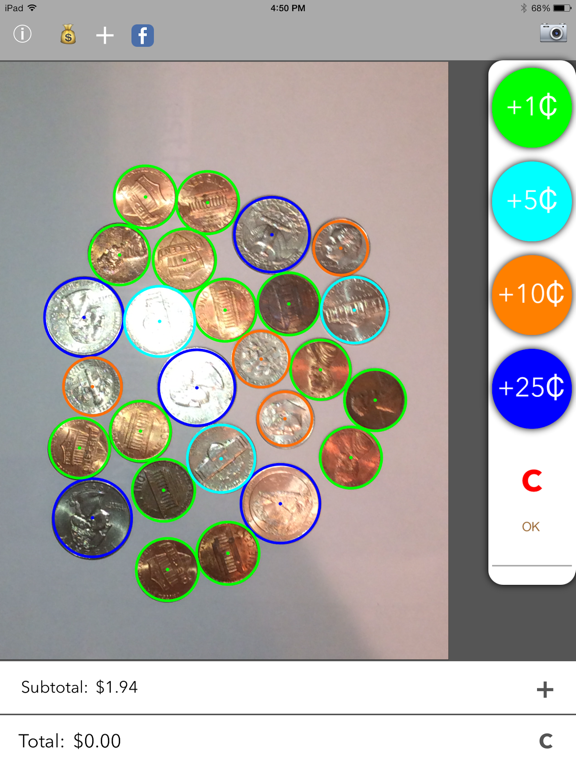
3. Tap the denomination of the highlighted coin so Photocoin knows the scale.
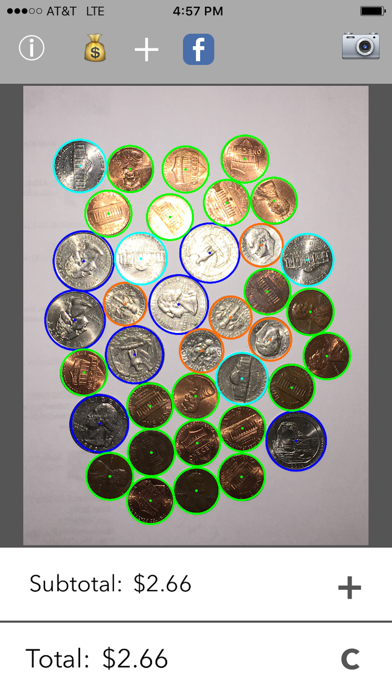
4. See your results instantly, with every coin circled and color-coded: green for pennies, turquoise for nickels, orange for dimes, blue for quarters.
WHY YOU'LL LIKE IT
- Fast: one photo counts a whole handful of change.
- Private: all image processing happens right on your device. Your photos never leave your phone.
- Works offline: no account, no internet connection, no per-use fees.
- Color-coded results make it easy to double-check every coin.
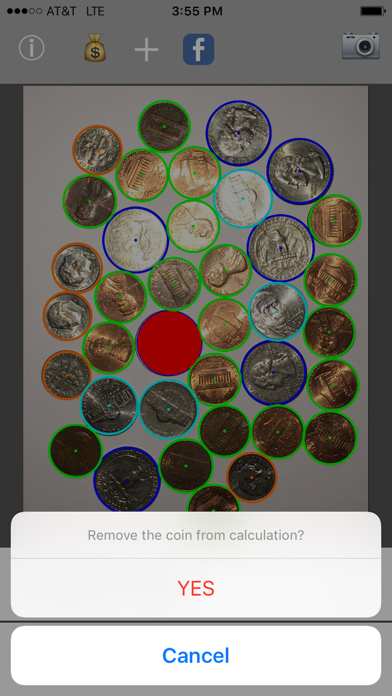
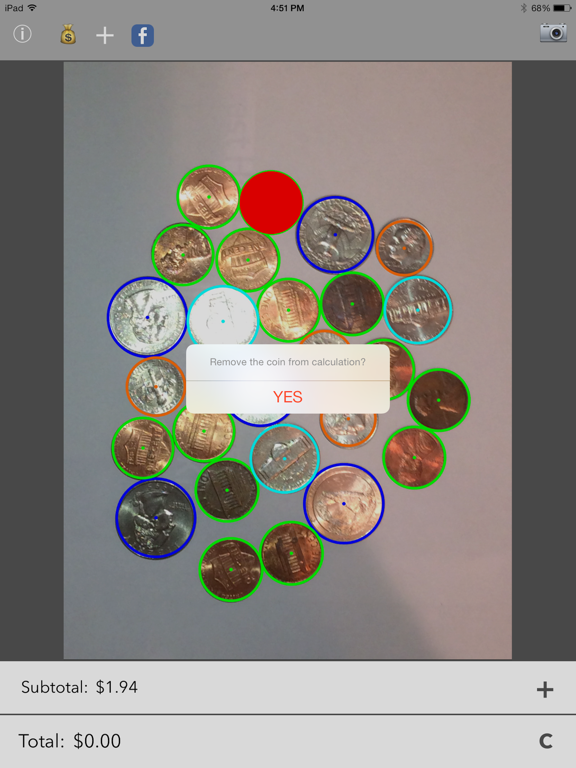
- Add or remove coins by hand if you want to fine-tune the count.
TIPS FOR THE BEST RESULTS
- Use a plain, light background so the coins stand out.
- Spread the coins so they do not overlap. Coins can touch, but overlapping ones hide each other's edges.
- Keep the device flat and steady, and make sure the whole group is in frame.
Great for counting jars of change, teaching kids about money, or just clearing out your pockets at the end of the day.
Note: Photocoin recognizes United States coins (pennies, nickels, dimes, and quarters). Counting accuracy depends on photo quality and good separation between coins.
Quoi de neuf dans la dernière version ?
Improved coin detection across the full frame, automatic photo capture when the device is held flat and steady, more reliable penny and dime distinction, and stability fixes.