iPhoneAddict Apps
  • Actualités
  • Accueil Apps
  • iPhone
  • iPad
  • Universelles
  • Mac
  • Apple TV
KG KultureGeek
App
iPhone / iPad Télécharger iAddict v5 Mac Télécharger iAddict Mac
  • Actualités
  • Accueil Apps
  • iPhone
  • iPad
  • Universelles
  • Mac
  • Apple TV
  • Archives keynotes
  • Firmwares & iTunes
  • Contactez-nous
  • Comparateur de prix
  • KultureGeek
Accueil » Liste des Apps » Apps Universelles » Utilitaires » Pickster
L'application n'est plus disponible sur l'App Store français
2.5.6 iOS €Gratuit Tom Soderling 4 1 Pickster is a simple little app to help you pick names randomly from a collection - just like drawing names out of a hat, but with less paper... and hats. New in version 2.5: • New screen-shot friendly winner page! Now you can show everyone the...
Pickster

Pickster

iOS Universel / Utilitaires

Gratuit
Obtenir sur l'App Store
Facebook X E-mail

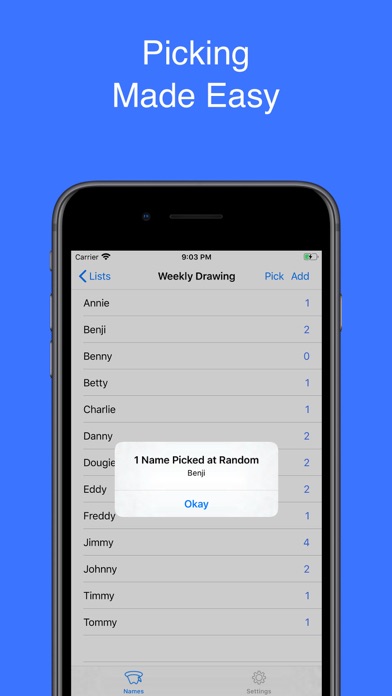
Pickster is a simple little app to help you pick names randomly from a collection - just like drawing names out of a hat, but with less paper... and hats.

New in version 2.5:
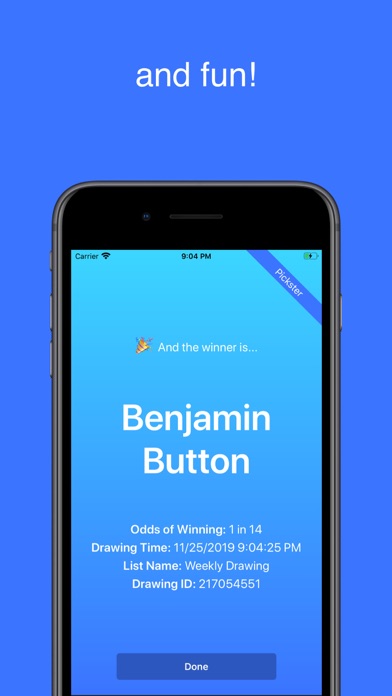
• New screen-shot friendly winner page! Now you can show everyone the result of the drawing with some fanfare, and without displaying everyone else's name in the list. Switch it on per list in the Settings page

Other Features:
• Easily increment the number of entries for each name just by tapping on it
• Chose how many unique names are picked
• Auto-alphabetize the names list, or do your own custom ordering
• Handy swipe actions to copy a list, and clear or delete an entry
• Choose from two drawing modes:
• Natural Drawing Mode (default). When a name is picked, remove one of its entries from the hat
• Original Drawing Mode. When a name is picked, its number of entries stays the same
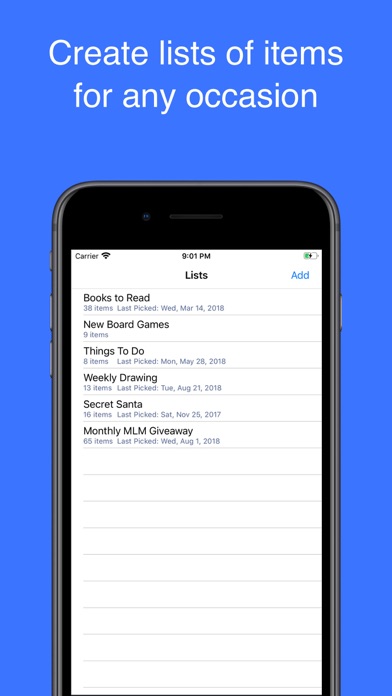
• Multiple Lists - Enable this feature through a one time in-app purchase and you'll be able to create as many lists as you want
• Paste in text as a new list! Copy names to your phone's clipboard with commas, tabs, or newline characters separating each name. Tap the Add button, name the list, and tap the Paste button to import all the copied names into the list. Each name will receive 1 entry.
• Make copies of existing lists just by swiping to the left and tapping the Copy button
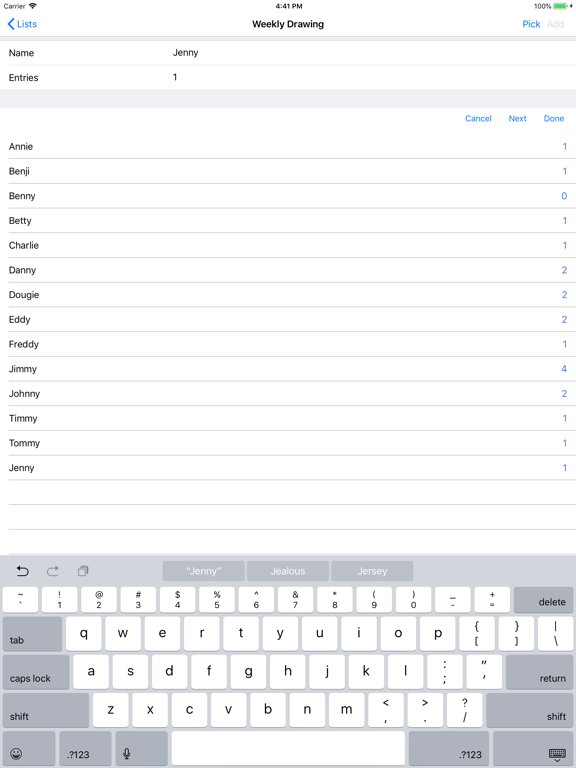
• Quick Add Widget makes entering names fast and easy. It automatically checks for duplicate names in the list as you type
• iPad support
• Still ad-free as always!

Need more help? Visit our How To guides at https://picksterapp.weebly.com/help.html

En voir plus...

Quoi de neuf dans la dernière version ?

Fix for intermittent crash
  • Screenshot #1 pour Pickster
  • Screenshot #2 pour Pickster
  • Screenshot #3 pour Pickster
  • Screenshot #4 pour Pickster
  • Screenshot #5 pour Pickster
  • Screenshot #6 pour Pickster

Note

(1 notes)

Détails sur l'application

Version
2.5.6
Taille
99.2 Mo
Version minimum d'iOS
9.0
Dernière mise à jour
23/11/2020
Publié par
Tom Soderling

Newsletter App Store

Recevez chaque jour les meilleures promos

Actualité Apple

Image Apple Vision Pro : une nouvelle fuite dans macOS relance la piste d’un nouveau modèle
Apple Vision Pro : une nouvelle fuite dans macOS relance la piste d’un nouveau modèle
Image Steve Jobs : son projet scientifique de collège est mis aux enchères !
Steve Jobs : son projet scientifique de collège est mis aux enchères !
Image Le hub domotique d’Apple supportera des widgets liés à l’iPhone
Le hub domotique d’Apple supportera des widgets liés à l’iPhone
Image AirPods avec caméras : ce serait plutôt des modèles Pro qu’Ultra
AirPods avec caméras : ce serait plutôt des modèles Pro qu’Ultra
iPhoneAddict Apps

Le catalogue iPhoneAddict pour suivre les nouveautés, mises à jour et baisses de prix de l’App Store.

Apps

Toutes les apps iOS iPhone iPad Universelles Mac Apple TV

iPhoneAddict

Actualité Apple Archives keynotes Contact À propos KultureGeek

Suivez-nous

©2009-2026 i2CMedia. Tous droits réservés.