PocketCam
iOS Universel / Utilitaires
**UPDATE** PocketCam now supports audio! Support for FaceTime, iChat/Messages on macs added!
** YouTube Video: http://www.youtube.com/watch?v=A69c4HHok3U
** IMPORTANT ** Please turn off Bluetooth on the device (Settings->General->Bluetooth) before using PocketCam. Otherwise, you may experience frame drops/freeze.
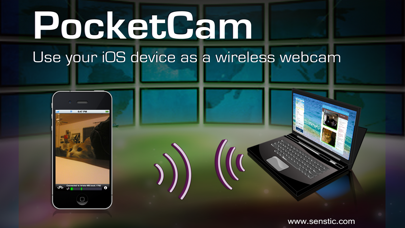
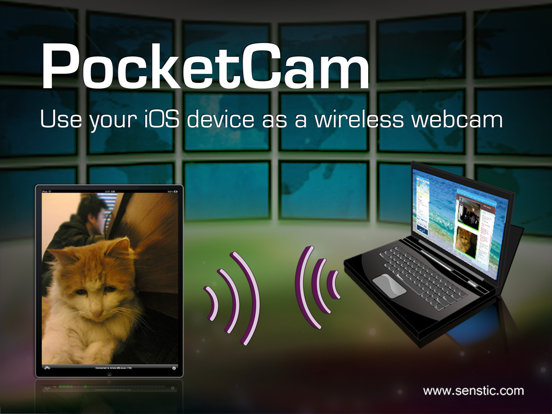
Why paying for an expensive webcam when you can use your awesome iOS device for video conference? Better yet, your iOS webcam is wireless! Now you can use your iOS device to show around your house/apartment on your favorite webcam applications such as FaceTime, iChat/Messages, Windows Live or Skype.
PocketCam lets you use your iPhone/iPod Touch/iPad as a wireless webcam (and microphone!) for your Windows-based computer or Mac (OS X 10.7 or above). PocketCam automatically forwards video captured by your iOS camera, which can then be used as if they come from a virtual webcam.
PocketCam works with any Windows-based webcam or video conferencing applications, including instant message applications such as MSN Live Messenger, Skype, AIM, etc. For Mac users, PocketCam works with any Mac applications that use QuickTime for video capturing, including FaceTime, iChat/Messages, GTalk, Skype and aMSN.
You can even record the live video from your iOS cam using a webcam recorder such as QuickTime Pro.
INSTRUCTIONS:
1. If you have not already done so, download and install the PocketControl for Windows or Mac software from our website: http://www.senstic.com/iPhone/PocketCam/PocketCam.aspx
2. On Windows, run PocketControl for Windows and make sure the PocketCam service is running on your computer. On Mac, run PocketControl, and run any application that uses webcam and select PocketCam as your preferred webcam.
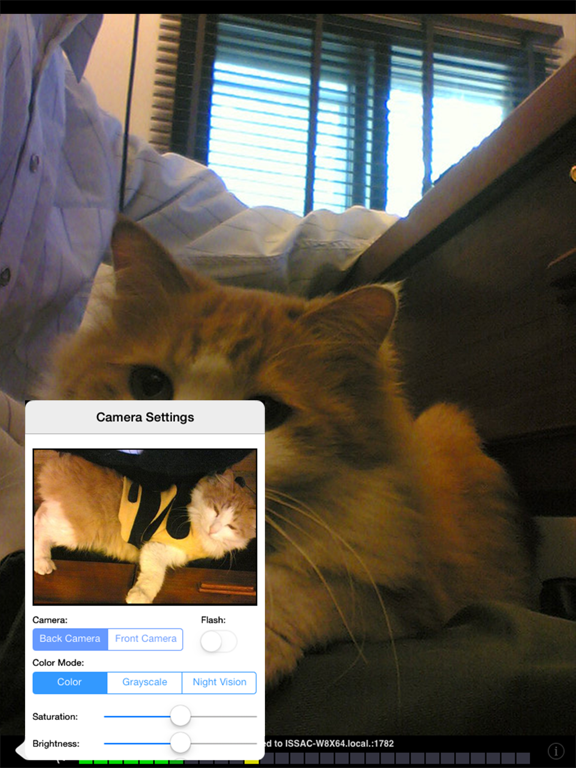
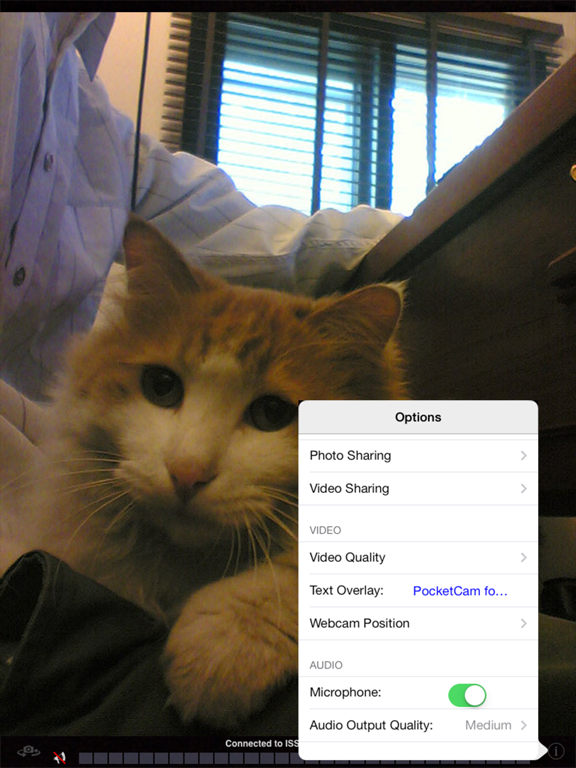
3. Start PocketCam on iOS device, and the app will automatically connect to your computer. The bottom of your iOS screen should display "Connected to your_computer_name:port."
4. Start any program on your computer that uses webcam, and select "PocketCam" as your virtual webcam.
Enjoy live feed from your iOS camera as your webcam source!
Step-by-step instructions can be found at http://www.senstic.com/iphone/pocketcam/Support.aspx
LIMITATIONS:
1. Currently, PocketCam supports Windows XP/Vista/7/8, Mac OS X 10.7 (Lion) or above.
2. There is a half second delay before the images are shown up on the computer.
*** If you have problem getting PocketCam to work, please contact us at support@senstic.com, and we will help you fix the problem.
Quoi de neuf dans la dernière version ?
This app has been updated by Apple to display the Apple Watch app icon.
Update for newer devices.