RehabKit
iOS Universel / Utilitaires
RehabKit – Precision Tools for Rehab & Performance
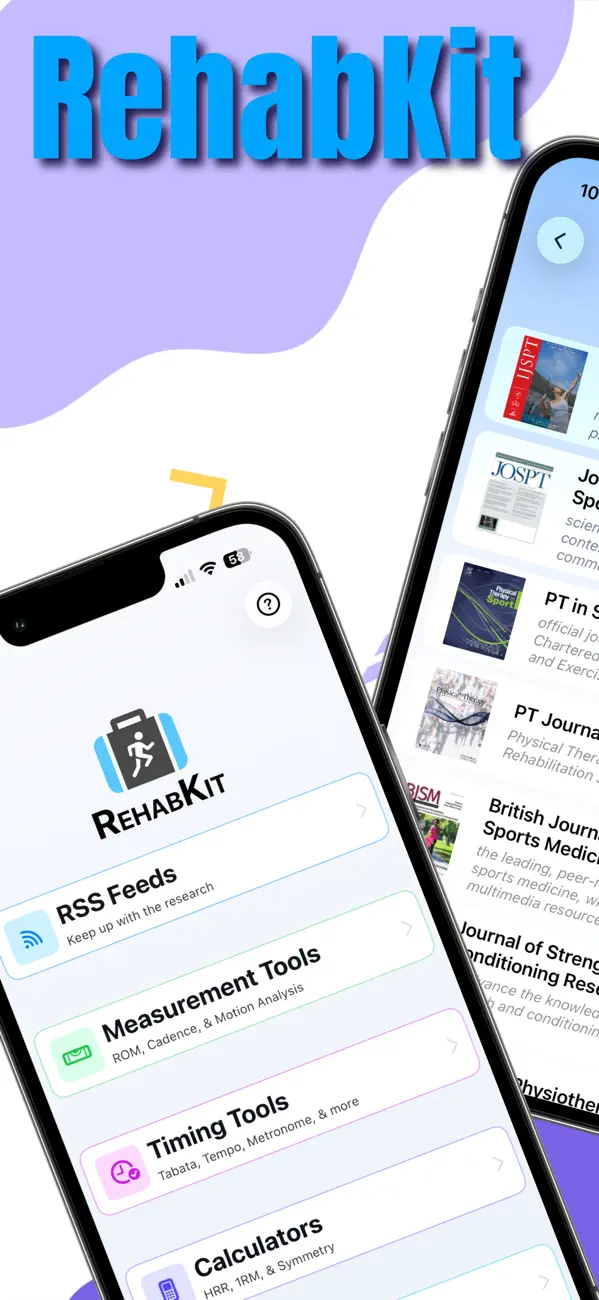
RehabKit is a comprehensive toolkit built for physical therapists, athletic trainers, strength coaches, and performance professionals. Designed for real-world use, it brings together timing, measurement, analysis, clinical calculators, and research - all in one seamless workflow.
Whether you’re in the clinic, on the field, or in the gym, RehabKit helps you move faster from assessment to action with precision and confidence.
All the Tools You Need. One App.
Timing Tools for Real Training Flow
Tempo, Tabata, EMOM, Metronome, Timer, and Playlist tools give you complete control over session structure.
- Audio cues, haptics, and voice support
- Live Activities (Dynamic Island + Lock Screen)
- Background execution so your session never stops
- Fast setup with saved preferences
- Wirelessly transfer Playlists to/from your clients
Measurement & Motion Analysis
Turn your device into a powerful assessment tool.
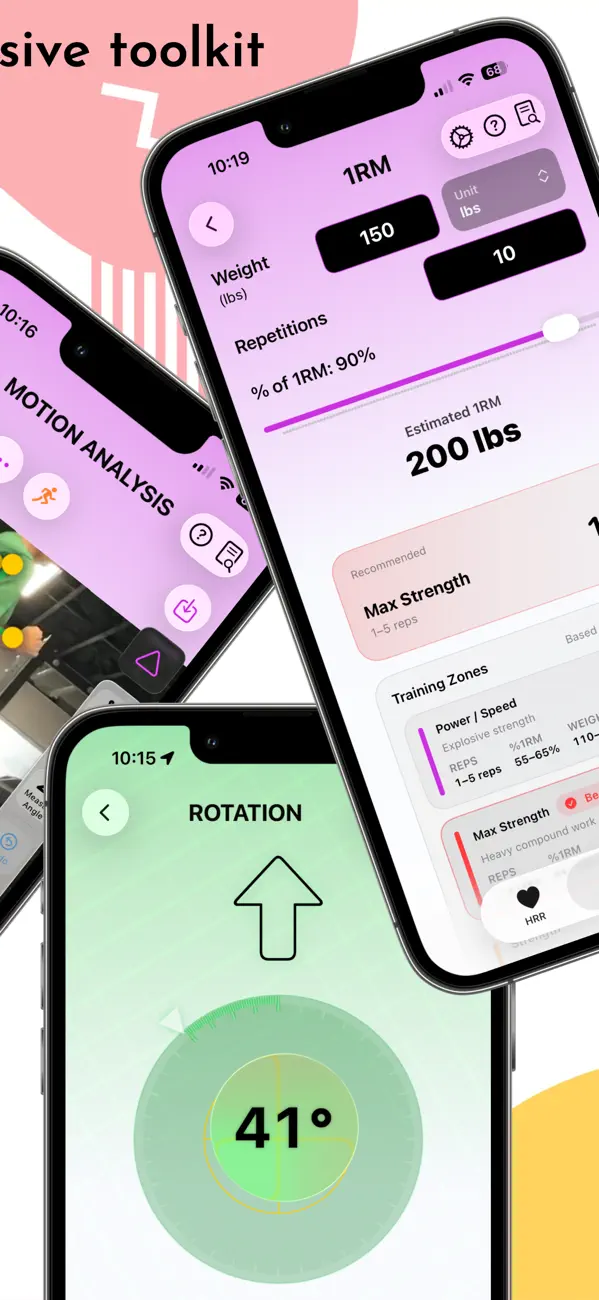
- Inclinometer (digital goniometer)
- Rotation (multi-axis movement tracking)
- Cadence (real-time step rate)
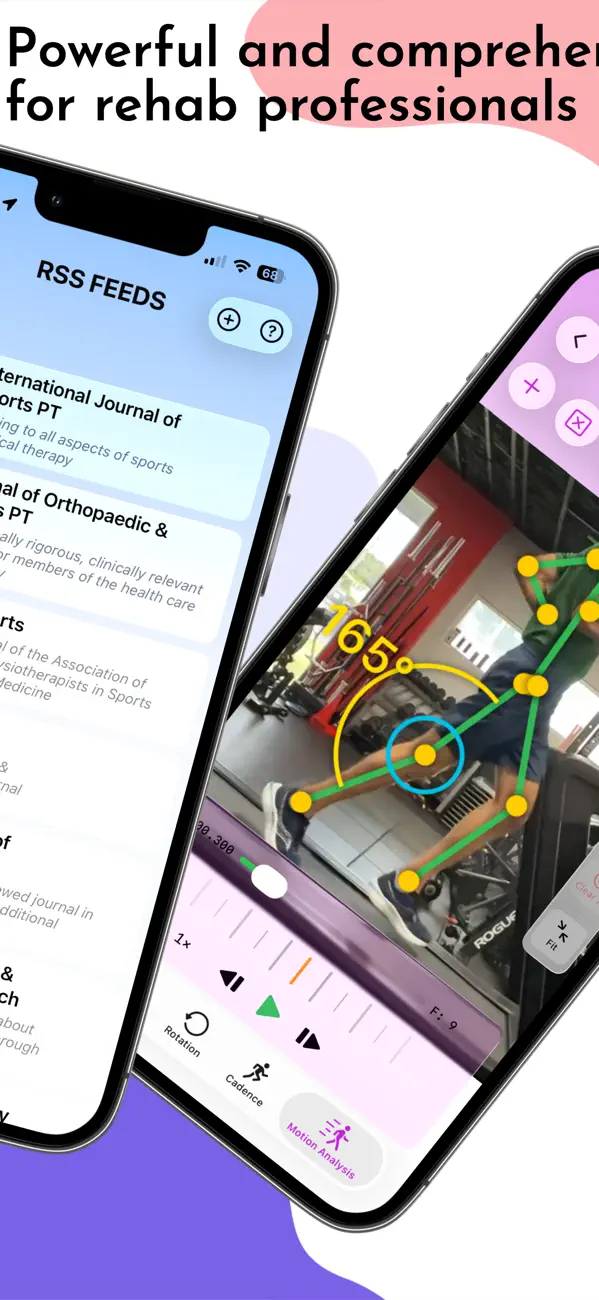
- Motion Analysis with video + pose detection
Capture objective data where it matters most.
Clinical Calculators
Fast, repeatable calculations designed for real sessions:
- Heart Rate Reserve (HRR) training zones
- One-Rep Max (1RM) predictions (multiple formulas)
- Recovery analysis
- Limb symmetry comparisons
Research That Stays Relevant
Stay current without extra effort.
- Curated feeds from leading rehab journals (JOSPT, BJSM, AJSM, and more)
- Article summaries with images
- Offline access for use anywhere
Clinical Resources Built In
Access evidence-based care instantly:
- Clinical Practice Guidelines (CPGs) with summaries
- Clinical Prediction Rules (CPRs)
- Built-in viewers with fast navigation
No switching apps. No lost time.
Designed for How You Actually Work
- Clean, fast navigation across all tools
- Deep linking for instant access (even from widgets)
- Customizable settings, audio, and feedback
- Guided onboarding with in-app tutorials
- Built for real sessions - not just demos
Built on a Professional Foundation
RehabKit is engineered with modern iOS frameworks for reliability and performance:
- Sensor-driven measurement tools (CoreMotion)
- High-precision audio timing engine
- Real-time video analysis
- Seamless subscription and trial experience
Free Trial
Download RehabKit and explore all features with a limited free trial before subscribing.
Subscription Options
Unlock full access with flexible options:
- Monthly
- Yearly
- One-time purchase
Subscriptions include:
- Ongoing updates and enhancements
- Access to new tools as they are released
- Performance improvements and fixes
Subscription Details
- Payment will be charged to your Apple ID account at confirmation of purchase
- Subscription automatically renews unless auto-renew is turned off at least 24 hours before the end of the current period
- Your account will be charged for renewal within 24 hours prior to the end of the current period
- You can manage subscriptions in your Account Settings after purchase
- Any unused portion of a free trial will be forfeited upon subscription purchase
EULA/Terms of Use: http://www.apple.com/legal/itunes/appstore/dev/stdeula
Privacy Policy: https://rehabkit.app/app-privacy-policy
RehabKit isn’t just a collection of tools—it’s a complete system for modern rehab and performance.
Measure better. Move faster. Deliver results.
Medical Disclaimer
In addition to using this app, always consult with a physician or qualified healthcare provider before making medical decisions.
Quoi de neuf dans la dernière version ?
New: Search your CPGs and CPRs
Instantly find any clinical practice guideline or prediction rule by name, region, or keyword — even with typos.
New: Flexible workout reminders: Set your goal and preferred times, and we'll nudge you at just the right moments — only when you're falling behind, never nagging.
Improved: Adding photos and videos
Attaching media to a playlist exercise is simpler now — just choose Camera, Photo Library, or Files, and we'll figure out whether it's a photo or a video.
Improved: Home screen
A refreshed layout puts your most-used tools front and center, with quick access to recently used items.
Fixed: Various smaller improvements to navigation and stability.