Emlid Flow
iOS Universel / Utilitaires
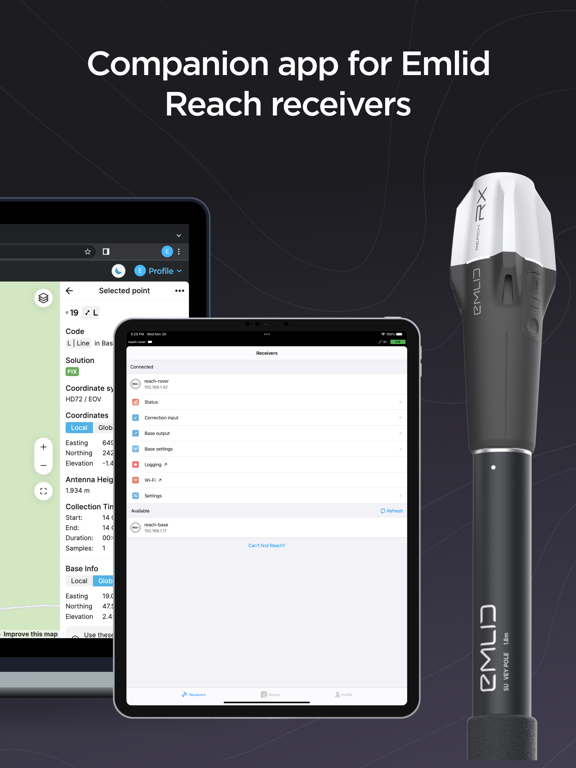
Emlid Flow is a companion app for Emlid Reach receivers, designed to manage devices and handle all your positioning tasks in one place.
The app has Free and Pro plans for a wide range of applications, from ground control point collection to topographic mapping and earthworks.
What you get with the free version:
- Full control of your receivers: set up base and rover, update, configure RTK and PPK.
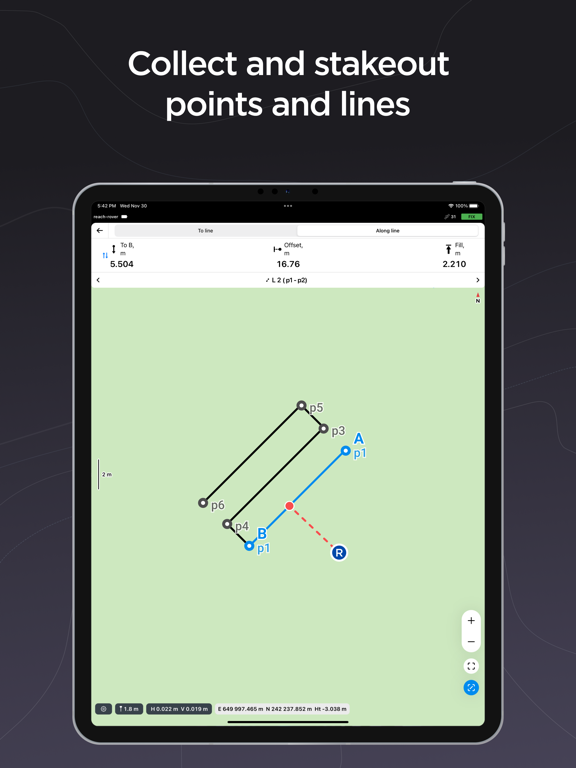
- Point collection and stakeout.
- Import/Export CSV, DXF, KML, or Shapefile files.
- Built-in coordinate system library with over 1000 systems.
- Ability to create custom coordinate systems.
- Base shift.
- Cloud sync with Emlid Flow 360.
- Team collaboration with up to 10 members.
Emlid Flow 360 is the web platform where you can access all data from the app and vice versa! Sync works instantly, allowing you to prepare, manage, and export projects in the office without manual file transfers and even with the receiver at hand.
For more advanced survey workflows, Emlid Flow offers Pro Plan:
- Collect and stakeout lines and polygons.
- Stakeout reports and collect rules for accuracy control.
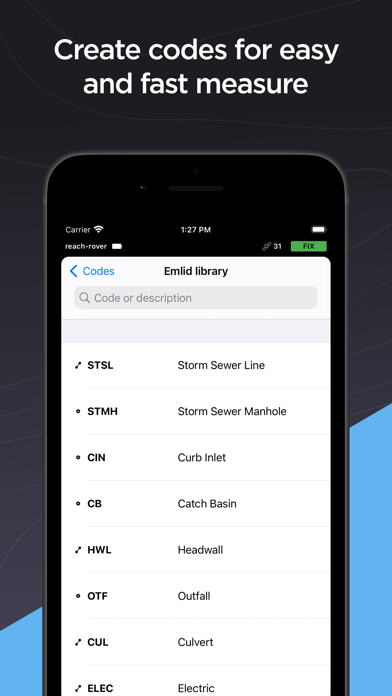
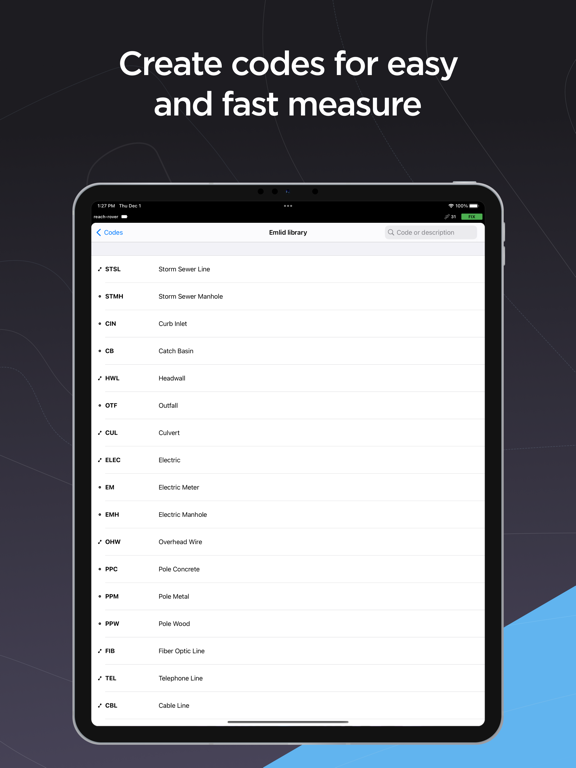
- Survey codes to better differentiate data.
- DTM support.
- Auto collection tool to free your hands.
- Inverse & Traverse for geometry calculations.
- Team collaboration with an unlimited number of members.
And much more with continuous updates! Try Pro Plan with a 30-day trial available on all platforms.
Terms of use: https://emlid.com/legal/#apps-terms
Privacy Policy: https://emlid.com/legal/#privacy
Quoi de neuf dans la dernière version ?
• Minor fixes and visual improvements.