SeeNSpeak
iOS Universel / Utilitaires
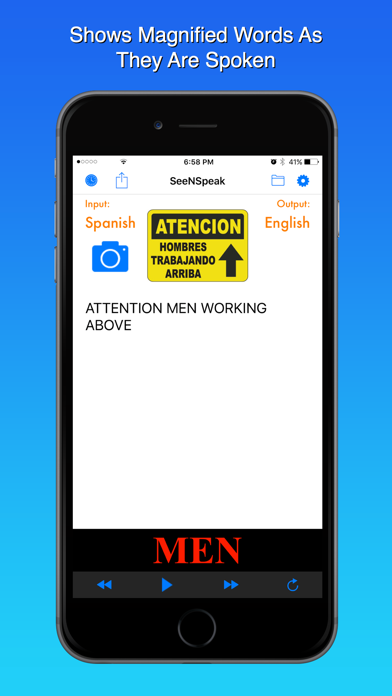
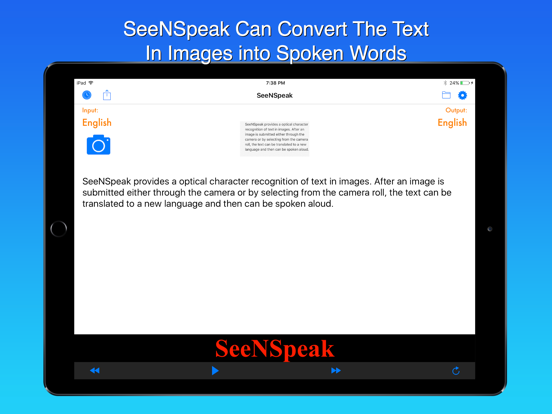
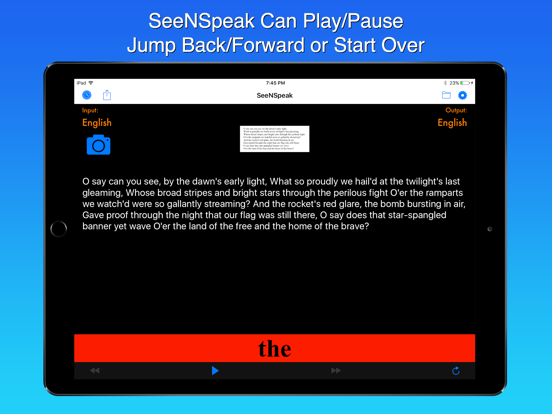
SeeNSpeak is an easy and straightforward to use tool that can read aloud the text from captured images of books, magazines, signs, bottles, or any object with text. You can also translate the captured text to a large selection of target languages. SeeNSpeak is very useful to those with vision impairments, people just learning a new language (young and old), or those people traveling in a foreign country.
FEATURES:
• Recognizes text from images in just a few seconds with a single tap
• Highlights words being spoken in large easy to see format
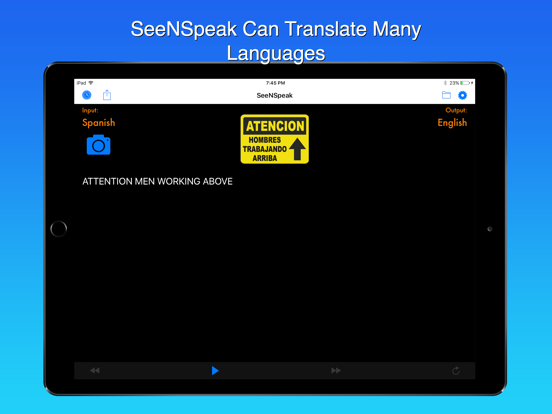
• Translates to over 25 languages
• Optimized for the vision impaired
• Supports Voice Over
• Simple and easy to use interface
• Import images from camera roll
• Save images to camera roll
• Choose speaking voices - including those added for each new release of iOS
• Stores results in history that can be recalled at any time
• Search for results from history
• Export images and text to email, text messages, and social media
• Save results to Notes
• Supports older versions of iOS
• Compatible with iPad and iPhone
With a straightforward and intuitive interface, SeeNSpeak was designed for simple operation but with powerful features. Make learning to read fun to your kids again by having their own books speak to them. Helpful to teachers and students who can translate small or large amounts of text in an instant. For those individuals with vision impairments, SeeNSpeak provides a tool to assist in everyday tasks such as reading a menu or reading a magazine article. For those who travel, you can translate street signs, postings in public buildings or local travel guides.
Supported recognition languages:
• Arabic
• Czech
• Danish
• Dutch
• English
• Finnish
• French
• German
• Greek
• Hungarian
• Italian
• Japanese
• Korean
• Norwegian
• Polish
• Portuguese
• Russian
• Spanish
• Swedish
• Turkish
Supported translation languages:
• Arabic
• Chinese
• Czech
• Danish
• Dutch
• English
• Finnish
• French
• German
• Greek
• Hebrew
• Hindi
• Hungarian
• Indonesian
• Italian
• Japanese
• Korean
• Norwegian
• Polish
• Portuguese
• Romanian
• Russian
• Slovak
• Spanish
• Swedish
• Thai
• Turkish
Quoi de neuf dans la dernière version ?
In App purchases and Credits are no longer required.
On-Device support for image-to-text and translation (i.e. no network required)