Sierra Wireless Site Survey
iOS Universel / Utilitaires
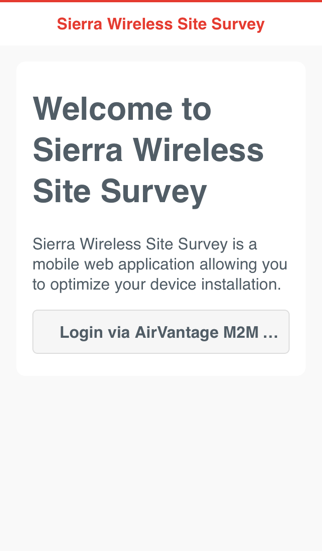
Pinpoint the best location for your ES440 within your site.
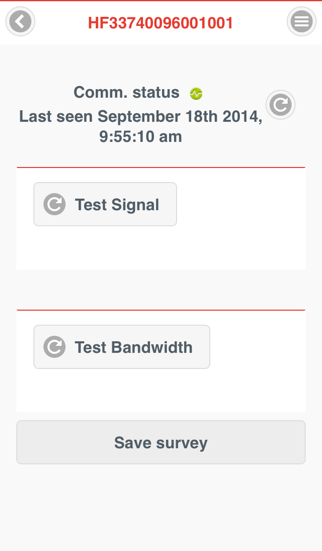
1- Place your ES440 in a candidate location.
2- Search for the device you want to work with by its serial number.
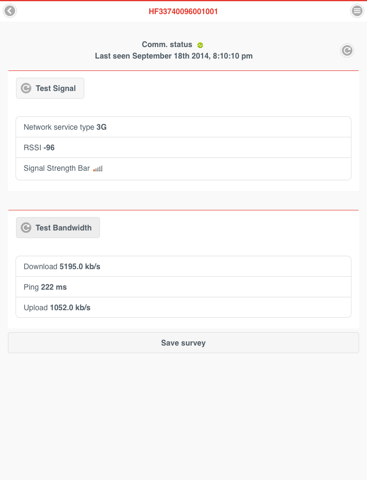
3- Launch the Signal and Bandwidth tests.
4- Save your survey providing a comment.
5- Change the ES440 location, test and save.
6- Compare your surveys by clicking on the top right icon.
En voir plus...
Quoi de neuf dans la dernière version ?
This app has been updated by Apple to display the Apple Watch app icon.
Minor improvements.