SplitMap - Compare and Measure
iOS Universel / Utilitaires
Measure and compare anything on a map with precision tools designed for speed and accuracy.
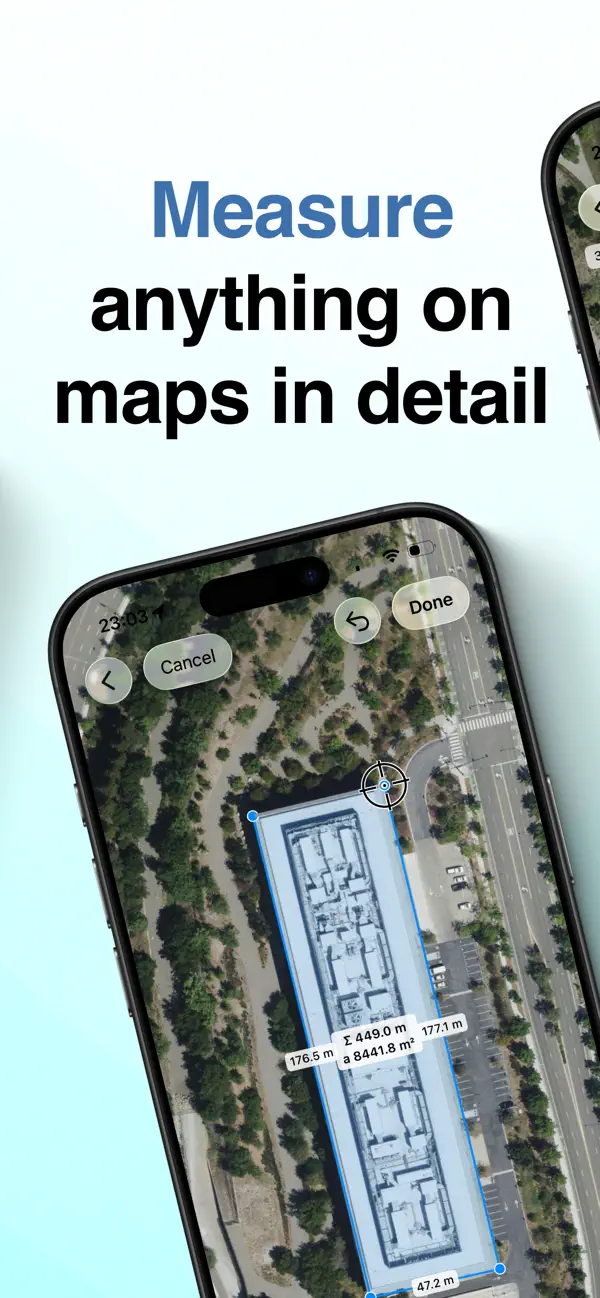
MEASURE WITH CONFIDENCE
Place points exactly where they belong using the precision crosshair. Draw lines to measure distances, circles for radius calculations, and custom polygons to calculate surface areas. Every measurement is accurate down to the details.
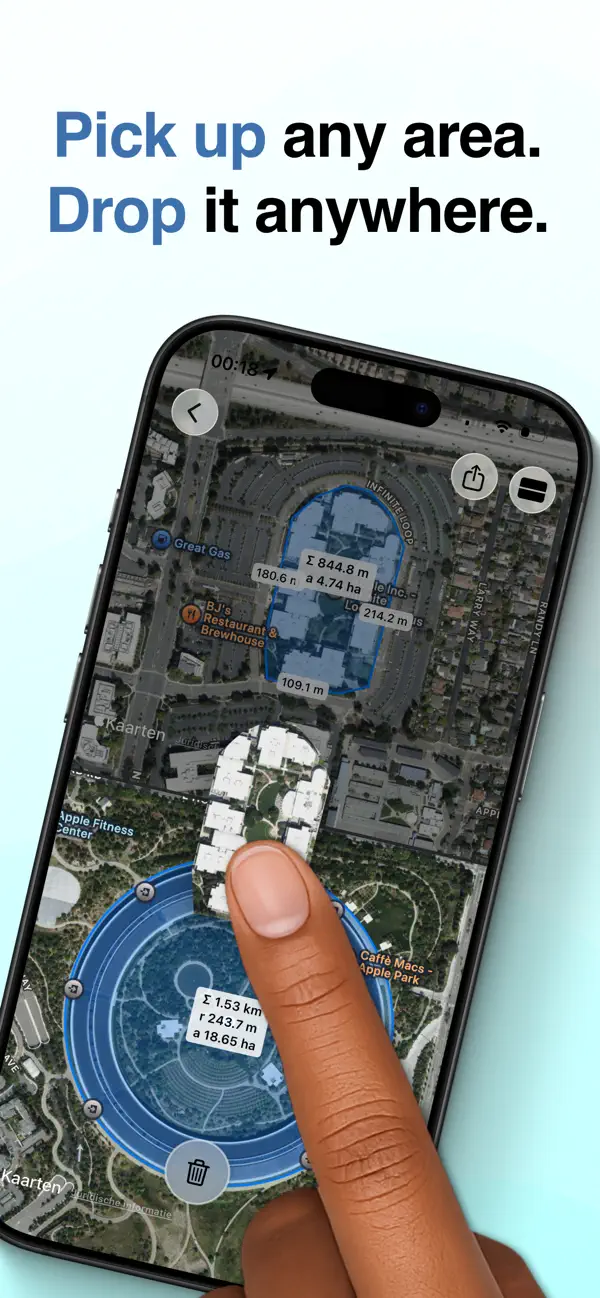
PICK UP AND PLACE AREAS — ANYWHERE
Turn measurements into movable objects. Press and hold any drawn area to lift it, then drag a copy to a new location. Drop it elsewhere on the same map — or onto a second map showing a completely different place in the world.
Instantly see if a park fits inside a city block, compare property sizes across continents, or test how a landmark would scale somewhere else. No other map app lets you move measured areas this freely.
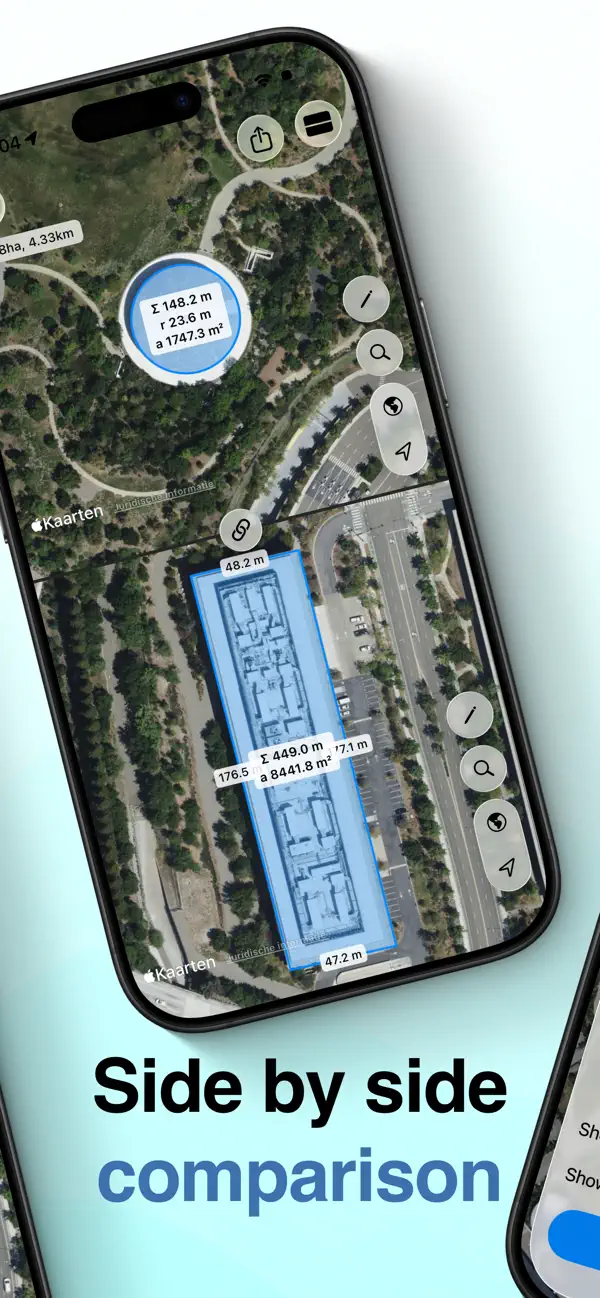
SIDE-BY-SIDE COMPARISON
Open two maps simultaneously and compare locations directly. Move shapes between maps, test ideas visually, and evaluate alternatives — all without switching views.
SEAMLESS WORKFLOW
Export your measurements as images or GeoJSON files to continue working in other apps and professional tools. Your data goes where you need it.
SYNC ACROSS DEVICES
Use SplitMap on iPhone and iPad with a single purchase. Your locations and measurements sync automatically, so you can start on one device and pick up on another.
BUILT FOR EVERYONE
• Supports metric and imperial units
• Available in 11 languages
• Adapts naturally to any screen size
Whether you’re planning a project, researching property boundaries, comparing hiking trails, or simply exploring the world, SplitMap gives you the tools to measure — and reposition — what matters.
Quoi de neuf dans la dernière version ?
New: Move measured areas anywhere
You can now press and hold any drawn area to pick it up and drag a copy to another location — even to a second map showing a different place in the world.
Instantly compare sizes across cities, countries, or continents. Test if something fits somewhere else without redrawing it.
This is a unique SplitMap feature, and a powerful new way to compare spaces visually.