Symbolic Setup
iOS Universel / Utilitaires
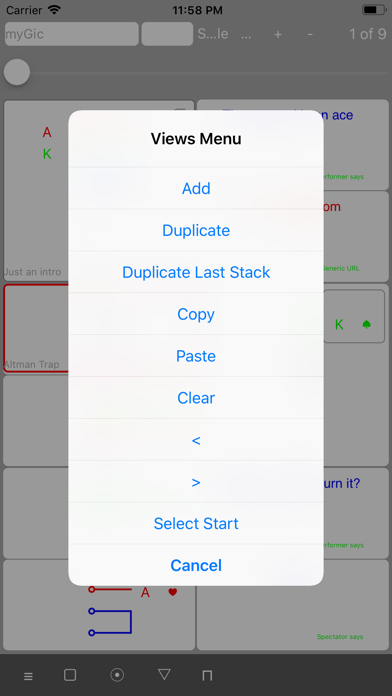
1. The 'Acoustic Symbols' option is added under the 'Views Menu'. The new capability serves as a freestyle input option for Stack Views, Action Views and Text Views. 'Acoustic Symbols' is intended as a fast way to initialize symbolic documents. Verbose, acoustic input and even text sequences obtained by OCR, optical character recognition, can be symbolized, thus providing a new unprecedented way for Close-Up magicians to create symbolic notation from books and publications. Imagine you scan the set-up description of a book using your iPhone camera and a few seconds later the set-up is rendered in sybolic notation on the app.
These languages are supported: english, spanish, french, italian, german, and japanese.
The freestyle input can be either
- typed by keyboard,
- pasted from the Clipboard,
- obtained from a selected Text View
- dictated over voice using the iOS Dictate feature by tapping the microphone icon on the lower right corner of the virtual keyboard.
The option to paste from Clipboard or from selected Text Views is very powerful in combination with OCR text generators. Initializing stacks in this manner is fast.
To give an example, you will be able to symbolize multilingual card and action sequences such as 'five of clubs in red, face-up Joker, and the deck in green colour', 'el cinco de trébloles en color rojo, おもて ジョーカー, e il mazzo verde'.
Find a detailed description in the context help for the 'Acoustic Symbols' option.
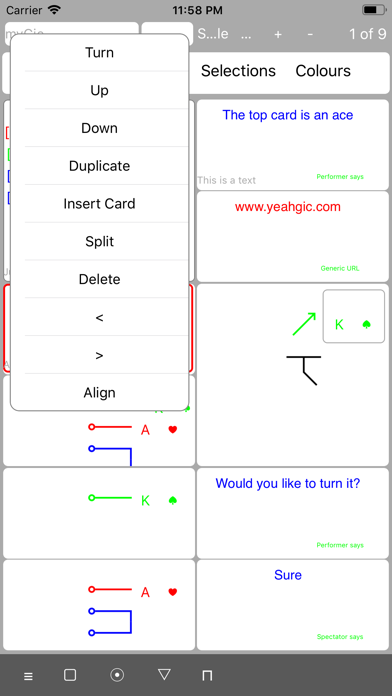
2. The 'Copy Text' option is added under the 'Slot' dropdown. The new capability allows to copy text directly to Clipboard.
Quoi de neuf dans la dernière version ?
1. The new 'Acoustic Symbols' option is added under the 'Views Menu'. 'Acoustic Symbols' serves as a freestyle input option for Stack Views, Action Views, and Text Views. Verbose, acoustic input - and even text sequences obtained by OCR, optical character recognition - get automatically symbolized, providing new unprecedented ways for Close-Up magicians to create symbolic notation from books and publications. Imagine you scan the set-up description of a text using your iPhone camera and a few seconds later the printed card sequence is rendered into symbolic notation.
These languages are supported: english, spanish, french, italian, german, and japanese.
The freestyle input can be either
- typed by keyboard,
- pasted from the Clipboard,
- obtained from a selected Text View
- dictated over voice using the iOS Dictate feature by tapping the microphone icon on the lower right corner of the virtual keyboard.
The option to paste from Clipboard or from selected Text Views is very powerful in combination with OCR text generators. Initializing stacks in this manner is fast.
To give an example, you will be able to symbolize multilingual card and action sequences such as 'five of clubs in red, face-up Joker, and the deck in green colour', 'el cinco de trébloles en color rojo, おもて ジョーカー, e il mazzo verde'.
Find a detailed description in the context help for the 'Acoustic Symbols' option.
2. The new 'Copy Text' option is added under the 'Slot' dropdown. 'Copy Text' allows to copy text directly to Clipboard.