The Unlimited Scanner
iOS Universel / Utilitaires
This application is used to scan your documents and save it securely.
Application is password protected, so you can keep safe all of your documents.
Place any document in front of your device’s camera: our scanner app automatically recognizes the paper against the background, crops it, and cleans up the result. You obtain a crisp, legible scan. Batch scanning lets you scan dozens of pages in a matter of seconds. Powerful tools help you organize, share, or archive your documents.
“Camera apps aren’t designed for close-up text scanning, but PDFScanner is.” – The Guardian
Features
1. Application required passcode or finger print to open app.
2. Scan document:
- Scan documents through camera or from album.
- Multiple documents allowed.
– User can add custom name to save.
3. List of Folders:
- List of folder are filter based on name.
- Searching is available to search documents by name. - Delete folder
4. List of Documents:
- List of documents are filter based on date.
- Searching is available to search documents by name. - Delete document
5. Share PDF:
- Share ad PDF : Generate PDF with password protection if user want. - Share as a JPG or PNG if single page.
- Mail, print, WhatsApp, etc.
Application work flow:
Lets describe short of application work flow for more clear. In this application,
we have 1st screen is list of documents or list of folders. 1. List of folders or documents:
- Here, you are able to see list of documents and list of folder. Also, you can search any folder or document by clicking on search button. You can short the listing based on alphabetical order or based on creation date.
- Once, you select any folder, you can able to see list of all documents inside that folder.
- By long pressing on any document or any folder, you are able to enable editing mode for list. So, you can delete multiple items by selecting them.
- Also, you can share whole folder by pressing on share icon on folder top right corner.
2. Camera or Library:
- You can select existing document from library or scan new document from camera.
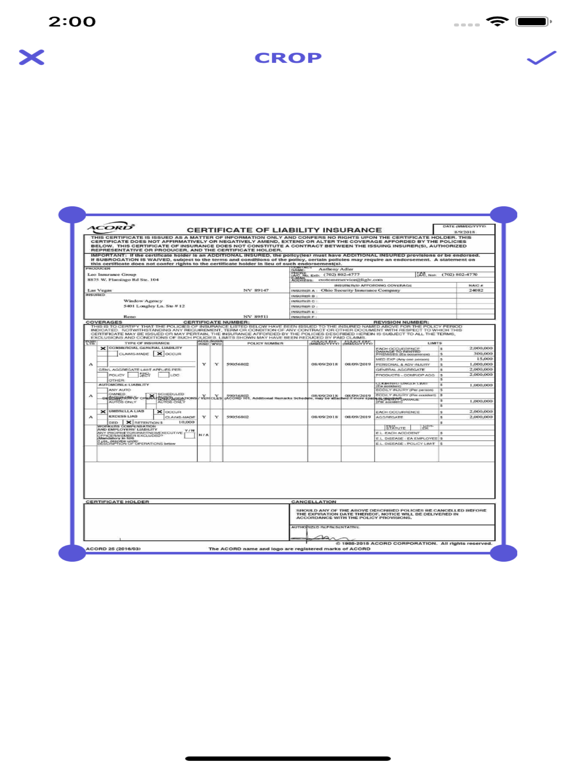
- Scan new document with camera include auto scan feature. Once you place your document on camera, it will auto detect document borders and crop it automatically.
3. Edit:
- Once you select document, then you are able to apply few editing options on that.
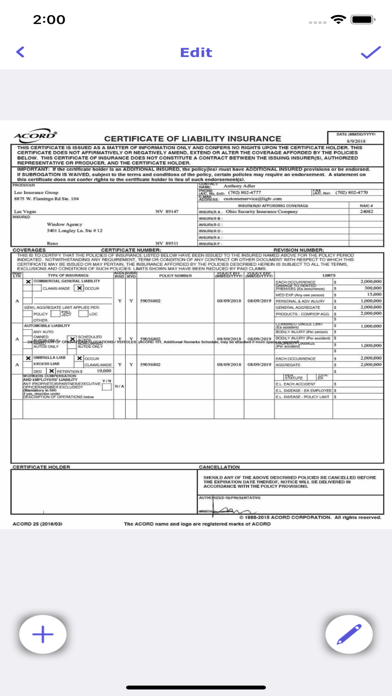
- You can crop, rotate document. Also, you can apply color filters on it.
- Also, you can add multiple pages on document by clicking on plus button.
4. Share:
- Once you done editing and other thing with document, you can share it with mail or other sharing apps.
- If your document contain multiple pages, than you can share it by PDF only. But if you have single page, then you can share by PDF or Image format.
- If you choose PDF format, then we have extra feature. You can add protection on PDF also during share.
5. Setting:
- In settings screen, you can enable, disable password. Also, you can change passcode from here.
Quoi de neuf dans la dernière version ?
Very simple technical issues fixed, old version working fine, update is not mandatory.