iPhoneAddict Apps
  • Actualités
  • Accueil Apps
  • iPhone
  • iPad
  • Universelles
  • Mac
  • Apple TV
KG KultureGeek
App
iPhone / iPad Télécharger iAddict v5 Mac Télécharger iAddict Mac
  • Actualités
  • Accueil Apps
  • iPhone
  • iPad
  • Universelles
  • Mac
  • Apple TV
  • Archives keynotes
  • Firmwares & iTunes
  • Contactez-nous
  • Comparateur de prix
  • KultureGeek
Accueil » Liste des Apps » Apps Universelles » Utilitaires » TracingMat
1.16 iOS €Gratuit Yoko Nishimura 0 0 "Tracing Mat" is an app for using your iPad or iPhone as a light table. After displaying the image you want to copy on the app, place the copy destination paper on it and trace the image that can be seen through under the paper. It is also possible...
TracingMat

TracingMat

iOS Universel / Utilitaires

Gratuit
Obtenir sur l'App Store
Facebook X E-mail

"Tracing Mat" is an app for using your iPad or iPhone as a light table. After displaying the image you want to copy on the app, place the copy destination paper on it and trace the image that can be seen through under the paper.
It is also possible to prepare the manuscript on paper, stack the copy destination paper on it, place it on the screen, and illuminate it from below with this application.

[How to use]
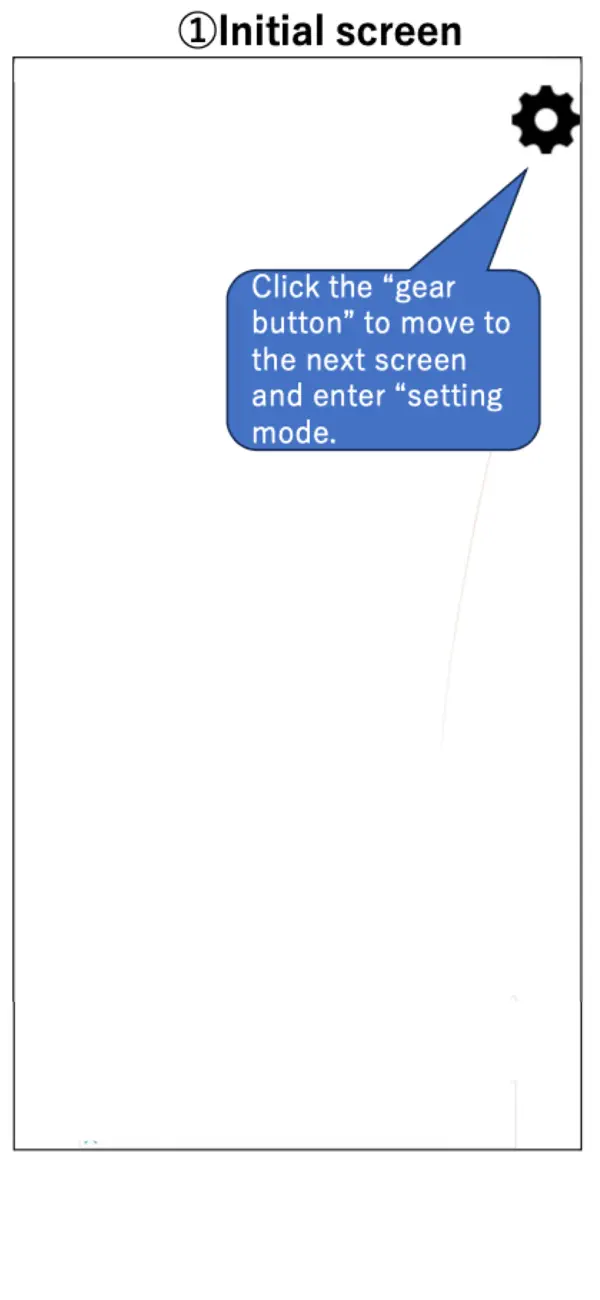
Tap the “gear” button on the upper right to enter the setting mode.
In the setting mode, add the image to be displayed with the “+” button or "Camera" button at the bottom left. You can also add text using the "T" button. Tapping a displayed or text highlights it with a yellow frame; in this state, you can move it by dragging, or zoom in and out using a pinch gesture. Images and text can also be flipped or rotated, while text can be edited or have its styling modified.
The screen brightness can be adjusted with the slider bar at the bottom right.
When you tap the “left arrow” button on the upper left to exit the setting mode, the displayed image will be fixed, so place a piece of paper from the top of the screen and trace it.

[Caution]
- I think it is easier to see the image under the paper if the room is darkened a little.
- Attach a protective film, etc., to prevent the display from being scratched during copying.
- Please use this application at your own risk. We do not take any responsibility for the disadvantage caused by using this application.

En voir plus...

Quoi de neuf dans la dernière version ?

- Updated GMA SDK version (13.6.0)
- Added functionality to add and edit text on the screen (T button)
- Enabled direct input of rotation angles

Note

(0 note)

Détails sur l'application

Version
1.16
Taille
5.2 Mo
Version minimum d'iOS
12.4
Dernière mise à jour
28/06/2026
Publié par
Yoko Nishimura

Newsletter App Store

Recevez chaque jour les meilleures promos

Actualité Apple

Image Foxconn : l’iPhone représente 29 % du chiffre d’affaires, contre la moitié auparavant
Foxconn : l’iPhone représente 29 % du chiffre d’affaires, contre la moitié auparavant
Image Les États-Unis ne veulent pas qu’Apple achète de la RAM chinoise
Les États-Unis ne veulent pas qu’Apple achète de la RAM chinoise
Image Apple retire sa pub polémique avec un enfant et un iPhone en Italie
Apple retire sa pub polémique avec un enfant et un iPhone en Italie
Image L’iPhone Ultra pliable va-t-il résoudre les défauts du Galaxy Z Fold 8 ?
L’iPhone Ultra pliable va-t-il résoudre les défauts du Galaxy Z Fold 8 ?
iPhoneAddict Apps

Le catalogue iPhoneAddict pour suivre les nouveautés, mises à jour et baisses de prix de l’App Store.

Apps

Toutes les apps iOS iPhone iPad Universelles Mac Apple TV

iPhoneAddict

Actualité Apple Archives keynotes Contact À propos KultureGeek

Suivez-nous

©2009-2026 i2CMedia. Tous droits réservés.