• KultureGeek
  • Comparateur de prix
       
iPhoneAddict
 iAddictv5Notre Application iPhone/iPad
  • Accueil Apps
  • Actualité Apple
  • Keynote Apple
  • Firmwares & iTunes
  • Contactez-nous
Accueil » Liste des Apps » Apps Universelles » Utilitaires » TRASAS Admin for International
6.0.0 iOS €Gratuit 京都機械工具株式会社 0 0 The measured value monitoring and preferences setting software for digital measurable tools with Bluetooth wireless connection, such as digital torque wrench, provided by Japanese tool manufacturer KTC. (Kyoto Tool Co., Ltd.) This software can...
TRASAS Admin for International

TRASAS Admin for International

iOS Universel / Utilitaires

Gratuit
Obtenir sur l'App Store

The measured value monitoring and preferences setting software for digital measurable tools with Bluetooth wireless connection, such as digital torque wrench, provided by Japanese tool manufacturer KTC. (Kyoto Tool Co., Ltd.)
This software can display and record measured values in maintenance (assembly / disassembly) work of automobiles, motorcycles, bicycles, machines etc.

********************************************************
The customer shall handle properly while upholding all laws and regulations of the applicable area including the customer's residence and countries where the application is used.
********************************************************

●Function list
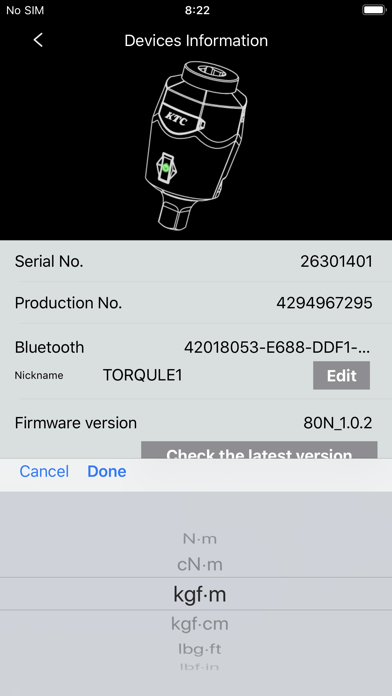
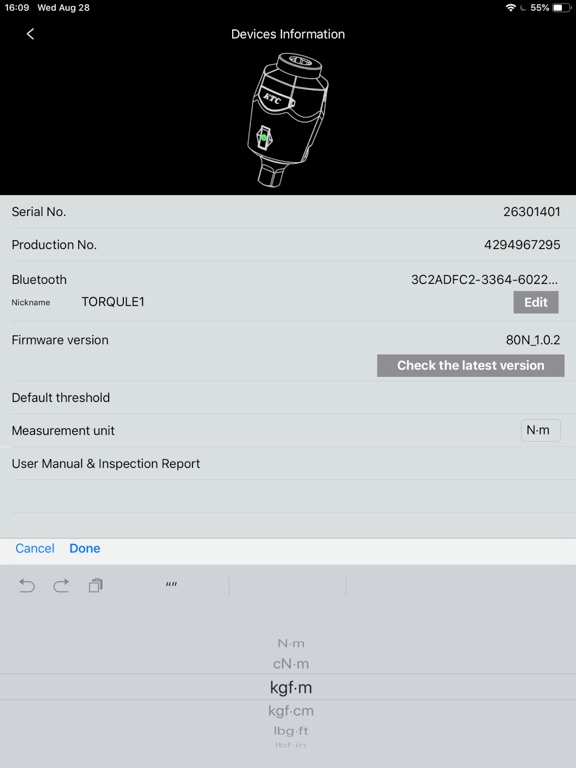
•connection setting for measurable tools
•monitoring numeric values of measurable tool
•indication for measurement value threshold
•recording measured values
•graph of work records of measured value
•unit switching

●Supported tools
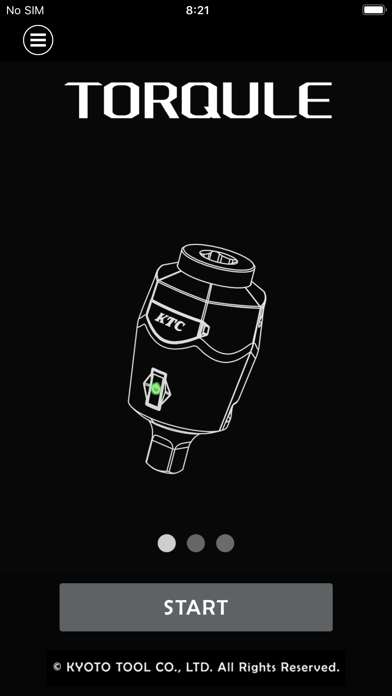
•TORQULE(GNA010-02、GNA080-03、GNA200-04)
•BRAKE PAD GAUGE(GNNA025)
•TIRE DEPTH GAUGE(GNDA020)

●How to Use
[TORQULE]
1. Turning ON the Bluetooth function of the terminal devices, such as iPhone, iPad.
2. Begin TRASAS Admin app and tap "START TO CONNECT."
3. Turn ON the power of the TORQULE main unit.
4. To connect, tap your TORQULE when it appears onscreen.

[BRAKE PAD GAUGE and TIRE DEPTH GAUGE]
1. Turning ON the Bluetooth function of the terminal devices, such as iPhone, iPad.
2. Begin TRASAS Admin app and tap "START TO CONNECT."
3. Turn ON the power of the BRAKE PAD GAUGE (TIRE DEPTH GAUGE) main unit and press its send button.
4. To connect, tap your BRAKE PAD GAUGE (TIRE DEPTH GAUGE) when it appears onscreen.

*Detected tools are displayed in model number on this app.

En voir plus...

Quoi de neuf dans la dernière version ?

・Internal improvements such as improved stability.
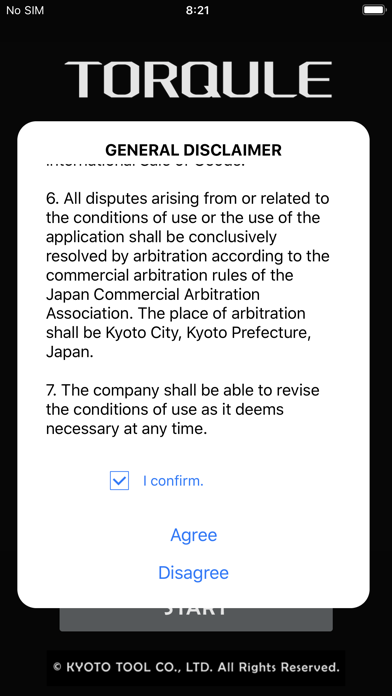
  • Screenshot #1 pour TRASAS Admin for International
  • Screenshot #2 pour TRASAS Admin for International
  • Screenshot #3 pour TRASAS Admin for International
  • Screenshot #4 pour TRASAS Admin for International
  • Screenshot #5 pour TRASAS Admin for International
  • Screenshot #6 pour TRASAS Admin for International

D'autres applications du développeur

KTC-Keyboard
KTC-Keyboard
/ iOS Universel
KIROKLE
KIROKLE
/ iPhone
T-Update Tool
T-Update Tool
/ iOS Universel

Note

(0 note)

Détails sur l'application

Version
6.0.0
Taille
31 Mo
Version minimum d'iOS
10.0
Dernière mise à jour
13/05/2021
Publié par
京都機械工具株式会社

Newsletter App Store

Recevez chaque jour les meilleures promos

Actualité Apple

Image Apple retire le Mac mini M4 avec 256 Go de stockage : le modèle de base devient plus cher
Apple retire le Mac mini M4 avec 256 Go de stockage : le modèle de base devient plus cher
Image Apple explique pourquoi les iPhone 17 ont un taux de satisfaction de 99 %
Apple explique pourquoi les iPhone 17 ont un taux de satisfaction de 99 %
Image Apple miserait sur un prix agressif pour les iPhone 18 Pro
Apple miserait sur un prix agressif pour les iPhone 18 Pro
Image Apple fait comprendre que l’iPad 12 ne sortira pas avant plusieurs mois
Apple fait comprendre que l’iPad 12 ne sortira pas avant plusieurs mois
Partenaires : Actualité iPhone - Culture Geek
©2009-2026 i2CMedia | A propos |