Trysens
iOS Universel / Utilitaires
Monitor your equipment on the go!
Trysens is an efficient monitoring system,
displaying data sent by your equipment
in a modern and simple layout.
Read and analyse equipment variables using your mobile, anywhere and anytime.
Get real-time charts with your data.
The app displays the values in the form of industrial measuring devices.
Such variables are in two types: Analog (4 - 20mA, 0 - 5V) or Digital (On/Off).
Receive notifications whenever an analog variable reaches its lowest or highest value, or when a digital variable switches On/Off.
Trysens App comes with a set of features that you will definitely be interested in as a manufacturer, or equipment owner.
Undoubtedly, you are interested in knowing the state and/or values of a certain equipment or sensor, without actually being physically there to check them every time.
We give you the complete remote control over your devices, with as simple as possible, user interface.
Add high/low thresholds and receive notifications when a sensor exceeds the limits, check trends in the past month, turn on/off digital devices, and review logs of your recent activities and alerts.
And many more customizations and extra features, yet to discover while using Trysens mobile app!
The data can be digital; such as doors, or analog; such as distance, temperature, or pressure.
Press on a picture to get a larger view and access to the settings and charts.To enter an equipment’s settings, press the options button on the right top corner.
From here, you can change the indicator layout by swiping right or left.
Change Min, Max, High and Low parameters:
Min: Lowest number displayed on the indicator
Max: Highest number displayed on the indicator
Min and Max allow you to change the scale.
Low: Number, greater than the Min, which you can set a notification at it if the
equipment indicated this number.
High: Number, less than the Max, which you can set a notification at if the equipment indicated this number.
Low and High could act as your thresholds.
In addition, you can change the name of the indicator and measuring unit.
To set notifications on “High” and “Low”:
Check the boxes indicating “Notify at low level” and “Notify at high level”.
Notifications can also be set on digital data like doors by checking the box indicating “Notify on state change”.
All analog indicators have charts which can be zoomed in and out. You can choose between displaying charts of the day, the week or month.
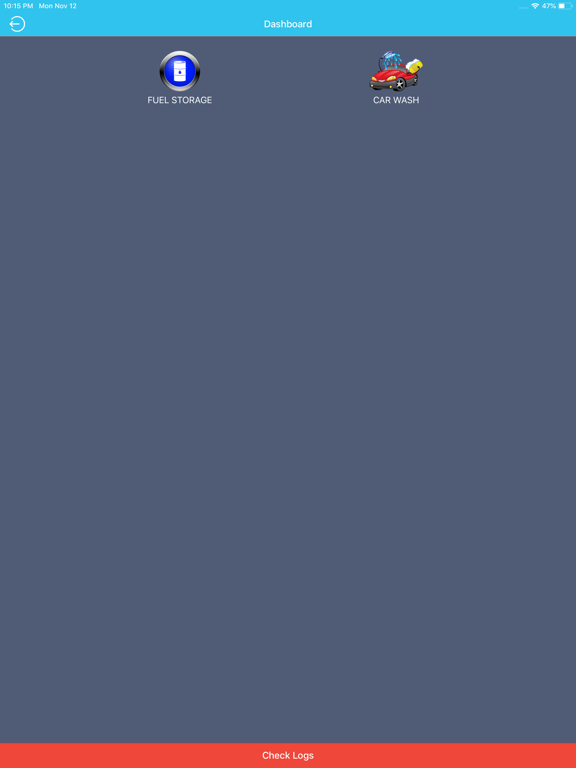
You can access the log of previous notifications from the dashboard.
keywords:
fuel tank monitoring system
fuel level sensor
remote fuel monitoring
oil tank level monitor
fuel level monitoring
diesel level sensor
fuel tracks monitoring
fuel consumption monitoring
wireless fuel level sensor
water tank level remote monitoring
diesel generator remote monitoring
deep sea controller remote monitoring
deif diesel controller remote monitoring
comap diesel controller remote monitoring
watt-hour meter remote monitoring
diesel generators
factory remote monitoring
power plant remote monitoring
diesel generator remote monitoring
fuel tracks quantity monitoring
equipment remote monitoring
water level sensor
Mr.Radwan Skaf
+9613398830
+16474666787
info@trysens.com
radwan@trysens.com
www.trysens.com
Quoi de neuf dans la dernière version ?
Added menu navigation.