Screen Mirroring & TV Cast ®
iOS Universel / Utilitaires
The Screen Mirroring App is the #1 Screen Mirror - fast, easy and user friendly. Share your photos, videos, games, websites, apps, presentations and documents with your friends, family and co-workers.
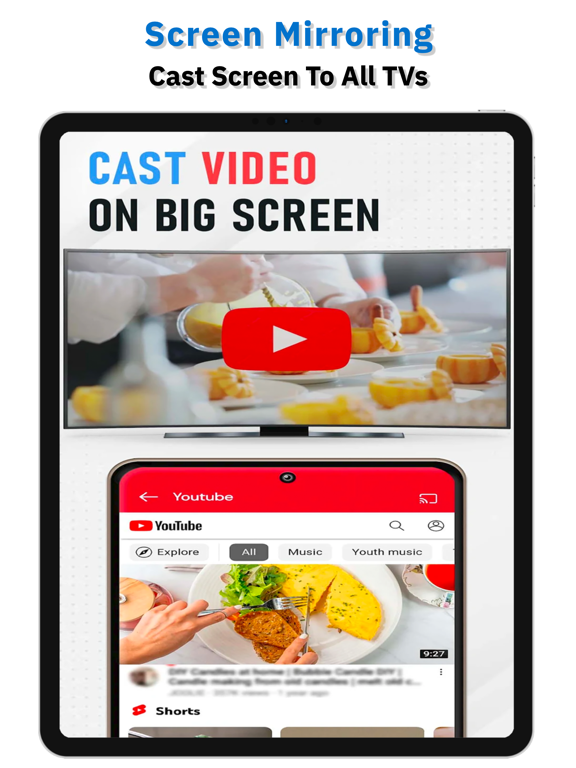
Screen Mirroring - All Mirror, helps you cast a small phone screen to big TV screen in high quality and real-time speed. You can easily access all types of media files, including mobile games, photos, music, videos & E-books on the big screen.
How to Use Screen Mirroring :
1. Make sure your phone/tablet and smart TV are connected to the same Wi-Fi network.
2. Enable “Wireless display” on your phone.
3. Enable “Miracast” on your smart TV.
4. Search and pair the device.
Multiple Devices Supported :
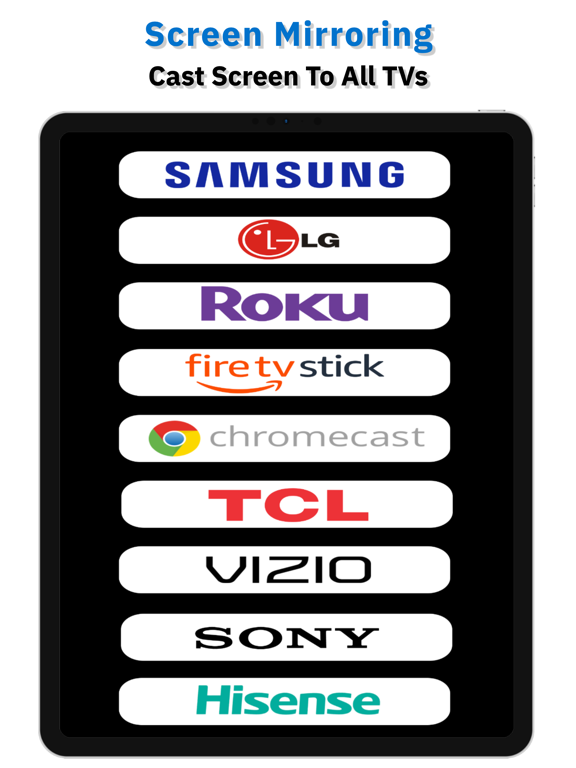
- Most smart TVs, LG, Samsung, Sony, TCL, Xiaomi, Hisense, etc.
- AnyCas, Chromecast
- Amazon Fire Stick & Fire TV
- Roku Stick & Roku TV
- Other DLNA Receivers
- Other wireless adapters
Main Features :
1. Stable streaming of your smartphone content on big screen TV.
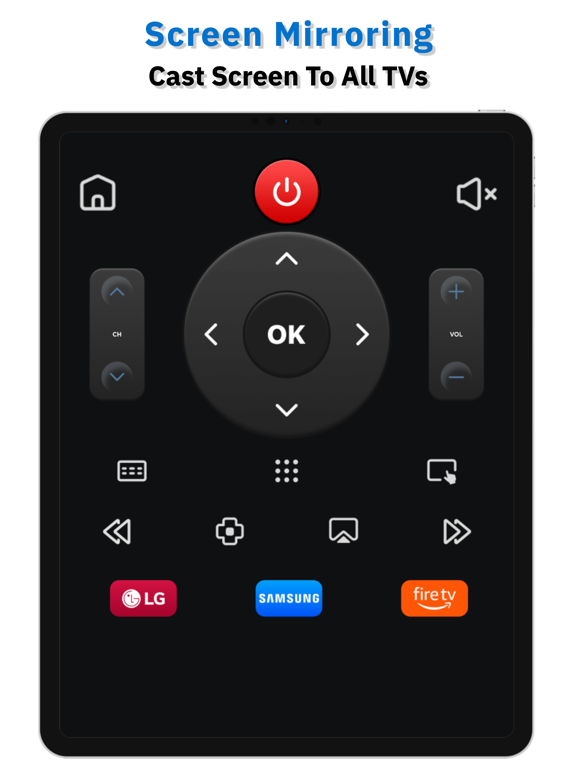
2. Quick and easy connection with just one click.
3. Mobile game streaming on big screen TV.
4. Stream live video to Twitch, YouTube and BIGO LIVE.
5. All media are compatible: photos, audio files, eBooks, PDFs, etc.
6. Show presentations in a meeting or travel slideshows with your family.
7. Simple and ergonomic user interface for comfortable use.
Warning:
* this app is not an official product of the TV brand and is not affiliated with any of the above brands
* Please know the differences of screen mirroring and casting. Broadcasting doesn't show exactly what's on your screen like Screen Mirroring does. You can close the app and perform other actions on the phone without interrupting the broadcast
Thanks for downloading Screen Mirroring - All Mirror. Any other feedback, please feel free to contact us at support.
Privacy Policy :
https://sites.google.com/view/screen-mirroring-1001-tvs
Terms & Conditions :
https://sites.google.com/view/screenmirroring1001tvs-terms
Quoi de neuf dans la dernière version ?
We're very excited to share with you our new awesome update with:
- UI improvements for your streamlined and enjoyable experience.
- Overall performance improvements.