iPhoneAddict Apps
  • Actualités
  • Accueil Apps
  • iPhone
  • iPad
  • Universelles
  • Mac
  • Apple TV
KG KultureGeek
App
iPhone / iPad Télécharger iAddict v5 Mac Télécharger iAddict Mac
  • Actualités
  • Accueil Apps
  • iPhone
  • iPad
  • Universelles
  • Mac
  • Apple TV
  • Archives keynotes
  • Firmwares & iTunes
  • Contactez-nous
  • Comparateur de prix
  • KultureGeek
Accueil » Liste des Apps » Apps Universelles » Utilitaires » WIFT
L'application n'est plus disponible sur l'App Store français
2.0 iOS €Gratuit Howard Spiess Jr 0 0 Imagine this... You know your (or clients') group will need A/V and production, and the hotel has assigned you meeting space, however, you wonder, "Will it fit there?" Wonder no more. Use WIFT! WIFT (Will It Fit There?) is a one stop shop for all...
WIFT

WIFT

iOS Universel / Utilitaires

Gratuit
Obtenir sur l'App Store
Facebook X E-mail

Imagine this...

You know your (or clients') group will need A/V and production, and the hotel has assigned you meeting space, however, you wonder, "Will it fit there?"

Wonder no more. Use WIFT!

WIFT (Will It Fit There?) is a one stop shop for all of your event sourcing and production needs, helping you confirm your group can fit in the suggested space, or determining the amount of space needed for your sized group.

WIFT works in one of two ways...

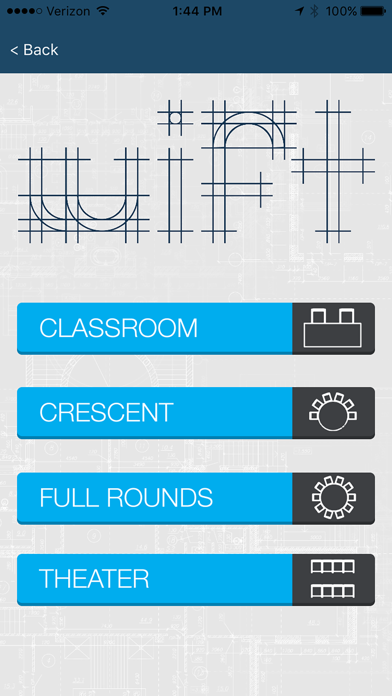
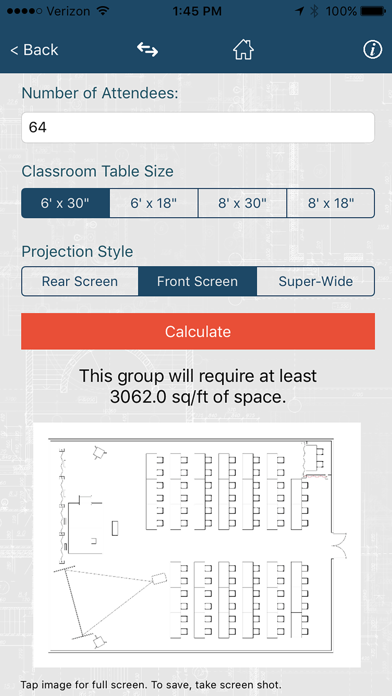
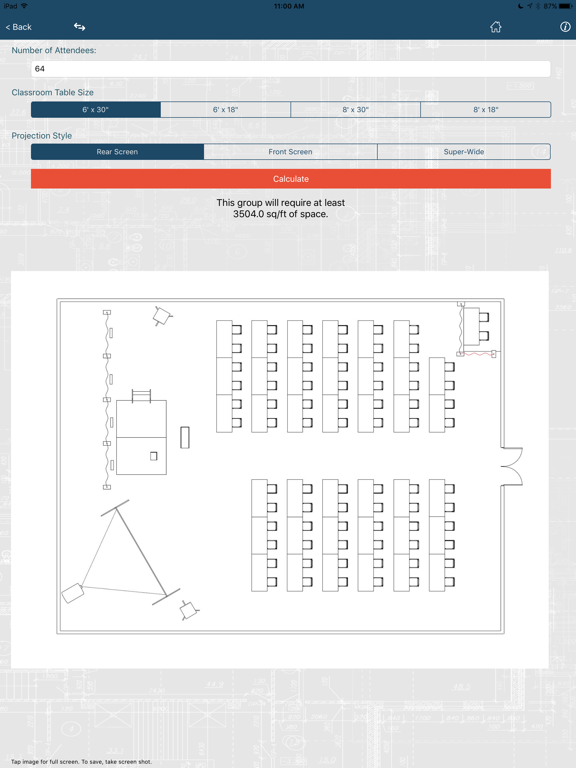
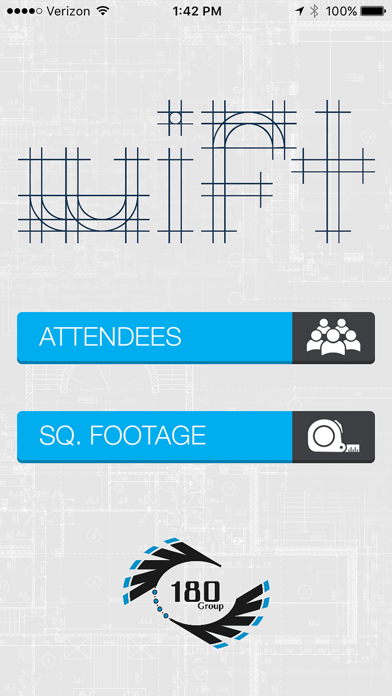
The first is it gives you the ability to calculate the specific amount of square footage you need for a predetermined group size. For instance, say you have 250 people that need to sit in crescent rounds of 6, and production requires rear-screen projection. Simply select "Attendees" then "Crescent", enter 250 in the text box, select "6 per 72"" and "Rear Screen". Then click "Calculate". WIFT will tell you the exactly how big of a ballroom you require (10,587 sq/ft) and will even provide a sample floor plan.

The second way you can use WIFT is by entering a predetermined square footage to see how many people it can fit. For example, say a hotel says they have a 25,000 sq/ft ballroom and you need your attendees to sit in classroom (6'x30") with a super-widescreen production. Simply click "Sq. Footage" then "Classroom", enter 25,000 in the text box, select "6'x30"" and "Super-Wide". Then click "Calculate". WIFT will tell you exactly how many people can fit in this space (692) with the production and seating you have chosen.

So, the next time you are sourcing an event, or need to know how much space your group needs, make sure to get a WIFT of it!

En voir plus...

Quoi de neuf dans la dernière version ?

This app has been updated by Apple to display the Apple Watch app icon.
  • Screenshot #1 pour WIFT
  • Screenshot #2 pour WIFT
  • Screenshot #3 pour WIFT
  • Screenshot #4 pour WIFT
  • Screenshot #5 pour WIFT
  • Screenshot #6 pour WIFT

Note

(0 note)

Détails sur l'application

Version
2.0
Taille
78.9 Mo
Version minimum d'iOS
9.2
Dernière mise à jour
28/02/2017
Publié par
Howard Spiess Jr

Newsletter App Store

Recevez chaque jour les meilleures promos

Actualité Apple

Image Apple bat un record de dépenses en R&D avec 10,2 milliards d’euros dépensés au T3 2026
Apple bat un record de dépenses en R&D avec 10,2 milliards d’euros dépensés au T3 2026
Image iPhone 18 Pro : une hausse de prix de 300 $ est évoquée
iPhone 18 Pro : une hausse de prix de 300 $ est évoquée
Image Apple Car Key bientôt compatible avec les VE Haval du constructeur chinois GWM
Apple Car Key bientôt compatible avec les VE Haval du constructeur chinois GWM
Image Apple franchit 1,5 milliard d’abonnements avec ses services
Apple franchit 1,5 milliard d’abonnements avec ses services
iPhoneAddict Apps

Le catalogue iPhoneAddict pour suivre les nouveautés, mises à jour et baisses de prix de l’App Store.

Apps

Toutes les apps iOS iPhone iPad Universelles Mac Apple TV

iPhoneAddict

Actualité Apple Archives keynotes Contact À propos KultureGeek

Suivez-nous

©2009-2026 i2CMedia. Tous droits réservés.