Car locator:Car Parking
iOS Universel / Voyages
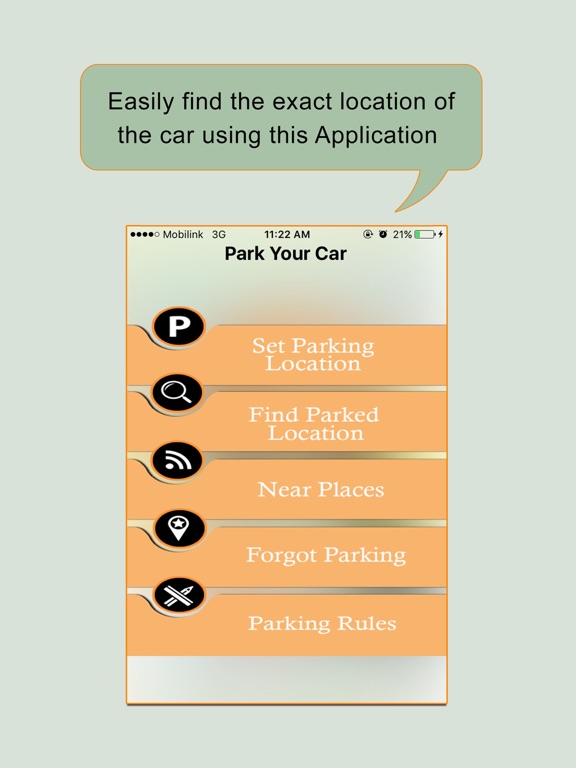
Car Finder allows you to find your car wherever you parked it. Once you load the application, you can see the direction it is located, the street address close to where you parked, how far it is and the date and time you parked. Car Finder is a simple application that uses GPS location services to help you find your car. You will never forget where you parked. Whenever you walk away after parking your car at somewhere, you don't know the location of the car that you parked just use this smart application to find the location of the car that where you parked and/or it will help if accidently you forget the car parking location. Easily find the exact location of the car using this Application now no need to worry if you forget the parking location of your car.
***** TOOLS USED IN THE APPLICATION *****
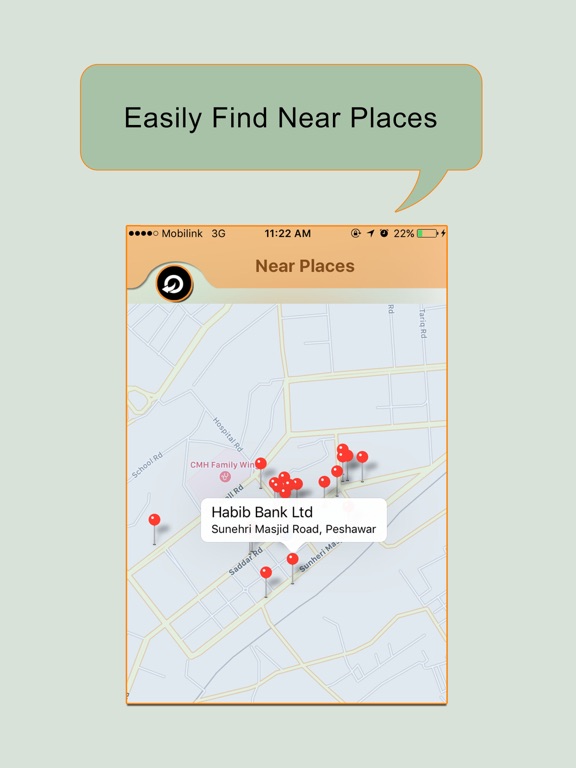
"Car Finder" Application use "Google map" for finding the location of the car/or any thing. User must have to make connection for the internet.
***** FEATURES USED IN THE APPLICATION *****
There are the following features used in the application.
•Don't lose time asking people to find a direction. Just follow the moving arrow and you'll get back to your car.
•You can use it for anything you want to get back to, not only your car.
•It locate/find the car/anything you saved the location around 10km distance. Must have good internet connection for the using of this application.
•Increase the efficieny of the portable device uses it for finding/locating car.
***** HOW TO USE *****
No need of registration & pay process. Just hit the download & use. After installation use the following steps.
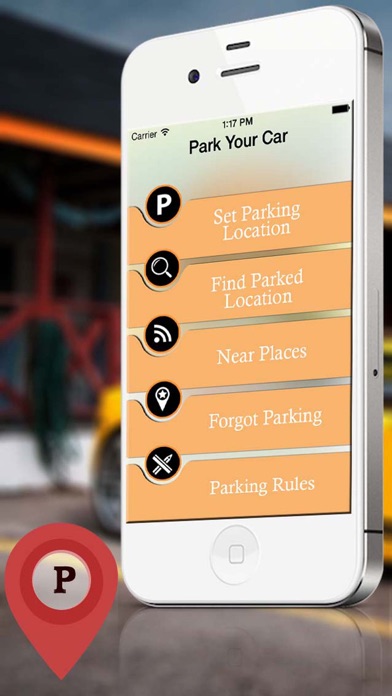
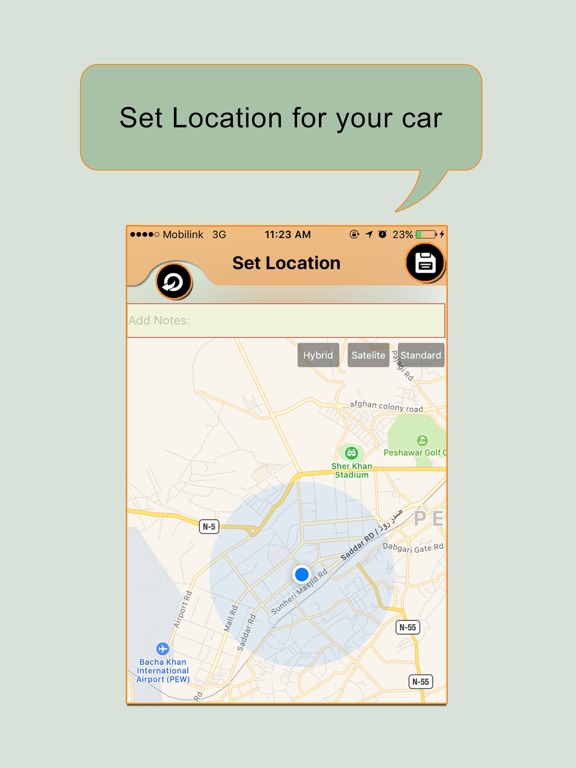
•After parking your car, open the app and save your car position on the map. You can also take a picture and associate a short description to help fully document the parking spot.
•When you later need to find where you parked, open the app again and locate your last car position on the map (different zoom levels available view the zoom level you want). The distance to your car is displayed in real time as you walk down the street! You can also see the best walking direction from your current position to your parked car.
IMPORTANT:
THIS APPLICATION REQUIRES AN ACTIVE INTERNET CONNECTION TO RETRIEVE DATA. YOU ALSO NEED TO TURN ON "LOCATION SERVICES" OPTION IN THE SETTINGS OF YOUR IPHONE.
Quoi de neuf dans la dernière version ?
This app has been updated by Apple to display the Apple Watch app icon.
Performance improvement and bug fixes.