Locations MAP
iOS Universel / Voyages
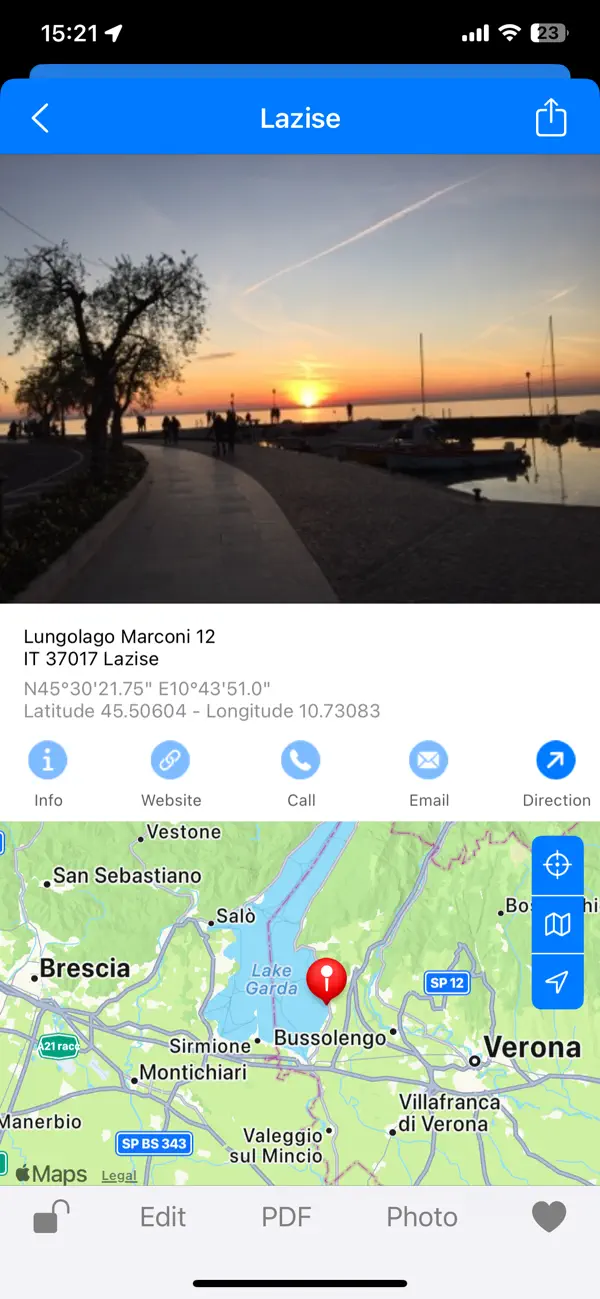
Discover your own locations, collect them, and share them with friends. The Locations MAP is your own catalog of your favorite places. It's like an album, just like you'd find in photos, but with significantly more features and information. Thanks to iCloud sync, you always have the same data on all your devices (Mac, iPad, and iPhone). You can add a homepage link, a phone number, an email address, information text, and a photo to each location. You can then assign the location to one of your categories.
You can also create your own categories, including the MAP icon, and customize them to your liking. With just a few clicks, you can then email your locations to friends. Recommend this app to your friends, and they can save your favorite places themselves. Thanks to the direct link to the route, your friends will also find the best way to your favorite places.
The Locations MAP app has numerous useful features to make it easy and fun to use. One of the most important features is the quick and easy creation of new locations. In addition to searching for an address, you can also directly enter GPS data. If you want to create a location that you already have a picture of in your photos, the coordinates will be imported directly from the image (if available). You can also tap directly on the map (long-touch) to select a new location. If you want to capture a location on the spot, simply use the camera function to create a new one.
You can also mark selected locations as "Favorites." You can find new locations, sorted by date, in the "Last Added" list.
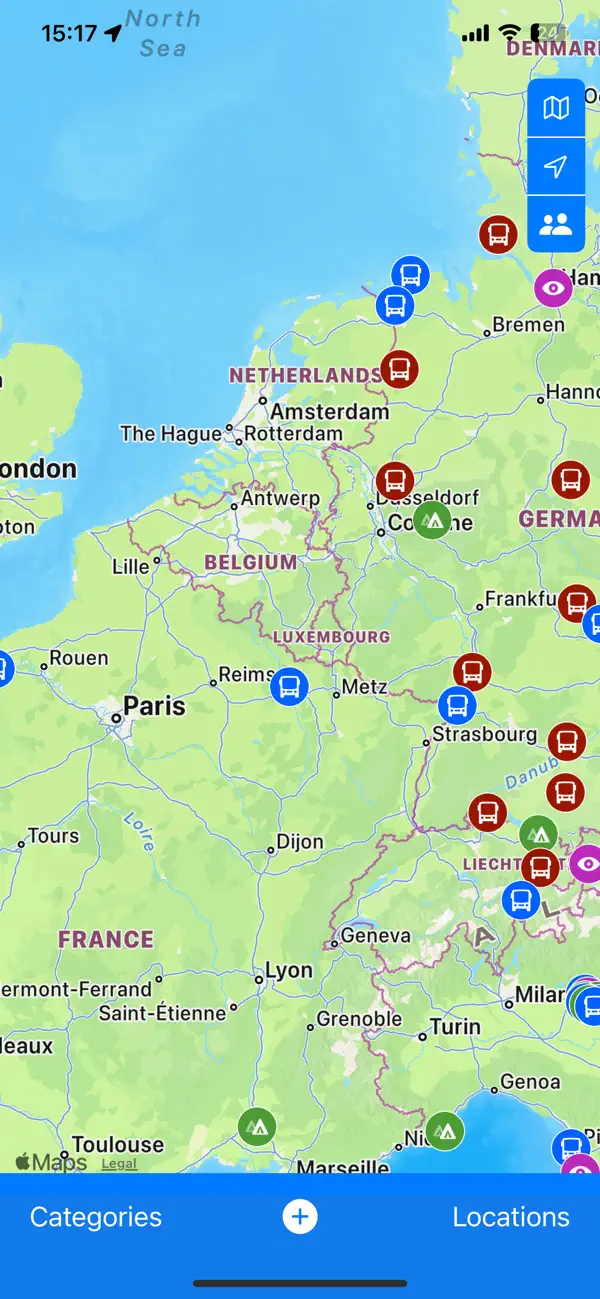
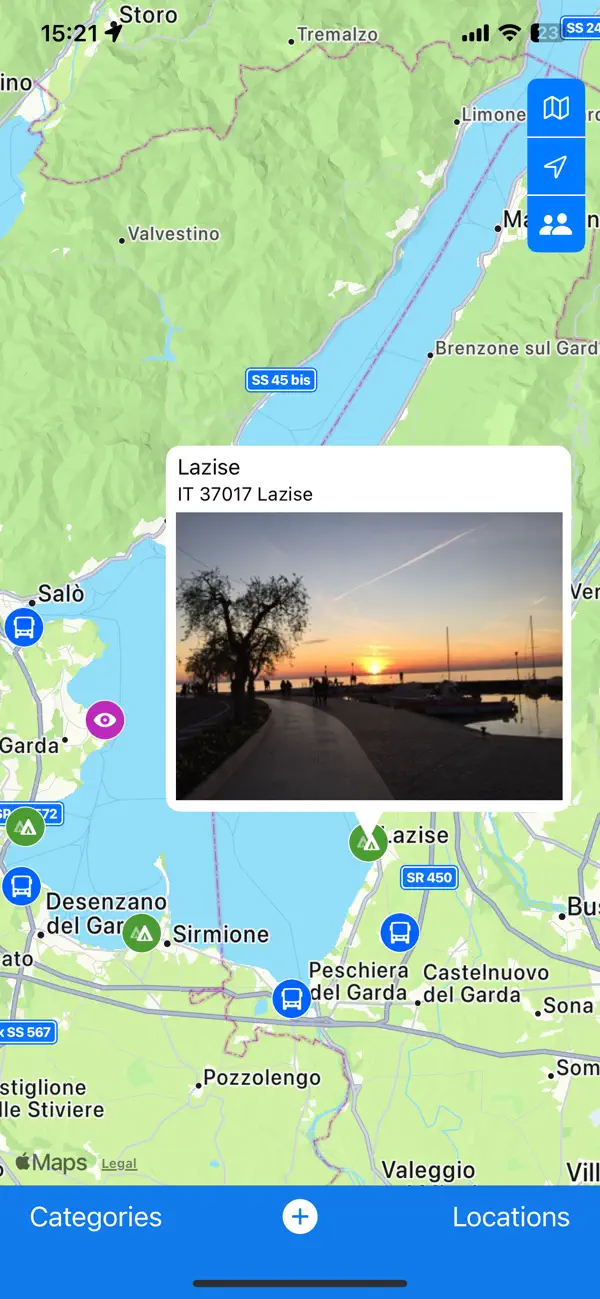
On the map on the home page, you can see your locations in the respective category. In the category list, you can select which locations (by category) should be displayed on the map.
This was just a small introduction to the extensive features of this app. We hope you enjoy discovering, collecting, and sharing interesting places on our wonderful planet.
Quoi de neuf dans la dernière version ?
With this update, your private location collection is even more perfect. We've optimized the cloud sync function between your devices and fixed a few bugs. You can now also replace a location's cover image using drag & drop and add interesting places from the map directly to your locations. The function for creating custom categories has also been completely redesigned.