PTTR
iOS Universel / Voyages
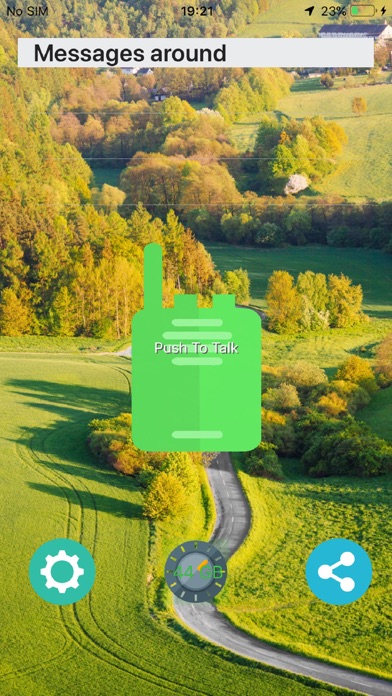
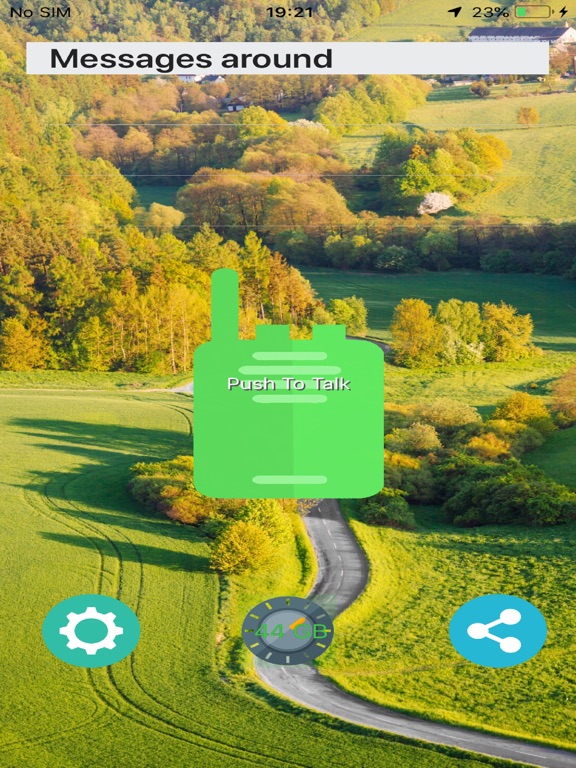
PTTR stands for Push To Talk Radio, and allow users to communicate as they will do on a Walkie-Talkie. But not just for Voice, also for Text, Picture and Video messaging!
The working range is about 15Km from user location. You have to invite other persons to install the app, so you can communicate with them.
Please also note at first use, it sometimes takes a few minutes until the app starts playing messages - if this happens, you might want to restart the app, this allows quicker start.
How does the App works?
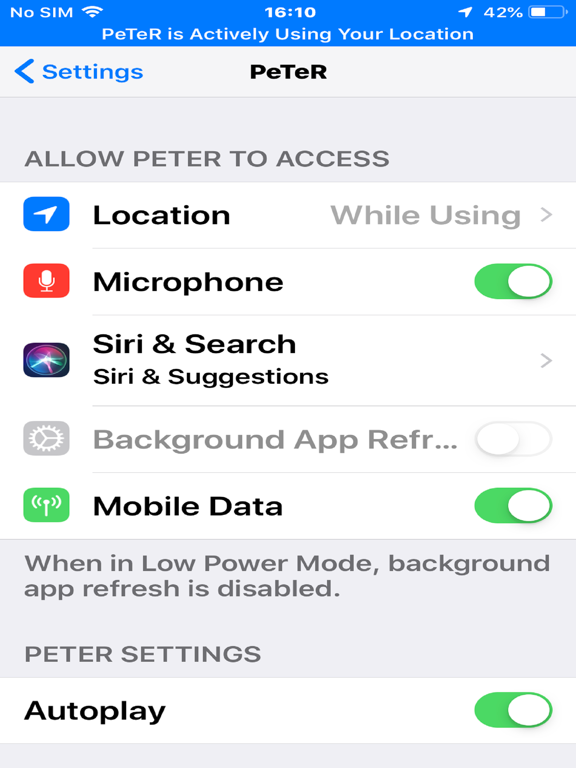
After installing the app from the AppStore, pls make sure you set location on "Always", this because the PTTR needs to check location once in a while to recalculate the 15km radius. This happens automatically in the background, at few minutes and has a minimal impact on battery consumption.
Sending a Message
To Send a message, simply tap the green mike button and when the button becomes red in colour, speak on the microphone to leave the intended message. When finished, please tap the red mike button again, and watch as it become green. That's it, your message is sent!
(the app will of course request your permission to access the microphone).
Listening to messages
Voice Messages are by default played automatically on the phone's speaker - just as it would be with a Walkie-Talkie. Alternatively, users can chose to receive only notifications, instead of playing the messages automatically - to do that tap on "Settings" and set "Autopay" to "Off".
Unlike a Walkie-Talkie, user can also replay the last 10 messages - useful in cases when you miss a message, or when it is hard to understand a message the first time.
Sending a Text, Picture, Video messages
This is very straight forward & intuitive, just tap the appropriate icon and follow the on-screen options.
When you receive a message the app will make a chime sound, and a thumb-nail of the message will be displayed. Taping on the message-line will expand the Text/Picture/Video message to its full content.
Channels
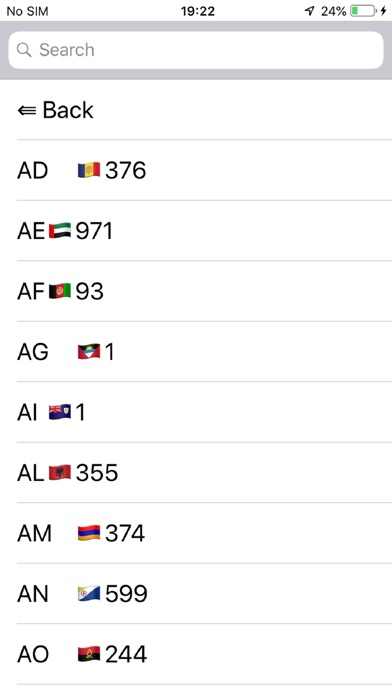
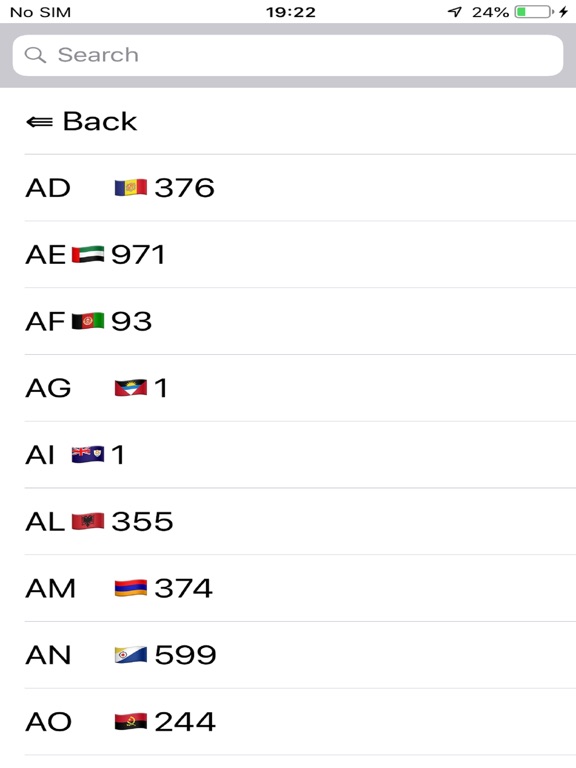
Just as with Walkie-Talkie, users can select and communicate on different channels. By default the channel is set to the phone code of the country where the phone is registered - for ex. in UK default channel is 44, in France default channel is 33 and so on.
To change the channel, tap on "channels" and select the channel of your choice. Make sure your friends uses the same channel.
Feedback & Share
Please do send the app to all your friends - maybe even to ex-friends, as a sign of peace:-)
There is actually a button especially for "share", did you find it?
And also, please don't hesitate to let us know what improvements and what other features would you like to see? We will look forward and welcome your feedback!
Icons made by Roundicons from www.flaticon.com
Quoi de neuf dans la dernière version ?
Minor bug corrections