Mac Geek Gab
iOS Universel / Actualités
The official app for the Mac Geek Gab podcast — your weekly source for Apple, Mac, iPhone, and tech tips, tricks, and cool stuff that Dave Hamilton, Adam Christianson, and Pilot Pete have been sharing since 2008.
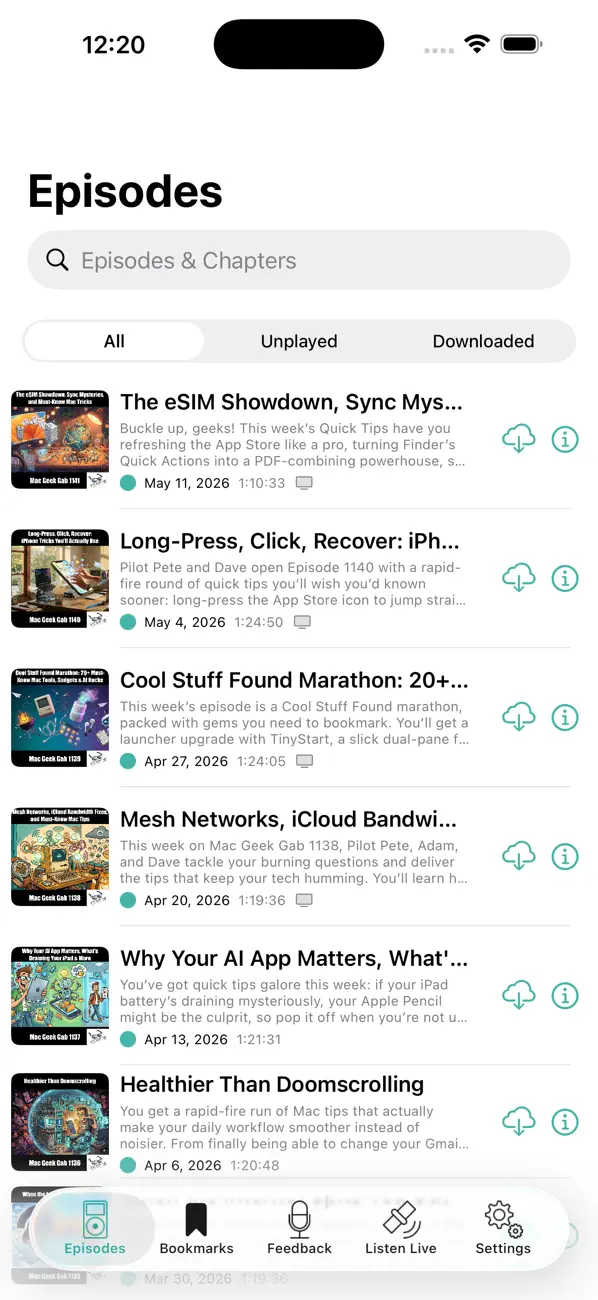
Listen and watch every episode
• Stream or download episodes for offline listening
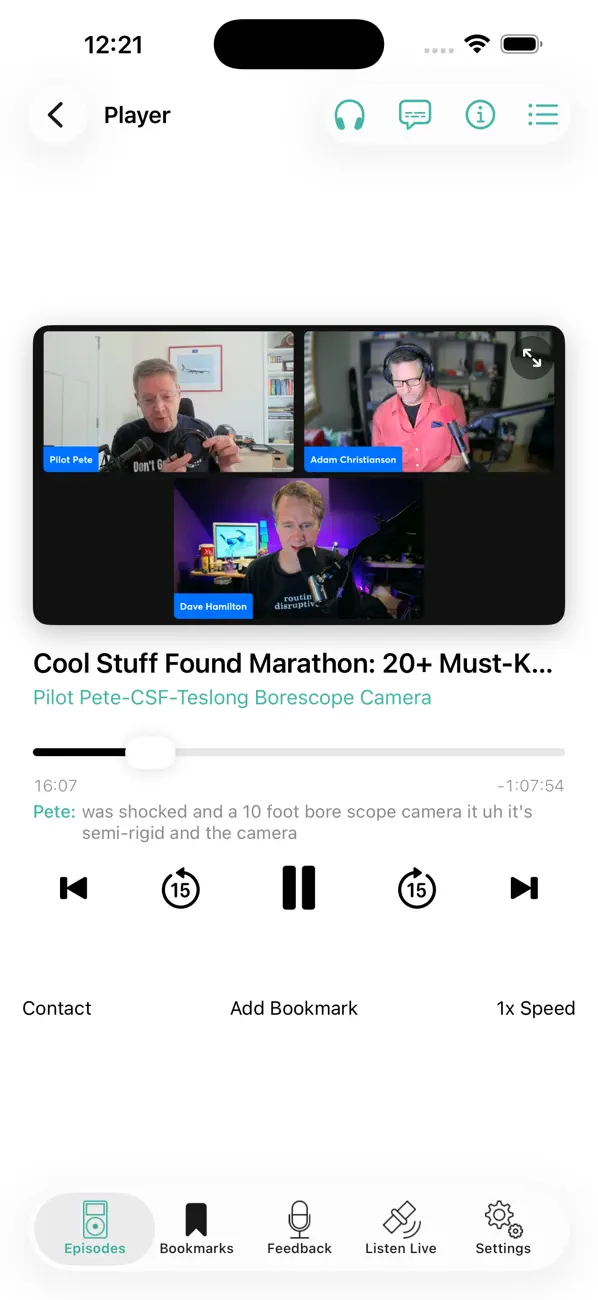
• NEW: Watch the video version of recent episodes with adaptive HLS streaming, or download for offline viewing
• Tune in live each week with a countdown to the next show
• Join the live chat on Discord during recording
Get through episodes faster — without missing a word
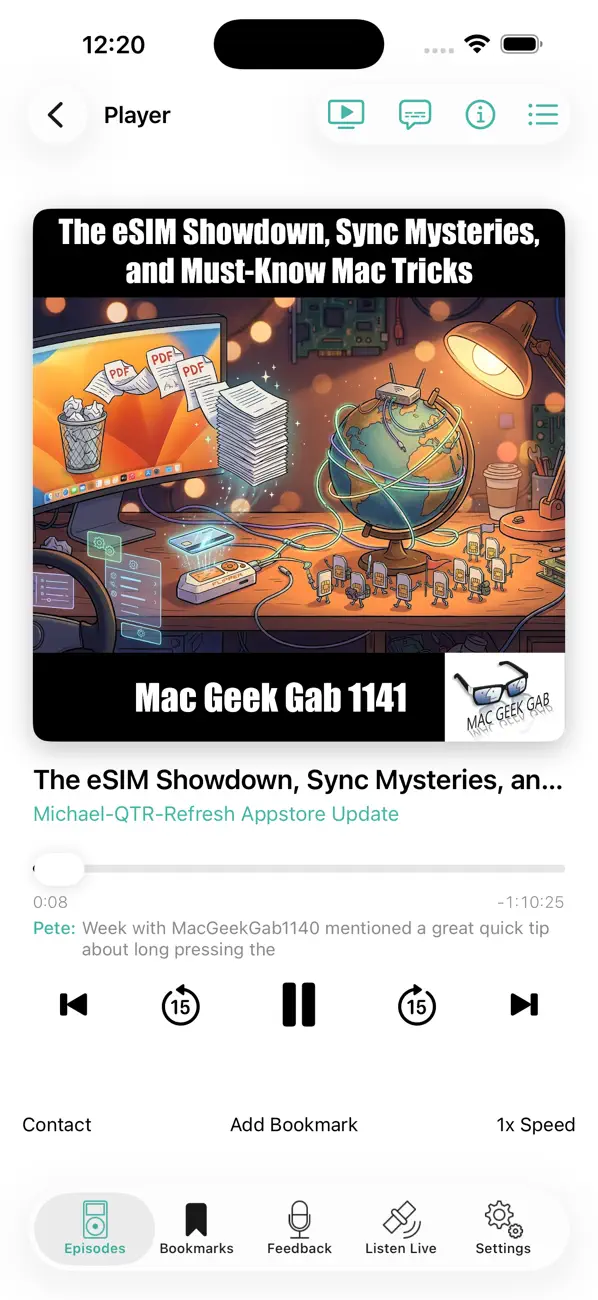
• Squeeze Silence automatically trims the gaps between sentences, saving minutes per episode without distorting voices
• Speed control at 1x, 1.2x, and 1.5x
• Skip by chapter or 15 seconds with native iOS controls
Find exactly what you're looking for
• Search across episode titles, chapters, and show notes
• Live captions with speaker names, plus a tappable transcript that auto-scrolls
• Bookmark any moment and add notes
• Chapter list with artwork and links — tap to jump anywhere in the show
Stay in flow
• NEW: Home Screen widgets for "Continue Listening" (with tap-friendly skip-back, play/pause, and next-chapter buttons) and "Latest Episode"
• NEW: Ask Siri to play the latest episode, resume where you left off, or start the live stream
• NEW: iOS 18 Control Center tile, Action Button, and Lock Screen control to resume playback in one tap
• NEW: A new Manage Downloads screen shows what's on your device and makes cleanup easy
• iCloud sync keeps your episodes, bookmarks, and listen progress consistent across iPhone and iPad
• Lock screen controls and AirPlay support
About the podcast
Mac Geek Gab has been answering your tech questions and helping you get more out of your gear every week since 2008. Three hosts. Years of real-world experience. Tips, tricks, and "Cool Stuff Found" you won't hear anywhere else.
Quoi de neuf dans la dernière version ?
CarPlay is here!
Mac Geek Gab now plays on your car's display.
• CarPlay — Browse recent episodes, pick up where you left off, and tune into the live stream right from CarPlay. Full Now Playing controls, including chapter navigation, playback speed, and Squeeze Silence.
• Better Now Playing everywhere — Episode artwork and an accurate play/pause state now appear correctly on the Lock Screen, Control Center, and CarPlay.
• Fixes and refinements under the hood.
Thanks for listening!