iPhoneAddict Apps
  • Actualités
  • Accueil Apps
  • iPhone
  • iPad
  • Universelles
  • Mac
  • Apple TV
KG KultureGeek
App
iPhone / iPad Télécharger iAddict v5 Mac Télécharger iAddict Mac
  • Actualités
  • Accueil Apps
  • iPhone
  • iPad
  • Universelles
  • Mac
  • Apple TV
  • Archives keynotes
  • Firmwares & iTunes
  • Contactez-nous
  • Comparateur de prix
  • KultureGeek
Accueil » Liste des Apps » Apps Universelles » Autocollants » Cupid Dog Love Stickers
L'application n'est plus disponible sur l'App Store français
1.1 iOS €Gratuit Mujahid Zafar 0 0 Stick a bit of Cupid Dog attitude onto your iMessages. Don't let that special person in your life stay without knowing your feelings. Express your feelings with these amazing lovely Cupid Dog Love Stickers! You can place them anywhere in your...
Cupid Dog Love Stickers

Cupid Dog Love Stickers

iOS Universel / Autocollants

Gratuit
Obtenir sur l'App Store
Facebook X E-mail

Stick a bit of Cupid Dog attitude onto your iMessages.
Don't let that special person in your life stay without knowing your feelings. Express your feelings with these amazing lovely Cupid Dog Love Stickers!

You can place them anywhere in your iMessage conversations and customize your photos with them!

● To make stickers bigger or smaller, as you drag them up to the messages field to place them somewhere, add another finger to the screen and use pinch gesture to expand or contract them.

● Rotating stickers is done in the same way. As you hold a sticker above the screen before placing it, use two fingers to twist it around, changing its orientation. Make sure not to let go when rotating or resizing, as removing your finger releases the sticker and it can no longer be edited.

You can use these stickers on so many occasions: greeting, wishes, birthdays, weddings, promotions, parties and any time you just want to surprise some one.
Feedback: feedbackmegacarrotapps@yahoo.com

How to Use and Install:
-To access iMessage apps, compose a new iMessage to a friend.
-Tap the App Store icon alongside the compose field.
-Tap the lower left corner along with camera to open the app drawer.
- Select your's Stickers app .
- Just with a single tap send stickers.
How to remove sticker packs from iMessage:
1.Open the iMessages app on your iPhone.
2.Scroll right on the list of apps above the keyboard till you see the More … button.
3.Tap the Edit button on the top-left.
4.Scroll down and find the sticker pack you want to remove.
5.Disable the green switch on the right to delete the sticker pack.
6.Once the switch turns grey, you know that the sticker pack has been removed from iMessage.

En voir plus...

Quoi de neuf dans la dernière version ?

- 3 new sticker added
- stability improvement

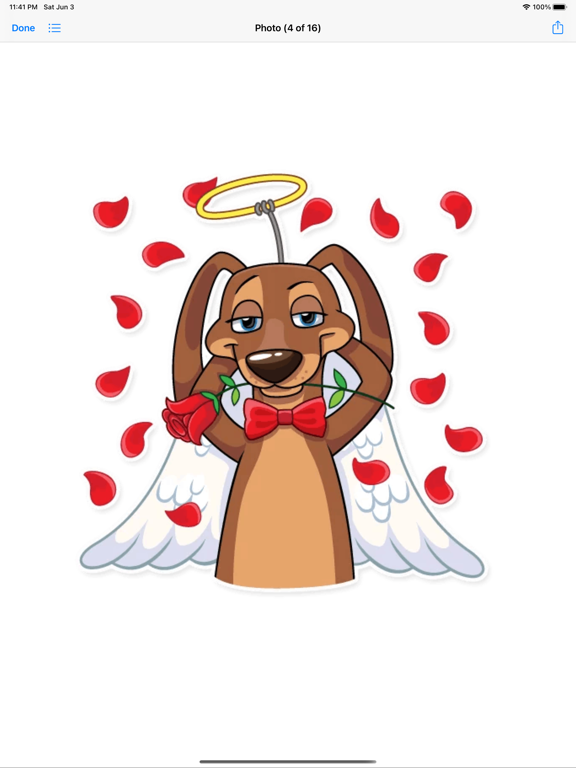
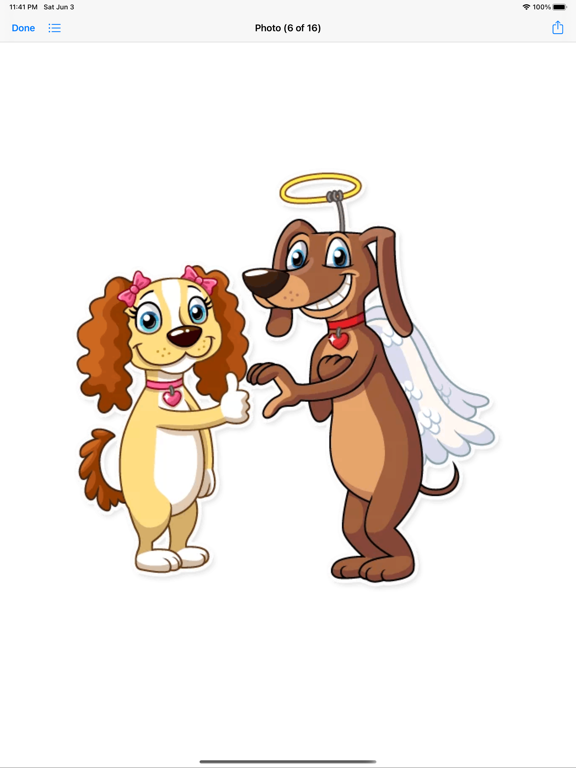
  • Screenshot #1 pour Cupid Dog Love Stickers
  • Screenshot #2 pour Cupid Dog Love Stickers
  • Screenshot #3 pour Cupid Dog Love Stickers
  • Screenshot #4 pour Cupid Dog Love Stickers
  • Screenshot #5 pour Cupid Dog Love Stickers
  • Screenshot #6 pour Cupid Dog Love Stickers

D'autres applications du développeur

Quel âge j'ai ? Magic Age CartQuel âge j'ai ? Magic Age CartiOS UniverselCandy Hearts LoveCandy Hearts LoveiOS UniverselCute HammyCute HammyiOS UniverselBest Romantic Summer EverBest Romantic Summer EveriOS UniverselEid-ul-adha stickersعيد الأضحىEid-ul-adha stickersعيد الأضحىiOS UniverselChristmas New Year Gifts VibesChristmas New Year Gifts VibesiOS UniverselVoir toutes les apps

Note

(0 note)

Détails sur l'application

Version
1.1
Taille
6.9 Mo
Version minimum d'iOS
10.0
Dernière mise à jour
04/06/2023
Publié par
Mujahid Zafar

Newsletter App Store

Recevez chaque jour les meilleures promos

Actualité Apple

Image iPad Air 2027 : écran OLED, puce M5 et possible nouveau design
iPad Air 2027 : écran OLED, puce M5 et possible nouveau design
Image iPhone : Apple a capté 49 % des revenus de smartphones au 2e trimestre, un record
iPhone : Apple a capté 49 % des revenus de smartphones au 2e trimestre, un record
Image L’iPhone Air 2 aurait une Dynamic Island plus petite et d’autres nouveautés
L’iPhone Air 2 aurait une Dynamic Island plus petite et d’autres nouveautés
Image iPhone 18e : les 9 Go de RAM se confirment un peu plus
iPhone 18e : les 9 Go de RAM se confirment un peu plus
iPhoneAddict Apps

Le catalogue iPhoneAddict pour suivre les nouveautés, mises à jour et baisses de prix de l’App Store.

Apps

Toutes les apps iOS iPhone iPad Universelles Mac Apple TV

iPhoneAddict

Actualité Apple Archives keynotes Contact À propos KultureGeek

Suivez-nous

©2009-2026 i2CMedia. Tous droits réservés.