• KultureGeek
  • Comparateur de prix
       
iPhoneAddict
 iAddictv5Notre Application iPhone/iPad
  • Accueil Apps
  • Actualité Apple
  • Keynote Apple
  • Firmwares & iTunes
  • Contactez-nous
Accueil » Liste des Apps » Apps Universelles » Autocollants » Gingy for New Year
L'application n'est plus disponible sur l'App Store français
1.1 iOS €Gratuit Mujahid Zafar 0 0 Make your conversations even more cutter on this Christmas/New Year. How to use iMessage Stickers: • You can peel and place them on anything in your conversation – bubbles, images, or even other stickers. • CUSTOMISE your photos with stickers...
Gingy for New Year

Gingy for New Year

iOS Universel / Autocollants

Gratuit
Obtenir sur l'App Store

Make your conversations even more cutter on this Christmas/New Year.

How to use iMessage Stickers:
• You can peel and place them on anything in your conversation – bubbles, images, or even other stickers.
• CUSTOMISE your photos with stickers in chat
• LAYER stickers over each other, in chat, and on photos
• To make stickers bigger or smaller, as you drag them up to the messages field to place them somewhere, add another finger to the screen and use pinch gesture to expand or contract them.
• Rotating stickers is done in the same way. As you hold a sticker above the screen before placing it, use two fingers to twist it around, changing its orientation.

HOW TO FIND YOUR STICKERS:
• Access iMessage apps— Enter a contact to message, then tap the App Store icon beside the chat field to see your most recently used iMessage app.
• Find new stickers—First tap the App Store icon, then tap the 4-ovals icon in the lower left to bring up the app drawer. Then, tap the + icon to access the Store.
• If you are not seeing Stickers that you have purchased, you may need to change your settings. Tap the App Store icon, then tap the 4-ovals icon in the lower left to bring up the app drawer. Then click the + symbol to open the store, and select the Manage button top right. Make sure the app you are looking for is turned on.
• Use stickers in chat—Tap to send, or touch and hold to put stickers on top of a bubble, other stickers, photos, and videos.
-More Stickers Coming Soon-

CONTACTS: emaanhafsa@yahoo.com

En voir plus...

Quoi de neuf dans la dernière version ?

new stickers added...

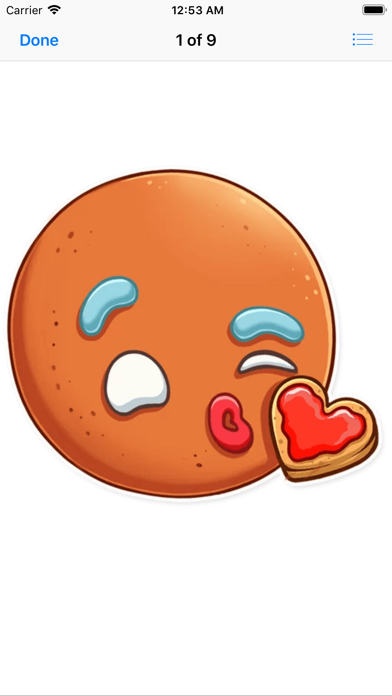
  • Screenshot #1 pour Gingy for New Year
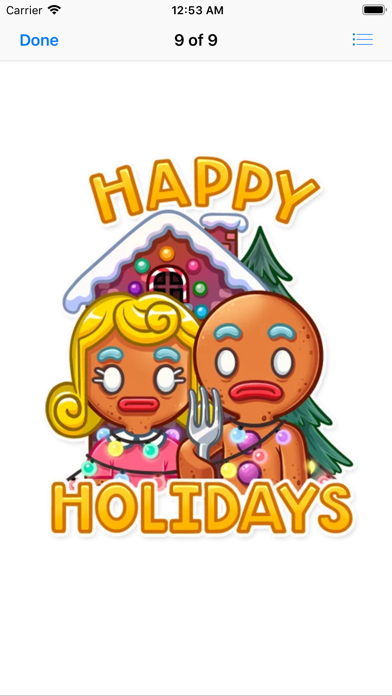
  • Screenshot #2 pour Gingy for New Year
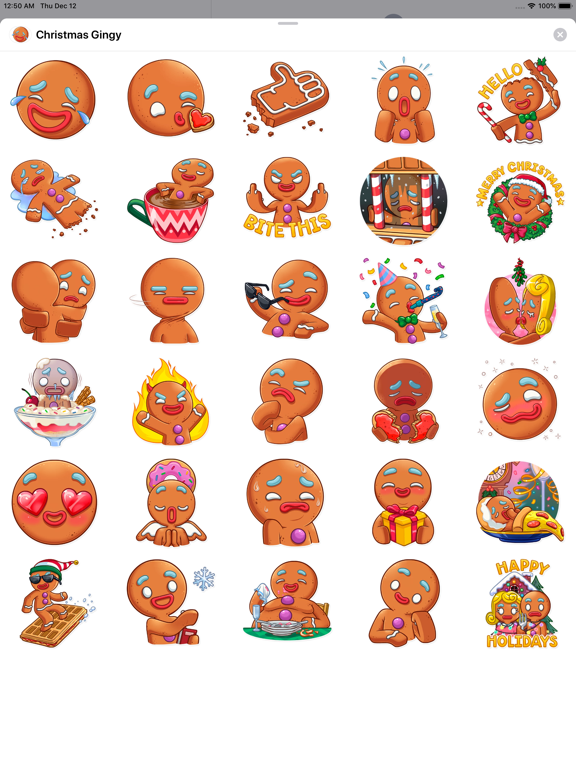
  • Screenshot #3 pour Gingy for New Year
  • Screenshot #4 pour Gingy for New Year
  • Screenshot #5 pour Gingy for New Year
  • Screenshot #6 pour Gingy for New Year

D'autres applications du développeur

Quel âge j'ai ? Magic Age Cart
/ iOS Universel
Love Love Stickers
Love Love Stickers
/ iOS Universel
Candy Hearts Love
Candy Hearts Love
/ iOS Universel
TuaGom Cute Rabbit
TuaGom Cute Rabbit
/ iOS Universel
Simple Messages
Simple Messages
/ iOS Universel
Cute Hammy
Cute Hammy
/ iOS Universel
Voir toutes les apps

Note

(0 note)

Détails sur l'application

Version
1.1
Taille
5.9 Mo
Version minimum d'iOS
10.0
Dernière mise à jour
10/01/2020
Publié par
Mujahid Zafar

Newsletter App Store

Recevez chaque jour les meilleures promos

Actualité Apple

Image 1Password renforce sa sécurité avec des alertes anti-phishing (lors du « collage » de mots de passe)
1Password renforce sa sécurité avec des alertes anti-phishing (lors du « collage » de mots de passe)
Image Nouveaux MacBook Pro M5 Pro et M5 Max : des annonces attendues lors d’un évènement à Los Angeles
Nouveaux MacBook Pro M5 Pro et M5 Max : des annonces attendues lors d’un évènement à Los Angeles
Image L’app Apple Météo agace les météorologues avec ses mauvaises prévisions
L’app Apple Météo agace les météorologues avec ses mauvaises prévisions
Image iPhone 18 Pro : la Dynamic Island serait plus petite de 35 %
iPhone 18 Pro : la Dynamic Island serait plus petite de 35 %
Partenaires : Actualité iPhone - Culture Geek
©2009-2026 i2CMedia | A propos |