Retro Pin-Up Girls
iOS Universel / Autocollants
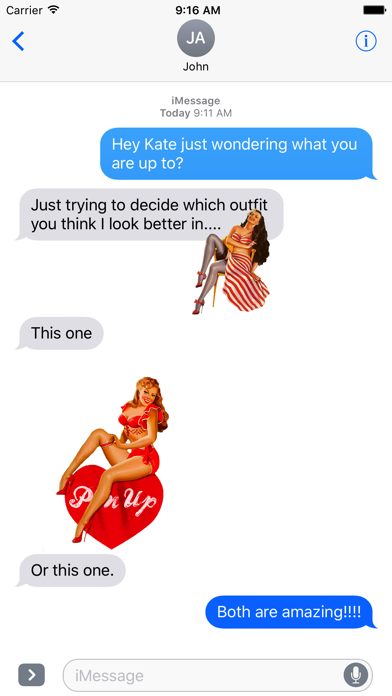
Thank you for your interest in Retro Pin-Up Girl stickers.
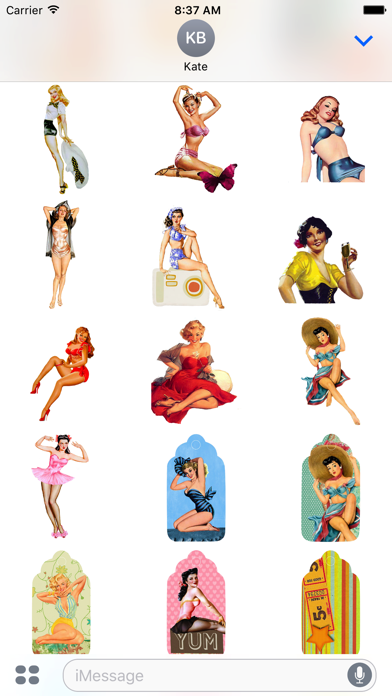
Express yourself with these Pin-Up Girl emoji's.
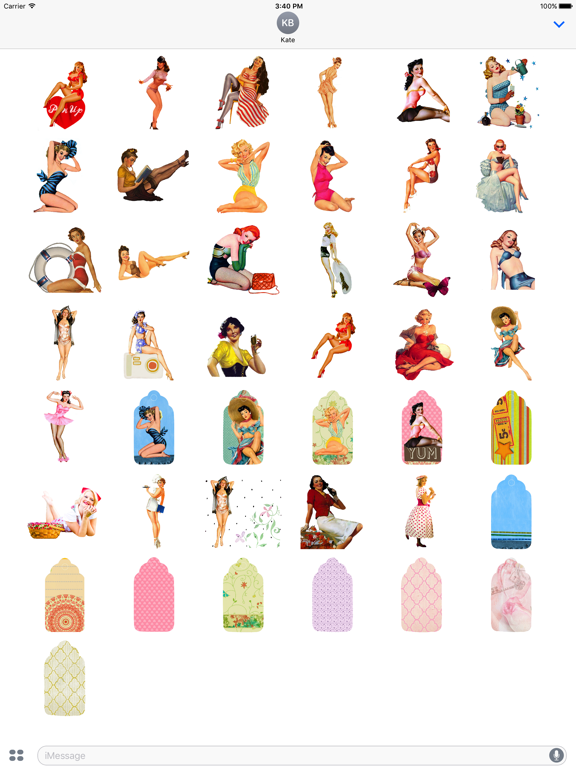
Choose from a variety of beautiful girls and different backgrounds.
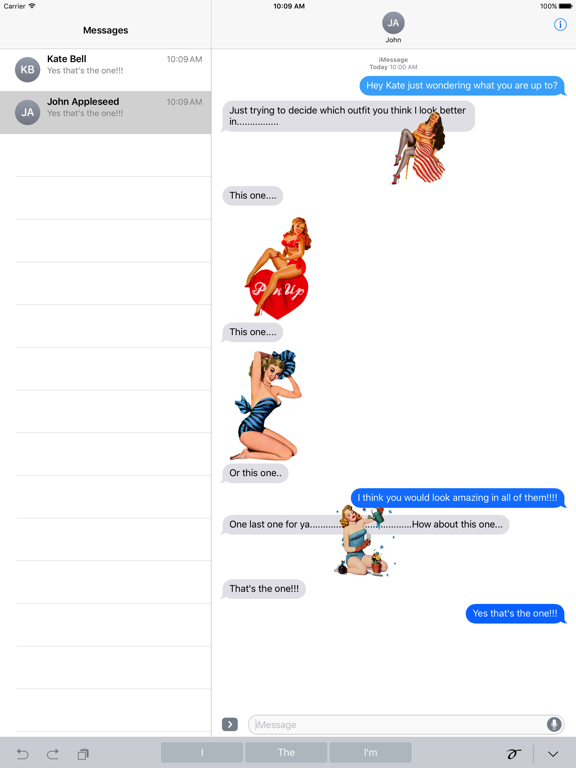
Have fun with these stickers in your conversations with family & friends.
Remember that you can:
1. Decorate both messages & photos with these stickers
2. You can Rotate and Scale your Stickers
3. You can Layer Stickers on both messages and Photos.
Check out our other Sticker Packs:
Sexy Girl Stickers
Valentine's Day Super Sticker Pack - Emoji
Emoji Smiley Green Alien Stickers
Calligraphy Phrases Sayings Idioms Quotes Stickers
Izzy's Animated Girl Stickers Emoji
To Use a Background
1. First select and send a background in your message.
2. Then drag one of the beautiful girls onto the background that you have already sent.
To Rotate & Scale my Stickers
Stickers can be resized or rotated before they're placed, a feature that's especially useful when you want to accent a photo.
When you drag a sticker from the sticker drawer onto the conversation, you'll need to have one finger on the sticker (usually your index finger).
1. You can use your thumb to pinch-to-zoom which will scale the sticker.
2. While still holding with your index finger, you can use the rotate gesture with your thumb to rotate your sticker.
How to Enable a Purchased Sticker Pack
1.Open an existing conversation thread in Messages or start a new conversation.
2.Tap on the App Store icon next to the conversation box and then tap on the four dots to open your app drawer, which houses all installed apps.
3.Tap the "+" icon to access the iMessage App Store.
4.Tap on the "Manage" tab to enable the recently purchased sticker pack (or other apps) that are available as iOS add-ons.
5.Installation is done by setting the toggle button to ON (GREEN) beside Retro Pin-Up Girls or any other available sticker pack.
For more How To's, go to our support page on TygerOnline.com
Thank you and have fun.
Quoi de neuf dans la dernière version ?
This app has been updated by Apple to display the Apple Watch app icon.