• KultureGeek
  • Comparateur de prix
       
iPhoneAddict
 iAddictv5Notre Application iPhone/iPad
  • Accueil Apps
  • Actualité Apple
  • Keynote Apple
  • Firmwares & iTunes
  • Contactez-nous
Accueil » Liste des Apps » Apps Universelles » Autocollants » Suit & Tie Animated Emotes
L'application n'est plus disponible sur l'App Store français
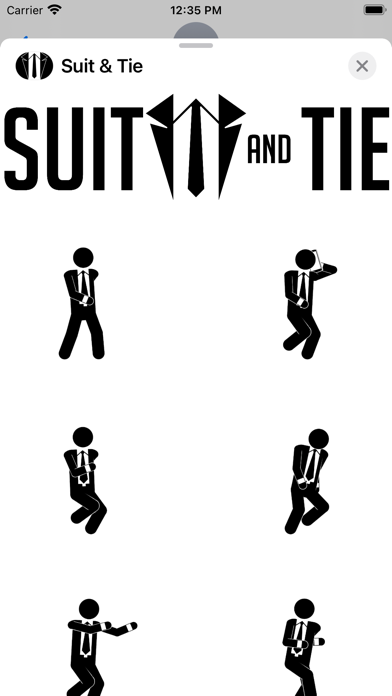
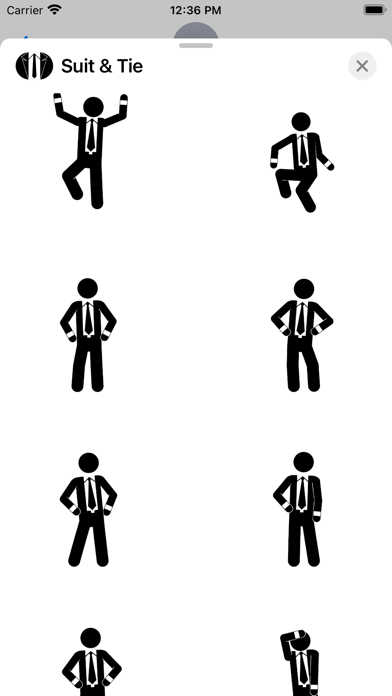
1.0.0 iOS €0,99€ Littleton Miller 0 0 Suit & Tie Emotes is jam packed with 70 animated stickers of an executive male in a suit and tie. This is without a doubt one of the absolute best sticker packs available for iMessage on The App Store! It's full of all sorts of amazing animations...
Suit & Tie Animated Emotes

Suit & Tie Animated Emotes

iOS Universel / Autocollants

0,99€ au lieu de 1,19€
Acheter sur l'App Store

Suit & Tie Emotes is jam packed with 70 animated stickers of an executive male in a suit and tie. This is without a doubt one of the absolute best sticker packs available for iMessage on The App Store! It's full of all sorts of amazing animations related to an assortment of emotions, tasks, feelings, reactions, exercises, and so much more.

No boring static images here people, it’s all about animations for this release!


PLEASE NOTE:

This is an "iOS Stick­er Pack" App, you will not see an icon for this app on your de­vice home screen. Stick­er Pack icons ap­pear in your iMes­sage in­ter­face. If you don't see the app icon in iMes­sages, please fol­low these in­struc­tions to en­able the app:

Open Mes­sages and tap to start a new mes­sage or open an ex­ist­ing thread. From the app draw­er (you’ll see a row of icons), tap “Delete Sent Mes­sages”. If you don’t see the icon, scroll to the far right and tap the icon with 3 dots. You’ll then be pre­sent­ed with all the stick­er packs on your de­vice, press “Edit” to en­able a stick­er and “+” to add it to fa­vorites.

Pro Tips:

to "peel" the stick­er you'd like to use...

Press the the sticker you'd like to use, while holding down... drag it to wherever you'd like to "stick it" within your message thread.

While still hold­ing the stick­er, use a sec­ond fin­ger to pinch to zoom in or out to in­crease or de­crease the size.

While still hold­ing the stick­er, use a sec­ond fin­ger to ro­tate it in a dif­fer­ent di­rec­tion.

En voir plus...

  • Screenshot #1 pour Suit & Tie Animated Emotes
  • Screenshot #2 pour Suit & Tie Animated Emotes
  • Screenshot #3 pour Suit & Tie Animated Emotes
  • Screenshot #4 pour Suit & Tie Animated Emotes
  • Screenshot #5 pour Suit & Tie Animated Emotes

Note

(0 note)

Détails sur l'application

Version
1.0.0
Taille
46.7 Mo
Version minimum d'iOS
12.0
Dernière mise à jour
20/09/2021
Publié par
Littleton Miller

Newsletter App Store

Recevez chaque jour les meilleures promos

Actualité Apple

Image L’IA Claude se connecte maintenant à Apple Santé sur iPhone
L’IA Claude se connecte maintenant à Apple Santé sur iPhone
Image John Ternus pilote désormais le design chez Apple avant de remplacer Tim Cook
John Ternus pilote désormais le design chez Apple avant de remplacer Tim Cook
Image iOS 27 : le chatbot IA de Siri pourrait tourner sur les serveurs de Google
iOS 27 : le chatbot IA de Siri pourrait tourner sur les serveurs de Google
Image Retard d’Apple dans l’IA : Craig Federighi impose sa méthode et veut limiter les coûts
Retard d’Apple dans l’IA : Craig Federighi impose sa méthode et veut limiter les coûts
Partenaires : Actualité iPhone - Culture Geek
©2009-2026 i2CMedia | A propos |