StickFun: Créateur Stickers
iOS Universel / Autocollants
Transformez n'importe quelle photo, emoji ou dessin en votre propre pack de stickers pour Telegram & WhatsApp — avec suppression d'arrière-plan par IA en un tap, 100% sur votre appareil.
Sans compte. Sans envoi dans le cloud. Sans filigrane sur les stickers gratuits.
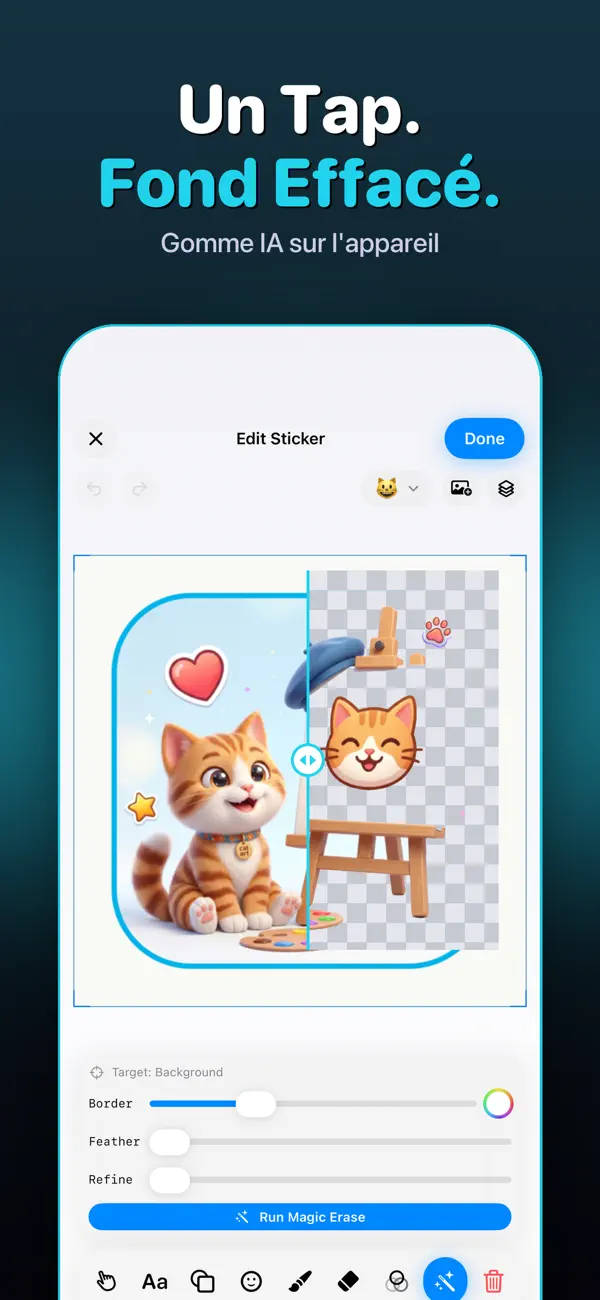
— GOMME MAGIQUE (IA QUI DÉTOURE) —
Touchez un sujet et regardez-le se détacher du fond avec un bel effet, posé sur un contour de sticker net. Propulsé par l'IA Vision sur l'appareil : instantané, privé, hors ligne.
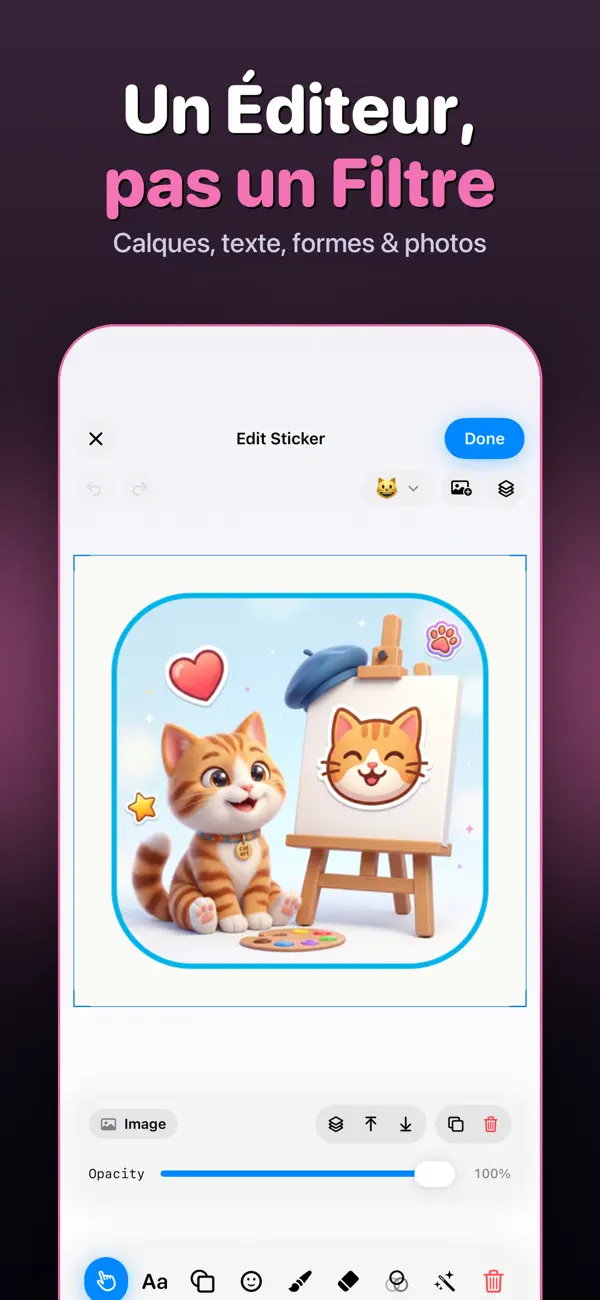
— UN VRAI ÉDITEUR —
• Texte, formes, SF Symbols, emoji, dessins et jusqu'à 10 photos par sticker
• Rotation à un doigt sur chaque calque + mise à l'échelle par les coins
• Gomme précise au pixel
• Plus de 150 formes et symboles, galerie de filtres, typographie complète
• Annuler/rétablir avec panneau de calques
— TELEGRAM & WHATSAPP EN DEUX TAPES —
• Export vers les packs Telegram et WhatsApp en un tap
• Partage vers iMessage, Viber, Mail, Fichiers
• Enregistrez un sticker ou le pack entier dans Photos
— PRIVÉ PAR CONCEPTION —
Tout se passe sur votre iPhone. Sans compte, sans cloud, sans pistage. Vos photos ne quittent jamais l'appareil.
— PRO, EN OPTION —
Pro débloque packs et stickers illimités, calques de texte, Gomme Magique, galerie de filtres et export WhatsApp. Le gratuit reste gratuit. Annulez quand vous voulez.
Informations importantes sur les achats.
Le paiement sera débité de votre compte Apple ID à la confirmation de l'achat. L'abonnement se renouvelle automatiquement sauf s'il est annulé au moins 24 heures avant la fin de la période en cours. Le renouvellement est facturé dans les 24 heures précédant la fin de la période. Vous pouvez gérer et annuler vos abonnements dans les réglages de votre compte sur l'App Store après l'achat.
Conditions d'utilisation (EULA): https://www.apple.com/legal/internet-services/itunes/dev/stdeula/
Confidentialité: https://tgstickers.v-ig.ru/
Quoi de neuf dans la dernière version ?
• Faster Magic Erase with cleaner edges on hair and fur.
• Smoother single-finger rotation and snapping.
• Up to 10 photos per sticker.
• Fresh look, fewer taps to export to Telegram & WhatsApp.
• Bug fixes and performance improvements.