KitchenBabel
iOS Universel / Cuisine et boissons
That amazing recipe you found is in another language. Don’t skip it—translate it, save it, and cook it.
KitchenBabel turns any recipe, in any language, into your language. Import from a link, paste text, or snap a photo. Get accurate translations for ingredients and steps, then cook with one-tap voice readout and shopping lists that combine multiple recipes into one grocery run.
Translate & understand
• Support for 7+ languages: English, 繁體中文, 简体中文, 日本語, 한국어, Bahasa Indonesia, Filipino
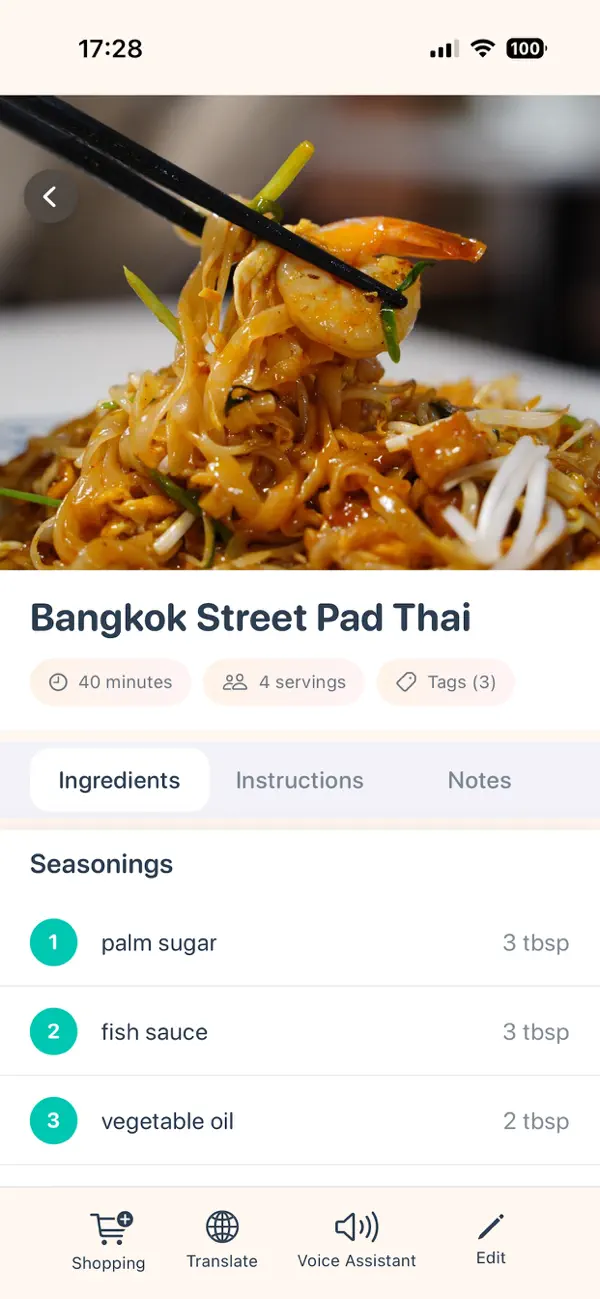
• AI-powered translation tuned for cooking (ingredients, amounts, and steps)
• Translate full recipes or just the bits you need; translations are saved for offline use
Import recipes your way
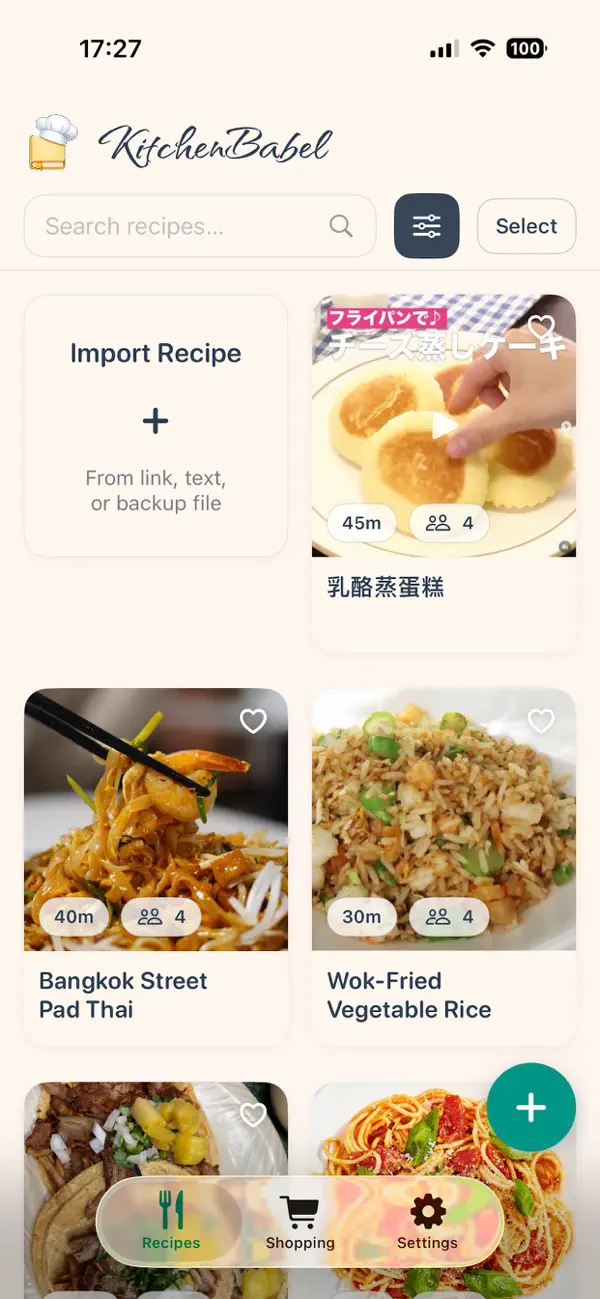
• Add from a URL (paste a link and pull in the recipe)
• Paste text or HTML and extract title, ingredients, and steps
• Use your camera or photo library—AI reads the recipe from the image (optional OpenAI API key)
• Start from sample recipes or build your own collection
Shop smarter
• Select 2–10 recipes and generate one combined shopping list
• Ingredients are grouped by category with quantities summed
• Check off items as you shop; your list stays in sync
Cook hands-free
• Recipe readout: tap to hear ingredients and steps while you cook
• Voice input: speak ingredients or notes when creating recipes
• Designed for the kitchen: clear layout, optional dark mode, and offline access to your library
Organize & find
• Filter by cuisine, tags, and cook time
• Search by ingredient to find recipes you can make with what you have
• Favorites, notes, and iCloud sync keep your recipes with you
Whether you’re exploring a new cuisine, following a family recipe in another language, or meal-prepping for the week, KitchenBabel helps you go from “I can’t read this” to “dinner’s ready.”
Download KitchenBabel and cook without borders.