Classic BASIC
iOS Universel / developpeurs
Classic BASIC is a retro-inspired BASIC programming environment designed for modern devices.
Write line-numbered BASIC programs, run them instantly, save your work, load built-in examples, explore graphics commands, and learn programming with the included guidebook. Classic BASIC preserves the familiar feel of classic home computers while providing a clean, touch-friendly experience for today's users.
Features include:
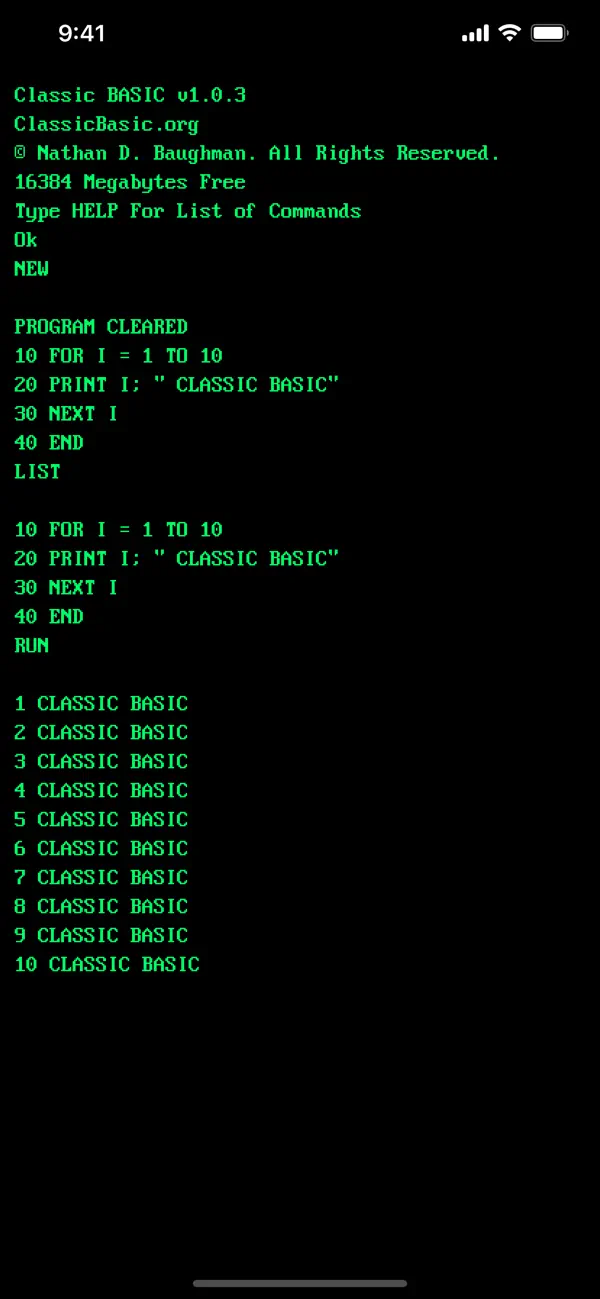
• Traditional line-numbered BASIC programming
• Built-in program catalog
• Classic commands such as LIST, RUN, SAVE, LOAD, NEW, and CATALOG
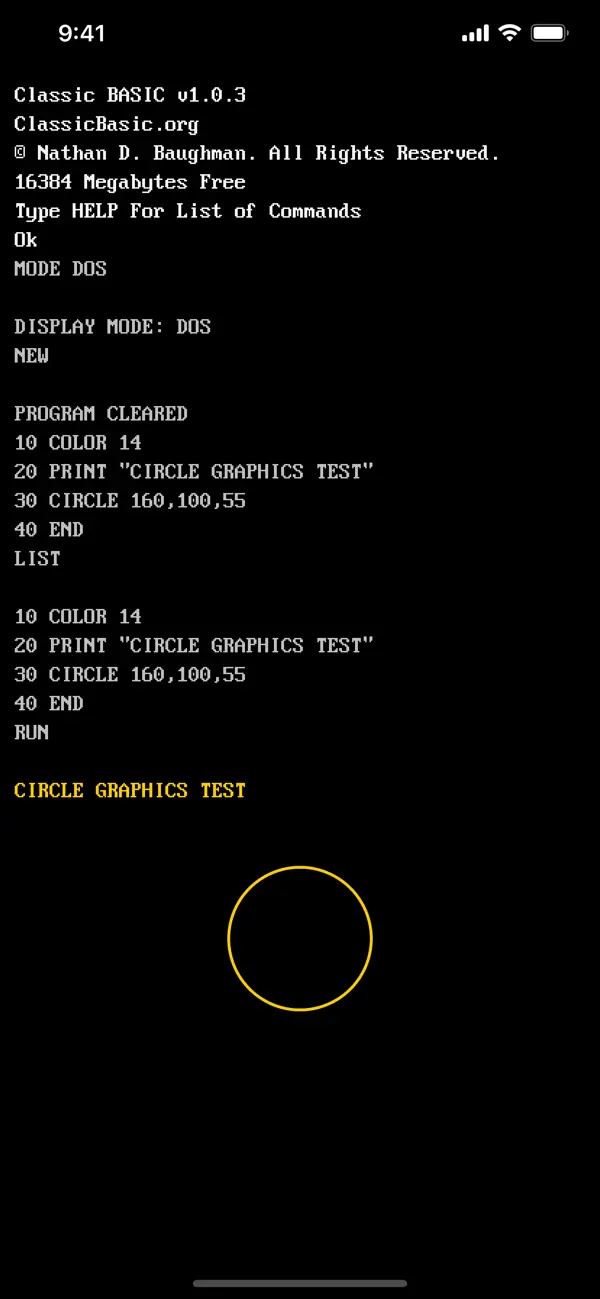
• Graphics commands for drawing lines, circles, boxes, and screen output
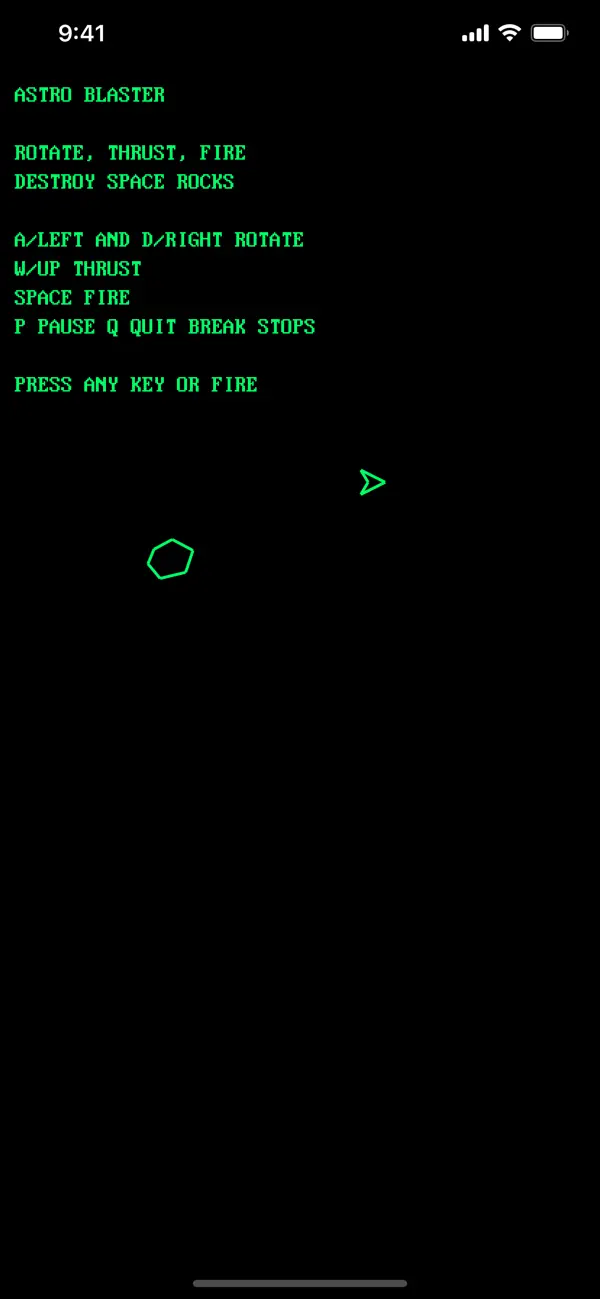
• Built-in games including Block Drop and Astro Blaster
• Touch game keyboard support for interactive games
• External keyboard support with ESC and CTRL+C break commands
• Display modes including Green, Amber, and DOS-style color
• Built-in programming guide
• File support for saving and loading your own programs
Classic BASIC is designed for beginners, hobbyists, retro-computing enthusiasts, students, and anyone who wants a simple programming environment that feels immediate, approachable, and fun.
Type a line. Run it. Change it. Learn by doing.
Quoi de neuf dans la dernière version ?
• Fixed a BASIC semicolon output bug so PRINT statements now handle trailing and separated semicolons more accurately, keeping text on the same line when expected and matching classic BASIC behavior more closely.