SFToolkit: SF Symbols Browser
iOS Universel / developpeurs
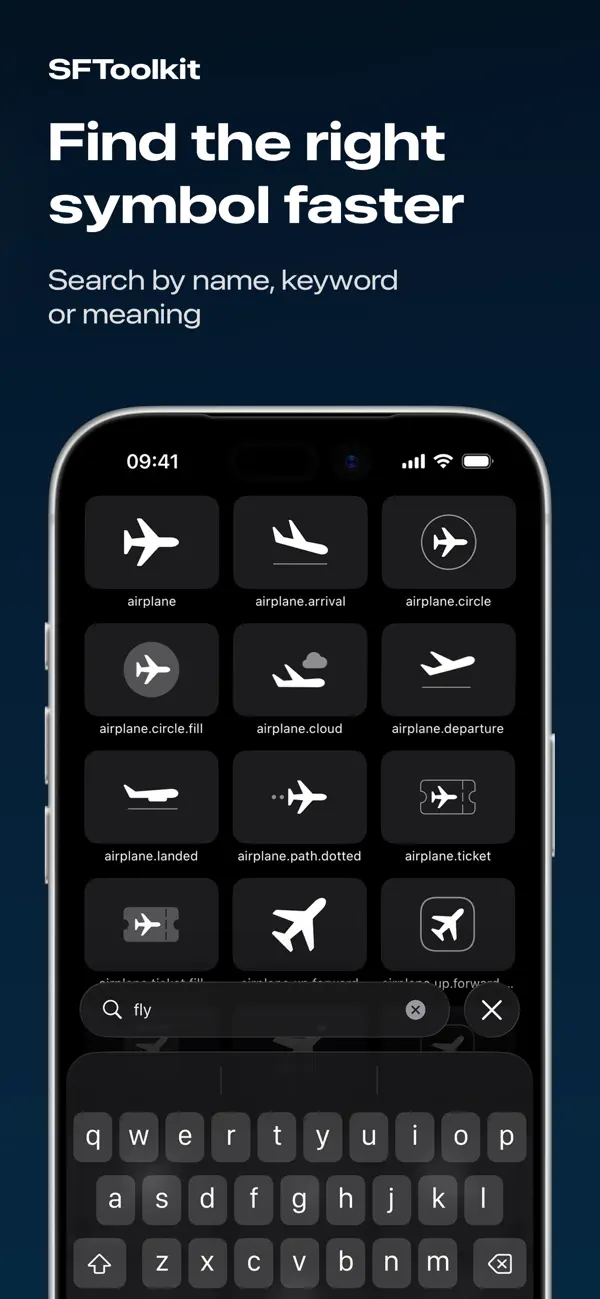
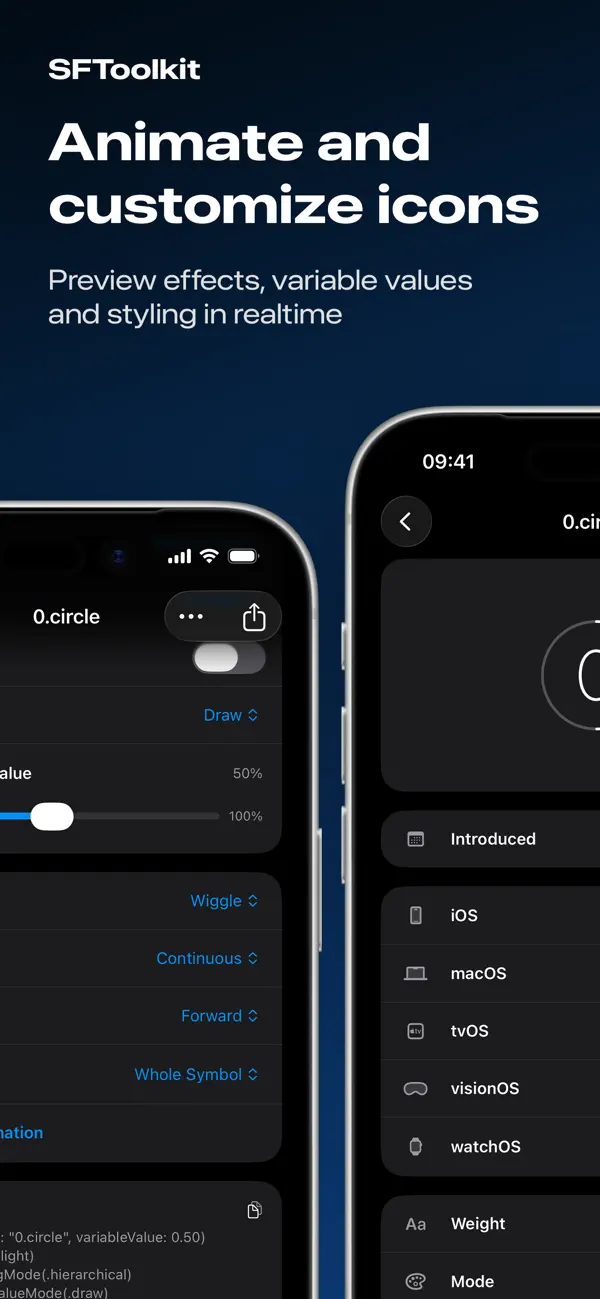
Meet SFToolkit, a simple way to search, view, and customise SF Symbols on iPhone and iPad. Preview symbols live, adjust their appearance, and generate SwiftUI code without switching devices.
Why you’ll love it
- Browse and search the full SF Symbols library with categories.
- Preview symbols live as you adjust rendering modes, animation configurations and more.
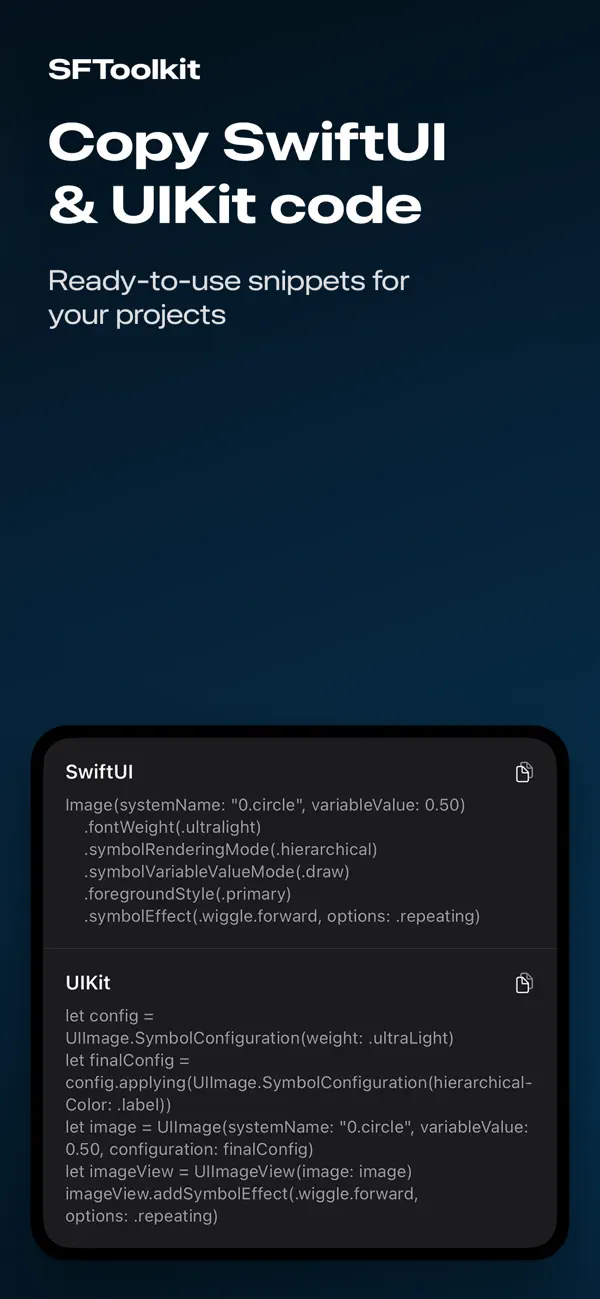
- Automatically generate SwiftUI and UIKit source code for every symbol.
- Copy code to the clipboard with a single tap.
- Export symbols as PNGs for use in your projects.
- Designed for developers, with a clean and focused interface.
How it works
1. Select a category.
2. Select a symbol and customize its style.
3. Copy the code or export the icon.
Perfect for
- iOS developers
- SwiftUI projects
- Prototyping and design previews
- Working away from your Mac
- Anyone building apps with SF Symbols
Terms of Service
https://www.apple.com/legal/internet-services/itunes/dev/stdeula/
Quoi de neuf dans la dernière version ?
Bug Fixes & Improvements