KRVR
iPhone / Divertissement
KRVR streams PC VR games wirelessly to your Apple Vision Pro with NVIDIA CloudXR foveated streaming. Full resolution where you look, compressed periphery — low latency, high quality, native visionOS.
FEATURES
• Foveated Streaming — Eye-tracked rendering powered by Apple FoveatedStreaming and NVIDIA CloudXR. Full quality where you're looking, efficient compression everywhere else.
• 90Hz Streaming — Smooth VR at full refresh rate with adaptive pose prediction.
• Game Profiles — Per-game resolution and quality settings, auto-applied on launch.
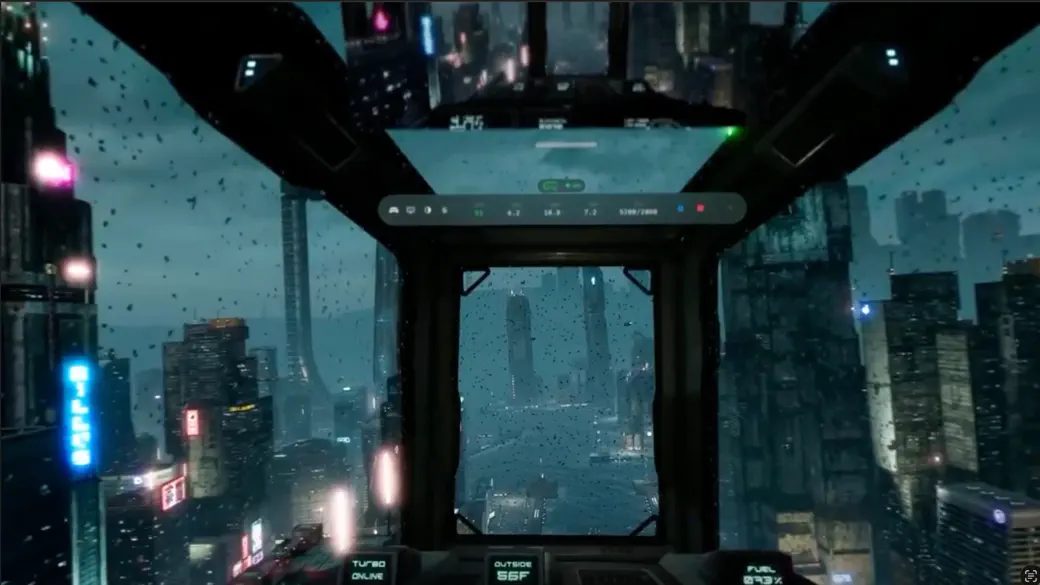
• Live Stats HUD — In-headset overlay showing FPS, encode time, GPU load, latency, and resolution.
• Desktop Mirror — View your PC screen from inside the headset.
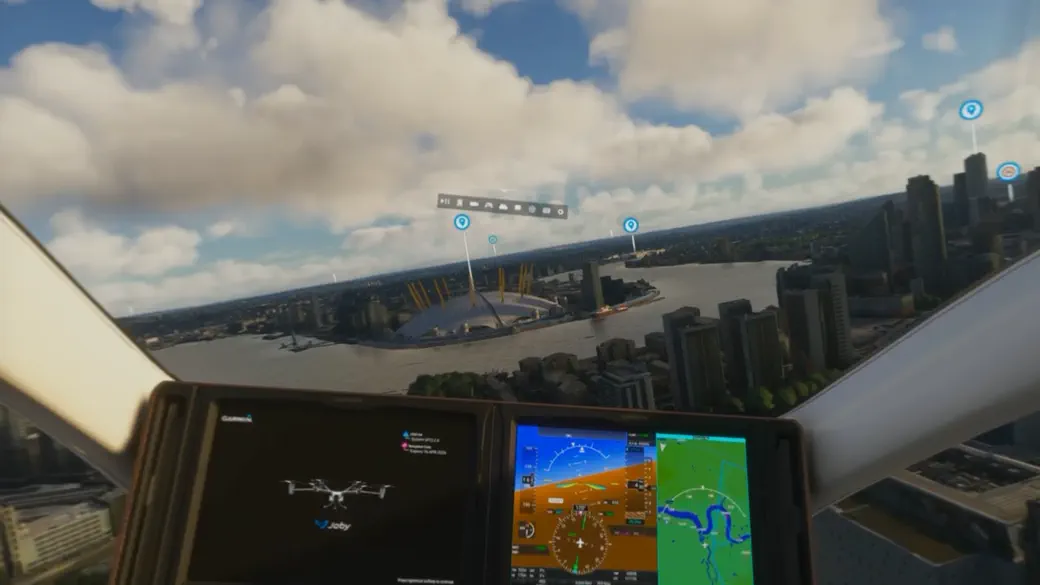
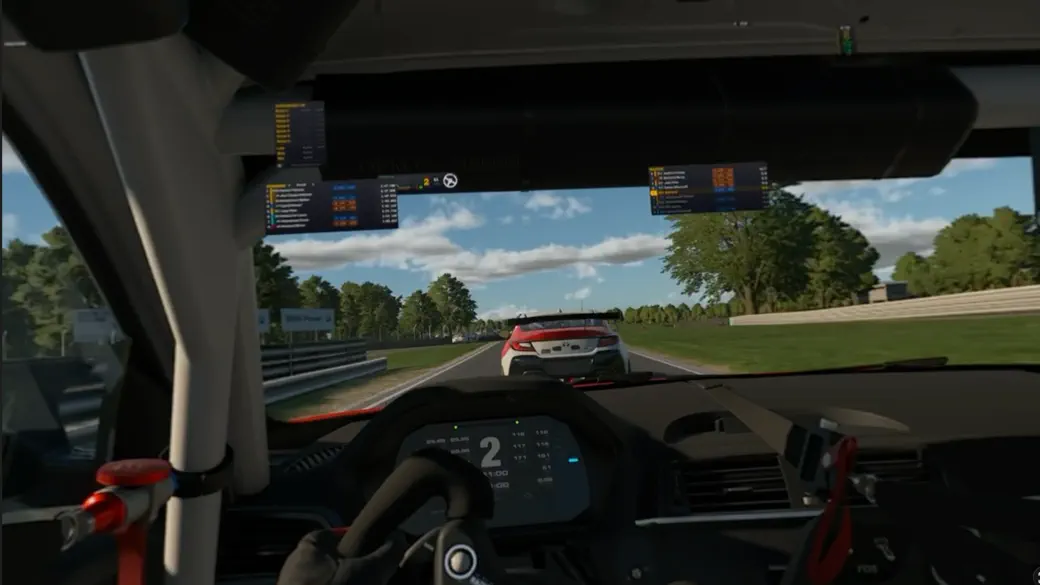
• Passthrough Support — Mixed reality mode for cockpit sims. See your wheel, rig, and hands through the virtual world.
• Controller Support — PSVR2 Sense controllers with haptic feedback.
• Auto Immersion — Starts in passthrough, switches to full immersion when a game launches.
REQUIREMENTS
• Windows 10/11 PC with NVIDIA RTX 40 series or newer
• 5GHz WiFi (WiFi 6 recommended)
• KRVR Windows companion app (free at krvr.app)
SUPPORTED GAMES
Any OpenXR game works natively. SteamVR games work with OpenComposite. Tested with iRacing, MSFS 2024, Le Mans Ultimate, Kayak VR, Half Life:Alyx +many more
SETUP
Install on PC and Vision Pro, scan the QR code, launch a game. Full guide at krvr.app. Join our Discord for support and feedback.
Quoi de neuf dans la dernière version ?
Microphone streaming to your PC for in-game voice chat (Discord, VRChat, team voice).
World scale precision improvements.
Head and controller pose smoothing.
Stability and performance fixes.