Uzu, An Interactive Light Show
iOS Universel / Divertissement
"This is doodling for digital natives . . . mind blowing." — Wired Magazine
"Uzu for iPad is endlessly complicated, simply fun." — Ars Technica
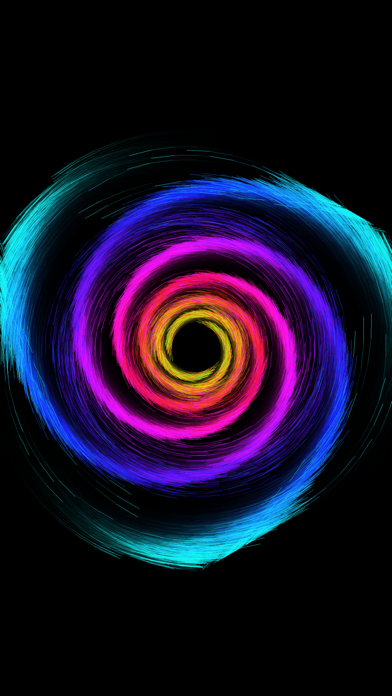
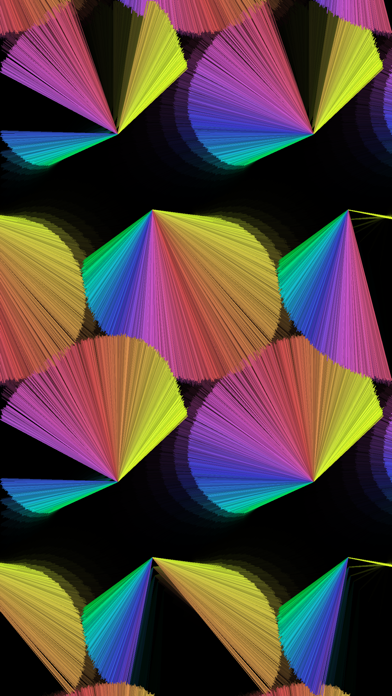
Uzu is a generative design playground — a math-physics-art toy for anyone who ever loved spirographs, fireworks, planetariums, lava lamps, light painting, kaleidoscopes, or graphing calculators. Touch the screen and watch thousands of particles swirl, spiral, and bloom in real time. Change the entire feel by simply changing how many fingers you use.
Relax. Play. Meditate. Create wallpapers. Or lose yourself for an hour tweaking symmetry, animation modes, and effects. Uzu is endlessly deep and simply fun.
Now completely rebuilt with a native Metal engine and a beautiful SwiftUI interface — smoother, richer, and more powerful than ever.
FEATURES
• Fully dynamic generative particle system
• 21 animation modes for each touch count (0 through 10)
• Rotational, translational, and reflective symmetry
• 122 factory presets plus unlimited user presets
• 10 visual effects: Glow, Warp, Kaleidoscope, Sparkle, Feedback, Color, Gradient, Pixelate, Scanlines, and Vignette
• Export and import presets — save, share, and back up your creations
• Fast preset switching, shake to hide the menu, adjustable quality settings
• Freeze mode, microphone reactivity, and thousands of possible combinations
• Create stunning backgrounds for iPhone and iPad
ACCLAIM
• Winner of Apple's "App of the Week"
• Apple Rewind: Best Generative Art and Sound App
• Reached #1 on the App Store
• Featured in Apple's "App Store Essentials Hall of Fame"
• Seen in the "Year of the iPad" video at the iPad keynote
• Featured as an Apple Staff Favorite
SUPPORT
Questions or stories? We'd love to hear from you.
jason@colordodge.com
www.colordodge.com
Quoi de neuf dans la dernière version ?
Uzu 4.2 is here — and it’s a colorful one.
Meet the new Colors panel: your dedicated space for Simple mode, custom palettes, randomization, and palette animation.
———— Version 4.2 ————
• New Colors panel with Simple color mode
• Save, load, and animate your own color palettes
• Color randomization for fresh looks in one tap
• Favorite presets now appear at the top of the list
• Choose which preset category autoplay uses
• 22 new factory presets
• New Gradient effect
• Glow effect: additional parameters
• Kaleidoscope: new Radial mode, plus pinch and rotate gestures
• Improved tunnel warp parameters
• Better macOS (Designed for iPad) support
• Improved line rendering at reduced quality
• Various UI improvements
———— Version 4.1 ————
• Added 45 factory presets
• Added all 55 legacy factory Presets
• You can now tap the Preset section header to quickly jump to a specific section
• Added grid mode to the preset panel - access it by tapping the preset section header
———— Version 4.0 ————
Uzu has been completely rebuilt from the ground up — faster, more beautiful, and more powerful than ever.
• All-new Metal rendering engine for smoother, richer particle visuals
• Redesigned SwiftUI interface that's cleaner and easier to use
• 9 new shader effects: Glow, Warp, Kaleidoscope, Sparkle, Feedback, Color, Pixelate, Scanlines, and Vignette
• 67 refreshed factory presets, ready to explore
• Export and import presets — share your creations or back them up
• Fast preset switching — jump between presets from the screen edges
• Shake to show or hide the interface for an uninterrupted light show
• Choose render quality from Low to Ultra
• Reorder your user presets
• Save over the current preset when tweaking a favorite look