Atlas Mobile App
iOS Universel / Economie et entreprise
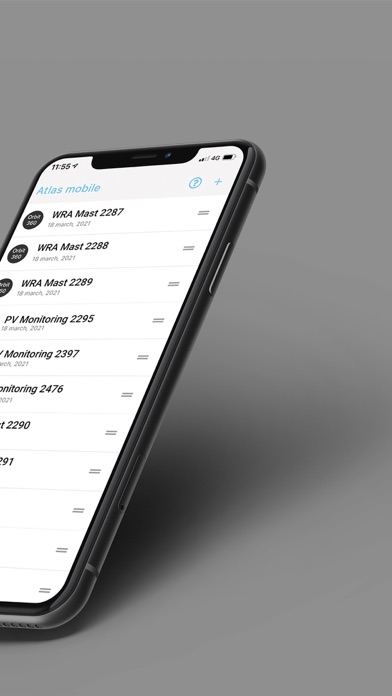
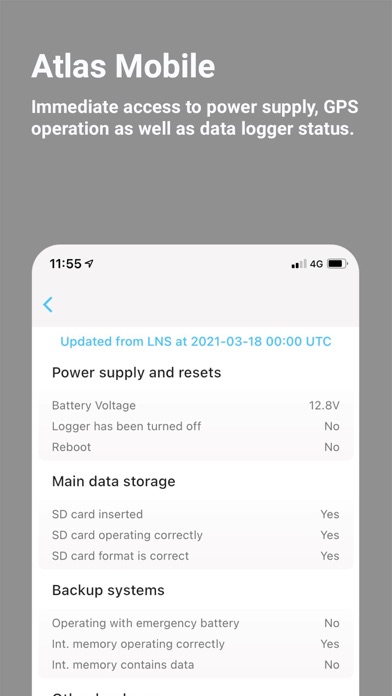
If you are operating Orbit 360 data loggers, Atlas Mobile lets you connect to them directly from your phone. A very convenient way to quickly check the onsite power supply status or the status of the data logger itself. You can even connect in real-time with the data logger for real-time sensor readings.
Quoi de neuf dans la dernière version ?
This latest version of Atlas Mobile brings a new and updated user interface as well as several new user focused features. We have enhanced the information shown during a real-time connection with an Orbit 360 data logger. A real-time connection from Atlas Mobile with the Orbit 360 data logger, now conveniently indicates both sensor type, sensor model as well as installation height of individual sensors. We have also added the ability to scan a QR code directly in Atlas Desktop as a quick way to bring logger settings directly from Atlas Desktop to Atlas Mobile.
Now indicated during a real-time connection with the Orbit 360:
•Sensor type
•Sensor model
•Bus and ID number for ultrasonic sensors
•Sensor installation height
•New indications for channels configured as generic in either Modbus, hertz, or volts:
oSame slope as set in Atlas Desktop
oSame offset as set in Atlas Desktop
oSame measurement units as set in Atlas Desktop